
AliceHops - Minecraft Skins & Skin History
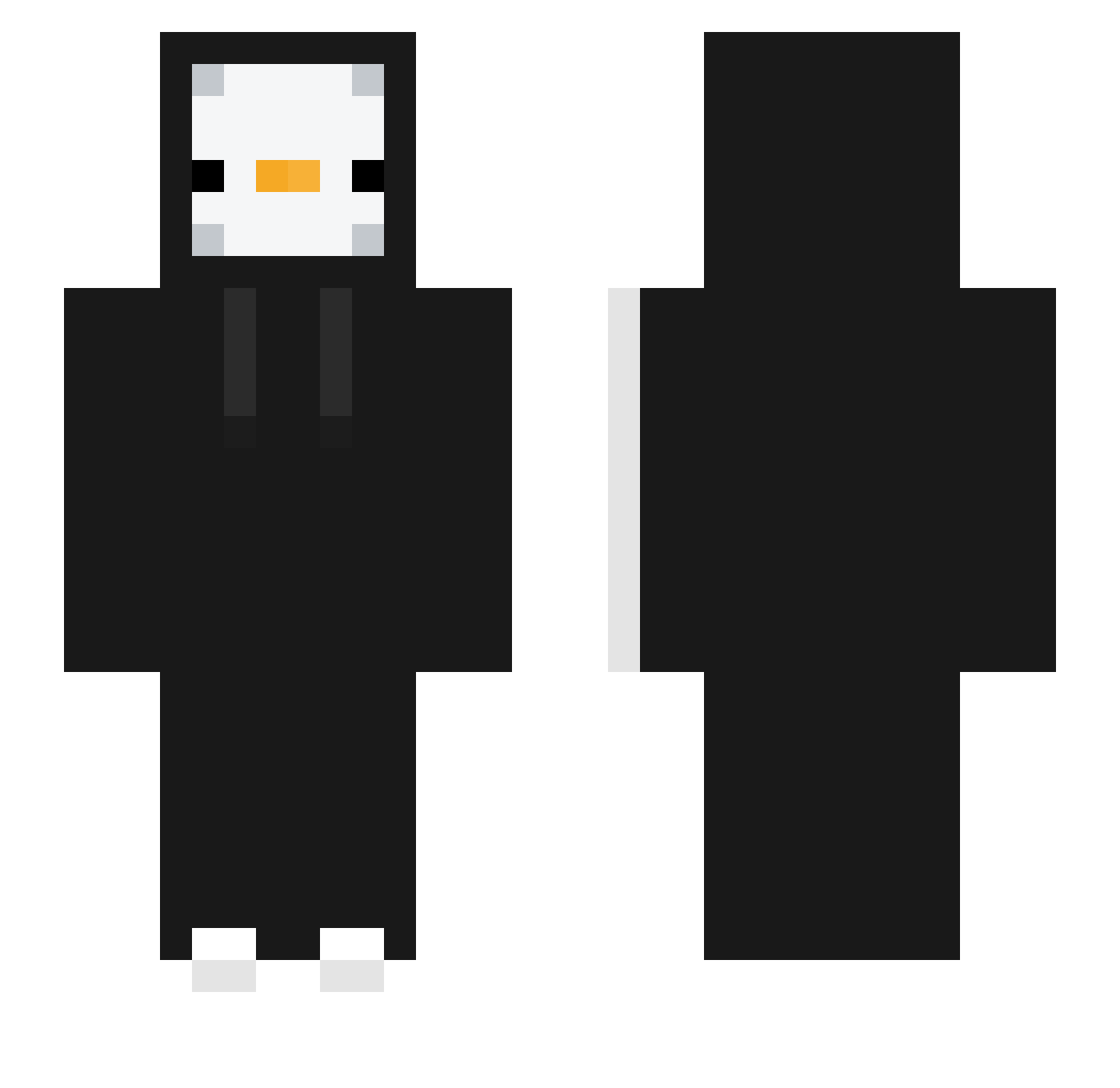
Current Minecraft skin of the player AliceHops, loaded from the official Mojang API. Rotate the 3D model with your mouse or finger, then download the skin as a PNG file and use it in Minecraft: Bedrock Edition or Java Edition for free. When AliceHops changes their skin, this page updates automatically and the old skin stays in the history below.
Other players with this skin (331)
AliceHops was the 301st player we have seen with this skin, first spotted on 24.10.2026. The same skin was seen on these players. Open a nickname to see their current skin and skin history.
 S2F4S7 XxDanielsas Solal_Minecraft TURNINUP salubrio_10 mwugi Szymexuu elchatoXD GelatoAffogato nuit202 nirang1 guardian0408 Daarvan_ MetaKnightpro Grazioso_o hobbang_0322 sungwon314 MASTERO3550C w1_fefe Eric3620 Rop_17 Deok1996 NaylonCHo69 lu89 Freqq haengmine Oacha_Joggl whwogud13 BoRimonG SrOwner zhuerzi adamzinh0 silverall00 haruharo101 sh_O5 tjdrb321 blurek_v1 TheChicken8 jongha1 Wcale_Nie_Kacper Seincito NightDemon8412 ZackPackBackPack Jagogamer85 Qoxsuv DDING_DUCK PerfekterTaka JUPER296 Champion122 DAMOS_13 Necro_Man_ seomingyu0000 Abelle duballin HelloChobab fi9ip hysch201 Fresh_NoobQC LEMONSHARK07 lucaskzcrez
More Duck Minecraft skins
How to install the AliceHops skin
- Press the Download button above to save the skin as a PNG file.
- Minecraft: Bedrock Edition (PE): open the Dressing Room from the main menu (or tap your character → Edit Character), go to Classic Skins → Owned, press the + (new skin) button, choose the downloaded PNG and pick the Slim (Alex) model. Works on PC and mobile; consoles cannot import custom skins.
- Minecraft: Java Edition: open the Minecraft Launcher, go to the Skins tab, click New Skin, load the PNG, pick the Slim (Alex) model and press Save & Use. You can also upload it at minecraft.net → Profile → Change Skin.
The skin does not show up after import - what should I do?
Restart Minecraft and open the Dressing Room again - imported skins sometimes appear only after a restart. Also make sure you selected the imported skin and picked the Slim (Alex) model.
Which model should I choose, Classic or Slim?
This skin is designed for the Slim (Alex) model. If you pick the wrong model, the arms of the skin will look stretched or squeezed.
Is the skin of AliceHops free to download?
Yes. Press Download, save the PNG file and use it in Minecraft: Bedrock Edition or Java Edition - no payment or registration needed. The skin also works on multiplayer servers and Realms.
More skins
Looking for more? Go back to all Minecraft skins and check the top skins of the week, month and all time, or find any player's skin by nickname.