
Alexplayz18 - Minecraft Skins & Skin History
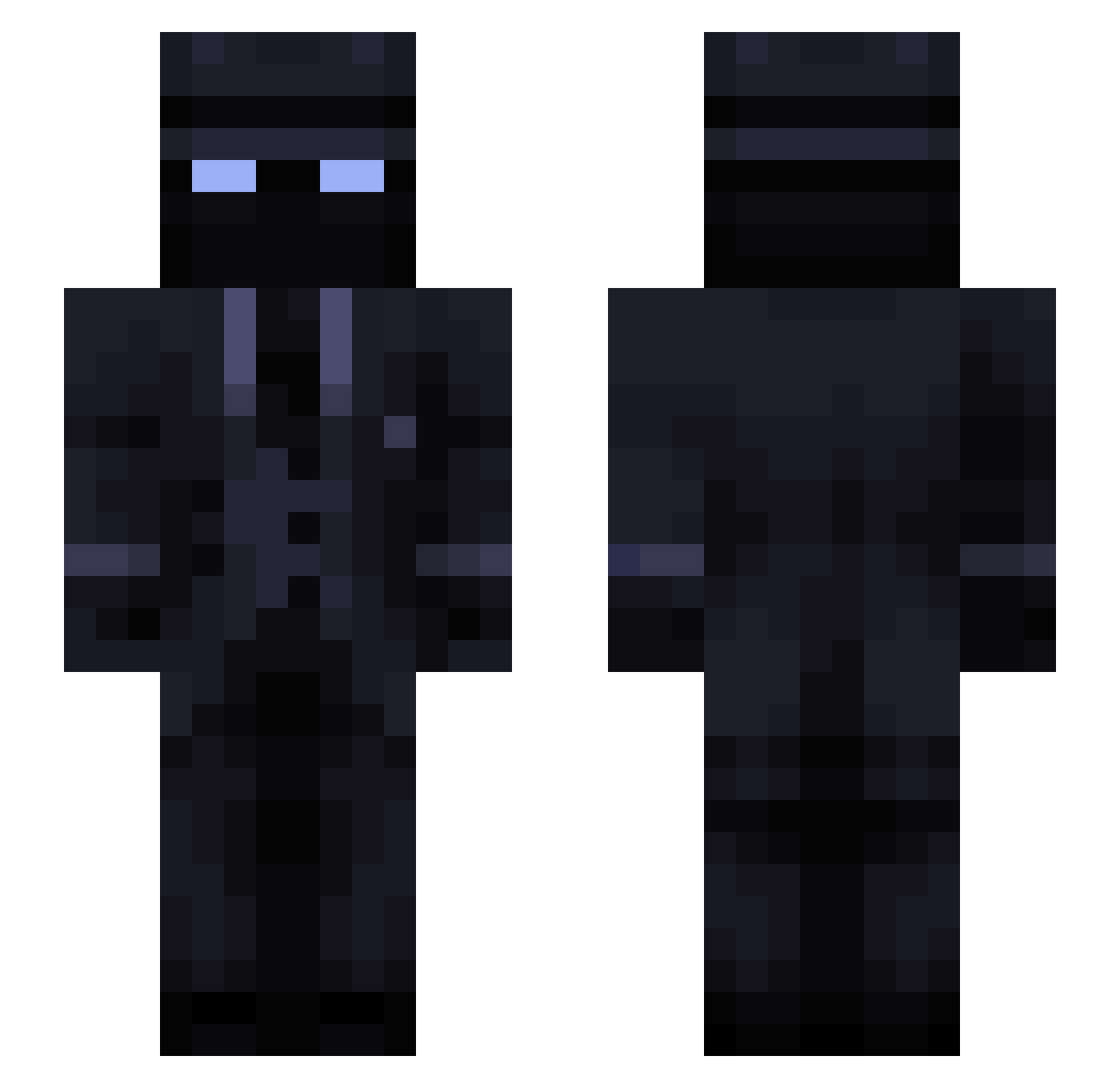
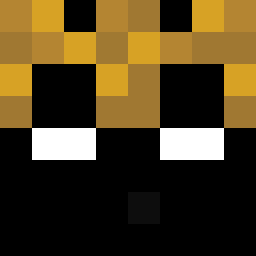
Current Minecraft skin of the player Alexplayz18, loaded from the official Mojang API. Rotate the 3D model with your mouse or finger, then download the skin as a PNG file and use it in Minecraft: Bedrock Edition or Java Edition for free. When Alexplayz18 changes their skin, this page updates automatically and the old skin stays in the history below.
Other players with this skin (54)
Alexplayz18 was the 23rd player we have seen with this skin, first spotted on 18.09.2026. The same skin was seen on these players. Open a nickname to see their current skin and skin history.
 kronoschampion13 chubos BMVC2323 hwang_dg_ golden_otter1921 MrHxXx_ Pudding1005 Alvynz lxmcz FIZZYTREE
 GalaxyHonZa IluYrpanen Blue_Knight69 Mystic531 ItsNorthy VapeNatrado elian1530 Groyo_ Twsted_one D4rkV0id_1 sucw noskillracer
 Trisz24
 Mmikeey Austista Drepta John_M4D Humwix TheJapaneseTowel
 Lil_el_ Griego21 sanabdi szerman674 Wolfy1900
 Charlycat13 Mekkasew Fauxbrick Frogin_ GeorgeFx christheone6182 chiupii Phoenix6472 FliZly REALNINJAKEBAB Q00Q__ Wldodek Dieter_Kegeln OmRYgt Starboost123 Lckfv BrokenHeart171 ApostelGodwyN Buntsy VIneBurn
Previous skins of Alexplayz18
Skins that Alexplayz18 wore before, newest first. Click a skin to open its page and download it.
More Mafia Minecraft skins
How to install the Alexplayz18 skin
- Press the Download button above to save the skin as a PNG file.
- Minecraft: Bedrock Edition (PE): open the Dressing Room from the main menu (or tap your character → Edit Character), go to Classic Skins → Owned, press the + (new skin) button, choose the downloaded PNG and pick the Slim (Alex) model. Works on PC and mobile; consoles cannot import custom skins.
- Minecraft: Java Edition: open the Minecraft Launcher, go to the Skins tab, click New Skin, load the PNG, pick the Slim (Alex) model and press Save & Use. You can also upload it at minecraft.net → Profile → Change Skin.
The skin does not show up after import - what should I do?
Restart Minecraft and open the Dressing Room again - imported skins sometimes appear only after a restart. Also make sure you selected the imported skin and picked the Slim (Alex) model.
Which model should I choose, Classic or Slim?
This skin is designed for the Slim (Alex) model. If you pick the wrong model, the arms of the skin will look stretched or squeezed.
Is the skin of Alexplayz18 free to download?
Yes. Press Download, save the PNG file and use it in Minecraft: Bedrock Edition or Java Edition - no payment or registration needed. The skin also works on multiplayer servers and Realms.
More skins
Looking for more? Go back to all Minecraft skins and check the top skins of the week, month and all time, or find any player's skin by nickname.