
 stargazer_v Tigerzito inpuxLive Richii_21 vlon3e Inevitavel Dragoncantbuild Razexq Saxophosia 107295 Scyxe 22Lowkey Nersin_13 Jug22 FRICKEL leonardoMRO luffy0810 Kswqsy Study_hard15 H4G369 Ajajandro DddOoraNTXx103 gukbapbug Sloowy_Trash Bartoszewski_Ez TobeeAUT minigabo03 rcww_ XiaoHei_OwO_ Fluffy_Baymax bulgariankurt cxll_me_nico minmu SpooksGD GibySnack Faonzakia Viper08X Darth_Viktus DailyDoseJS mkzada Woohoopsycho Rafi_911 MissHoudiny Serenito9 Yonyz savage333 BobBudowniczy__ Ruach ProWa cola_hYmanM 600m GetrgtKiddy Pqncho99 Stubble destroid21 vacou ntrickn Zomoky Krystianxd7 Zuruturu
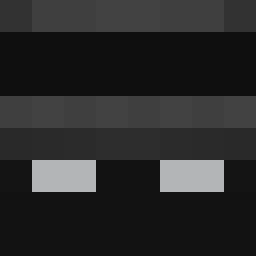
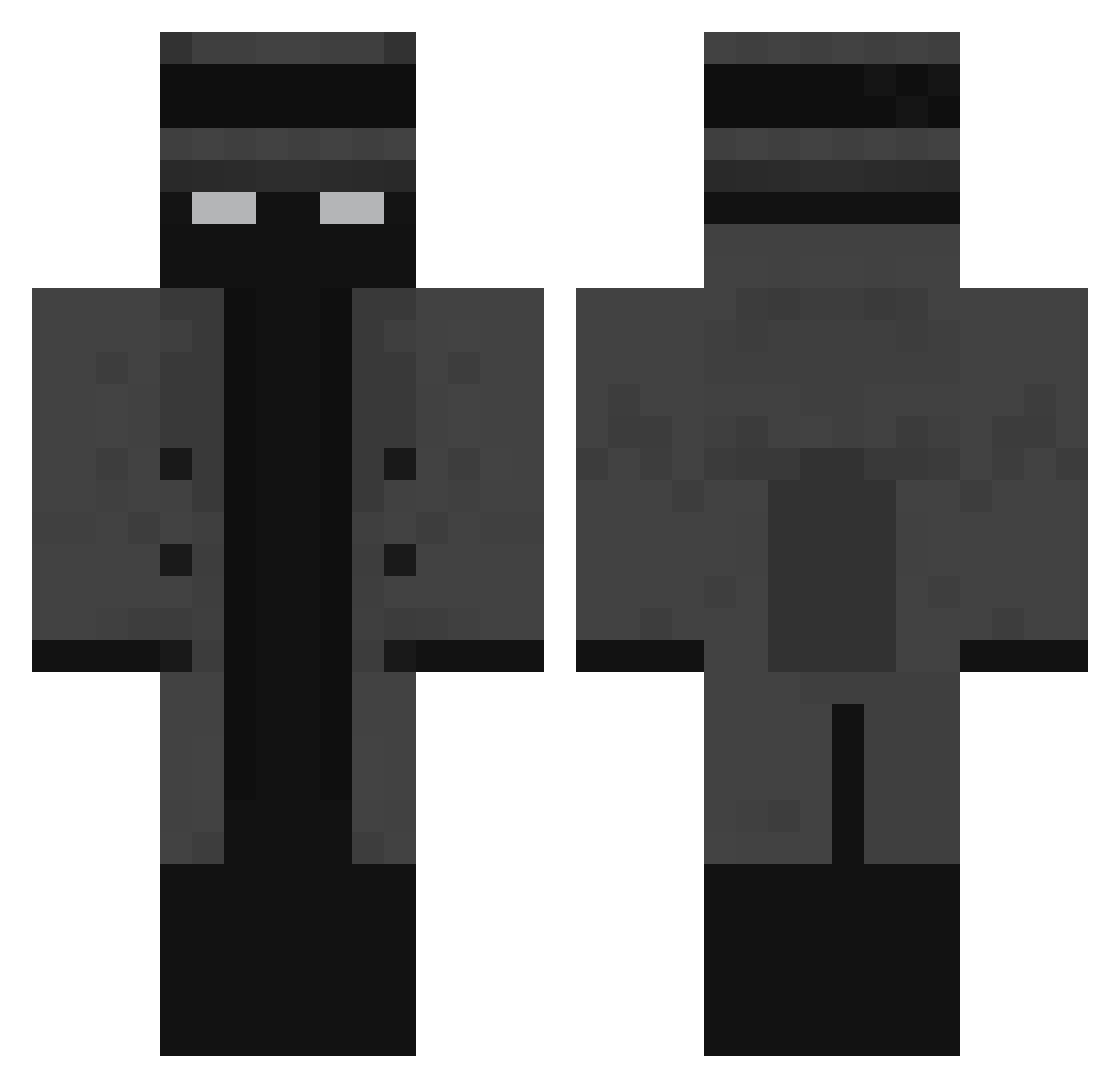
Minecraft skin of Verhxt. Rotate the 3D model with your mouse or finger to view the skin from every angle, then download it as a PNG file and use it in Minecraft: Bedrock Edition or Java Edition for free. Rate the skin with stars to help other players find the best skins in our collection.
How to install the Verhxt skin
- Press the Download button above to save the skin as a PNG file.
- Minecraft: Bedrock Edition (PE): open the Dressing Room from the main menu (or tap your character → Edit Character), go to Classic Skins → Owned, press the + (new skin) button, choose the downloaded PNG and pick the Classic (Steve) model. Works on PC and mobile; consoles cannot import custom skins.
- Minecraft: Java Edition: open the Minecraft Launcher, go to the Skins tab, click New Skin, load the PNG, pick the Classic (Steve) model and press Save & Use. You can also upload it at minecraft.net → Profile → Change Skin.
The skin does not show up after import - what should I do?
Restart Minecraft and open the Dressing Room again - imported skins sometimes appear only after a restart. Also make sure you selected the imported skin and picked the Classic (Steve) model.
Which model should I choose, Classic or Slim?
This skin is designed for the Classic (Steve) model. If you pick the wrong model, the arms of the skin will look stretched or squeezed.
Is this skin free to use?
Yes. Press Download, save the PNG file and use it in Minecraft: Bedrock Edition or Java Edition - no payment or registration needed. The skin also works on multiplayer servers and Realms.
More Mafia Minecraft skins
More skins
Looking for more? Go back to all Minecraft skins and check the top skins of the week, month and all time, or find any player's skin by nickname.