
AZHAN2005 - Minecraft Skins & Skin History
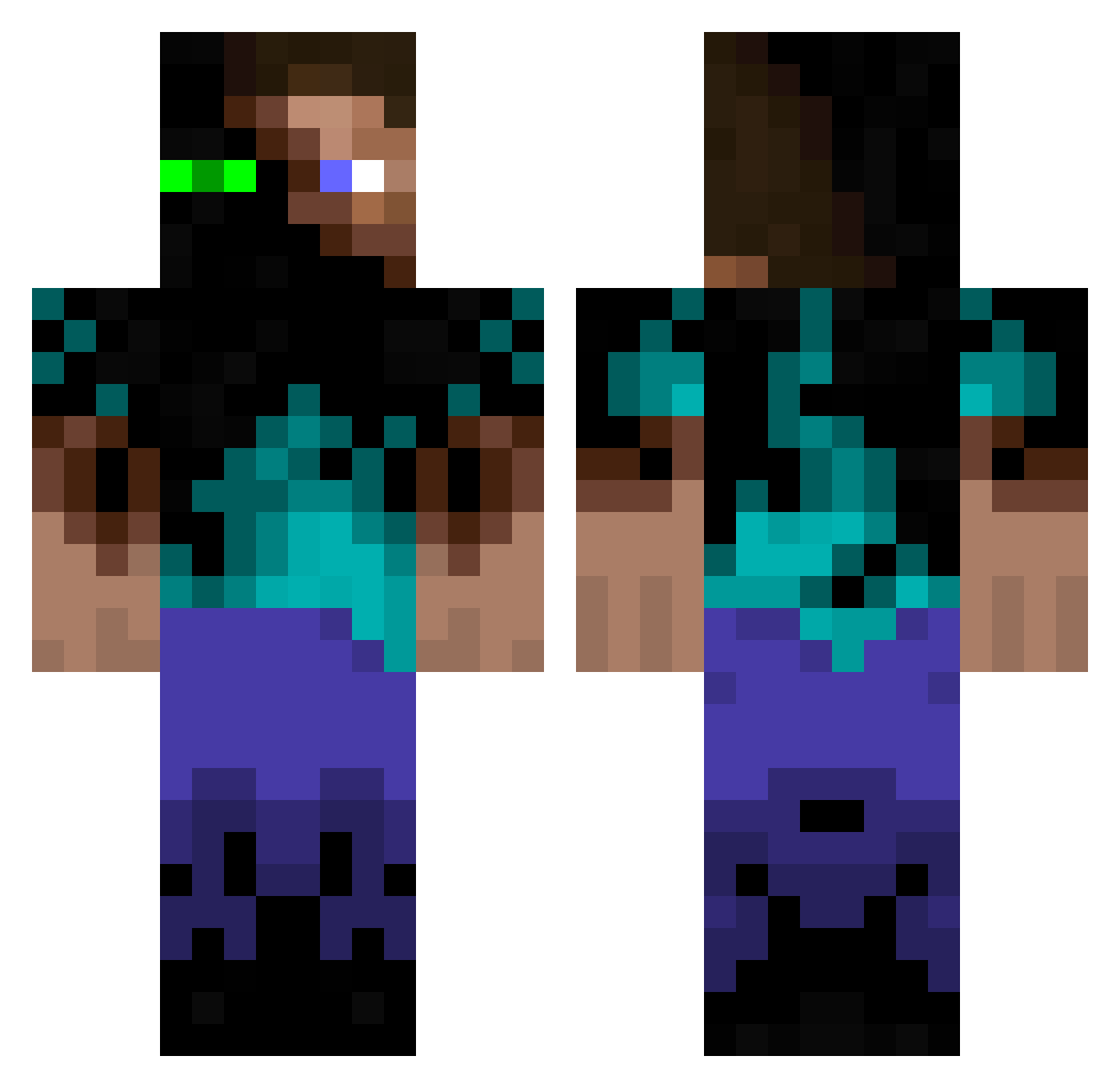
Current Minecraft skin of the player AZHAN2005, loaded from the official Mojang API. Rotate the 3D model with your mouse or finger, then download the skin as a PNG file and use it in Minecraft: Bedrock Edition or Java Edition for free. When AZHAN2005 changes their skin, this page updates automatically and the old skin stays in the history below.
Other players with this skin (1086)
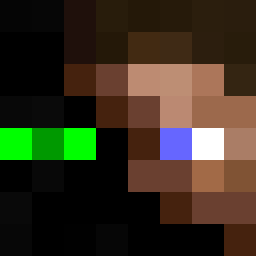
AZHAN2005 was the 980th player we have seen with this skin, first spotted on 22.10.2026. The same skin was seen on these players. Open a nickname to see their current skin and skin history.
 Millz_ Mick_Duncher codeman31 saberflip Eselchnitte stealthwolf257 A_Tomato iSF47 Jeoni _ViRuZ_ shadowmaster469 spankishmoop EpsteinNoSeppuku AlcedoAtthis kaydan111 egovssean ErrorFlexXx jkellz Blue_Limit Asskickerfish lmy6412 rhanrahan CoolBender azmeth Daireeek hunterphi1033 kemxi Hensta19 skrillex02000 Maxix123 Banktheshank Smiling_Jim Malkavian2014 MrLipzz ningaboy22 Deeloh TurboThorsson ballastedwand WolfOfAsh Syn123 ProfessorSteve1 swaggerboy040 ManuelMa98 Malimho AtomicSpirit CaptainOz Dani_153 poo123123 CoopKash CrashBound98 bonseys Willis_182 Greekerbp doubletap111 stackgain H_noots War_Butcher Beaverboy2005 SergioTamb PeterXDK
More Glowing Eyes Minecraft skins
See all 2612 Glowing Eyes skins
How to install the AZHAN2005 skin
- Press the Download button above to save the skin as a PNG file.
- Minecraft: Bedrock Edition (PE): open the Dressing Room from the main menu (or tap your character → Edit Character), go to Classic Skins → Owned, press the + (new skin) button, choose the downloaded PNG and pick the Classic (Steve) model. Works on PC and mobile; consoles cannot import custom skins.
- Minecraft: Java Edition: open the Minecraft Launcher, go to the Skins tab, click New Skin, load the PNG, pick the Classic (Steve) model and press Save & Use. You can also upload it at minecraft.net → Profile → Change Skin.
The skin does not show up after import - what should I do?
Restart Minecraft and open the Dressing Room again - imported skins sometimes appear only after a restart. Also make sure you selected the imported skin and picked the Classic (Steve) model.
Which model should I choose, Classic or Slim?
This skin is designed for the Classic (Steve) model. If you pick the wrong model, the arms of the skin will look stretched or squeezed.
Is the skin of AZHAN2005 free to download?
Yes. Press Download, save the PNG file and use it in Minecraft: Bedrock Edition or Java Edition - no payment or registration needed. The skin also works on multiplayer servers and Realms.
More skins
Looking for more? Go back to all Minecraft skins and check the top skins of the week, month and all time, or find any player's skin by nickname.