
20cpsgod - Minecraft Skins & Skin History
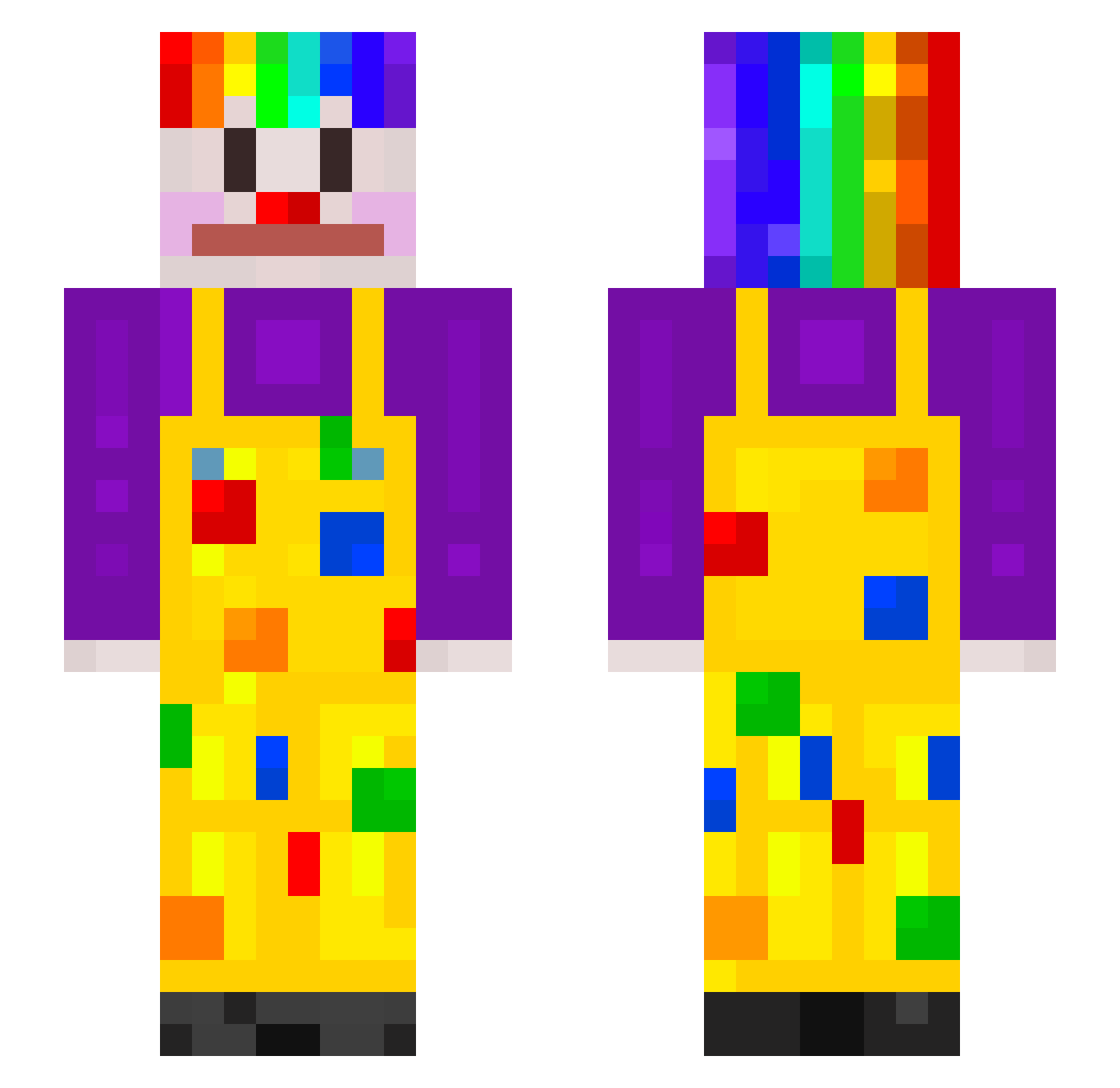
Current Minecraft skin of the player 20cpsgod, loaded from the official Mojang API. Rotate the 3D model with your mouse or finger, then download the skin as a PNG file and use it in Minecraft: Bedrock Edition or Java Edition for free. When 20cpsgod changes their skin, this page updates automatically and the old skin stays in the history below.
Other players with this skin (200)
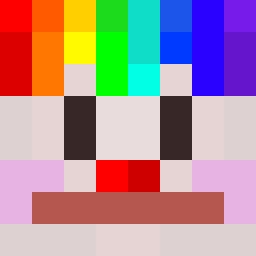
20cpsgod was the 118th player we have seen with this skin, first spotted on 27.09.2026. The same skin was seen on these players. Open a nickname to see their current skin and skin history.
 zBlackwaveBr godyruk Mi_LuLu KUBUU85 Meteormarla 9913 Lotrium helloma__ Clown_758 xMacesz15x QRicaLaPiedrita raiixArmy KingKora QxWizer ProProBroYo NOMBER_9 Peap_E LunarJoy Bloody_Sword caseno04 younsop123 bobik838 mr_minerrr 2goodalt13 vangoghluvr CongestedRockie dzhumbek Gopolit kiga65 Sherbit natattack17 soonback Plattowa POL2500 Gedankenkarussel Adsamazing n1c6o Desprecio Dits Waade ___PONY___ DLOYDED janpizdzicki cricket1014 Thats_Mitix SockenMonster__ Baldrae ItzDastis pixelpro222YT pluskotaaa M0nst3rMunch_ YKDAVIDSON OlivierWever Japie211 Glucagon DavidGAMER02 Teeraphat01 Sawo4ek karnyzas BiriloBoke
More Clown Minecraft skins
How to install the 20cpsgod skin
- Press the Download button above to save the skin as a PNG file.
- Minecraft: Bedrock Edition (PE): open the Dressing Room from the main menu (or tap your character → Edit Character), go to Classic Skins → Owned, press the + (new skin) button, choose the downloaded PNG and pick the Slim (Alex) model. Works on PC and mobile; consoles cannot import custom skins.
- Minecraft: Java Edition: open the Minecraft Launcher, go to the Skins tab, click New Skin, load the PNG, pick the Slim (Alex) model and press Save & Use. You can also upload it at minecraft.net → Profile → Change Skin.
The skin does not show up after import - what should I do?
Restart Minecraft and open the Dressing Room again - imported skins sometimes appear only after a restart. Also make sure you selected the imported skin and picked the Slim (Alex) model.
Which model should I choose, Classic or Slim?
This skin is designed for the Slim (Alex) model. If you pick the wrong model, the arms of the skin will look stretched or squeezed.
Is the skin of 20cpsgod free to download?
Yes. Press Download, save the PNG file and use it in Minecraft: Bedrock Edition or Java Edition - no payment or registration needed. The skin also works on multiplayer servers and Realms.
More skins
Looking for more? Go back to all Minecraft skins and check the top skins of the week, month and all time, or find any player's skin by nickname.