
 rednifhtaP ILootTargets Kasijo Disal666 FurtiveNip coolitguy199 Comeos_K MushLau wojtek1kg mestresdopam Fungoonie junwoo0722 xStarVoid Phx_hacker IncoherentGuy zavatar93 Cellestt frekcole FranekPt LacGa agggava kiga65 ActeurMDT Namenick ManagingDirector flybied Crewde Abdallahs99 butterfly_les MaadMaan topeht_ JO2XD_ momaaa Cheezy_Steezy Kanirom 666AnnaFanBoy Tyz666 Luukpro12 Satifani RageLegacy BingoTwingo HekroH it_is_Teddy wooberto ModClient_IV Nigr228 11XALVAREZX12 kang_se_joon clownexd kpeatubnoob WalokeR Erlenko2 megapeanball JoshulaMais RdmIsA_Beast Best_NashGamer cringetrender DEITYYYY BiriloBoke karnyzas
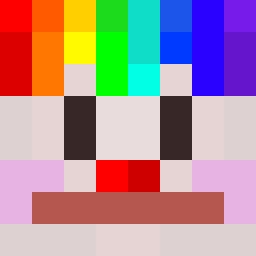
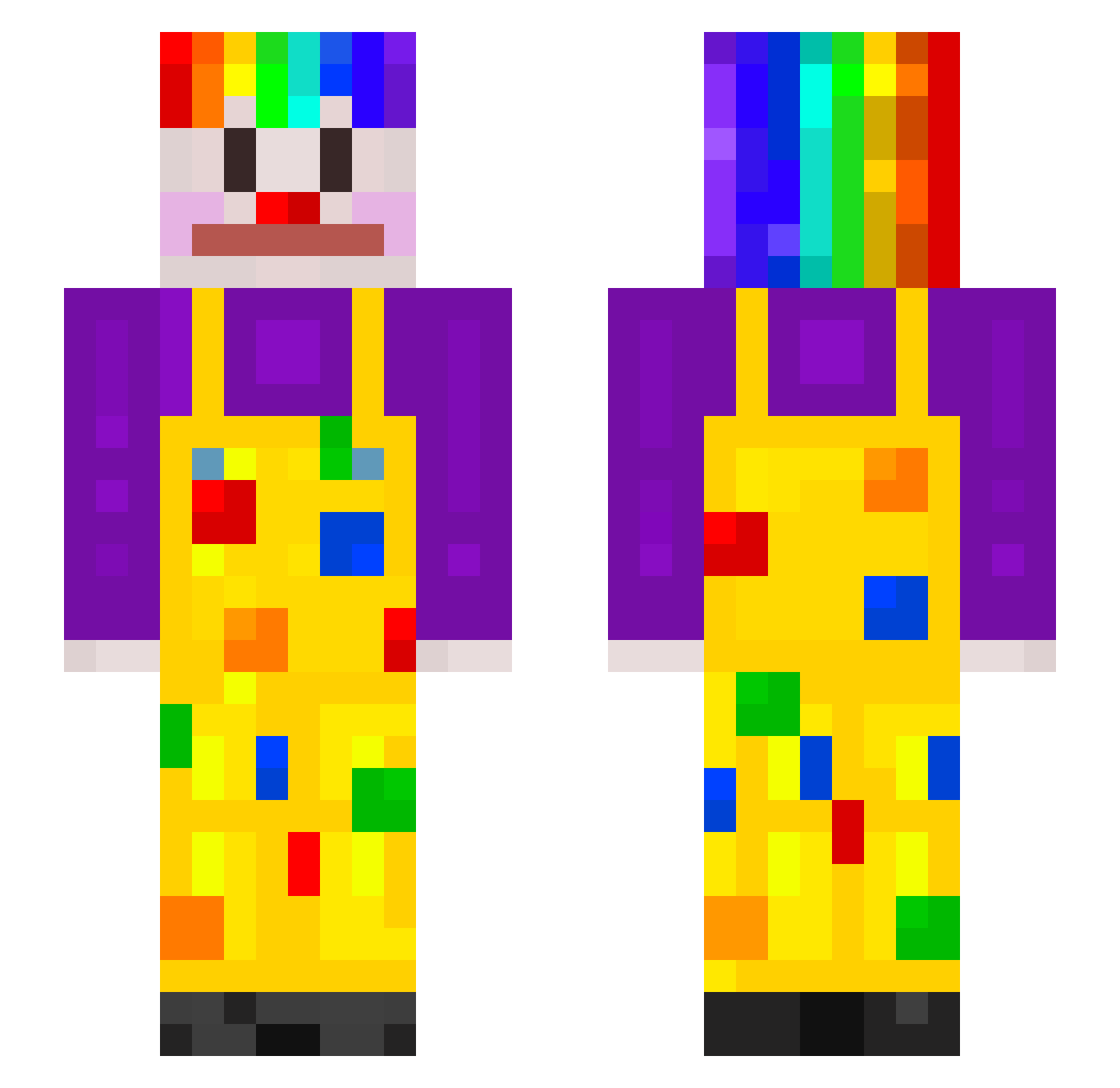
Minecraft skin of agata. Rotate the 3D model with your mouse or finger to view the skin from every angle, then download it as a PNG file and use it in Minecraft: Bedrock Edition or Java Edition for free. Rate the skin with stars to help other players find the best skins in our collection.
How to install the agata skin
- Press the Download button above to save the skin as a PNG file.
- Minecraft: Bedrock Edition (PE): open the Dressing Room from the main menu (or tap your character → Edit Character), go to Classic Skins → Owned, press the + (new skin) button, choose the downloaded PNG and pick the Slim (Alex) model. Works on PC and mobile; consoles cannot import custom skins.
- Minecraft: Java Edition: open the Minecraft Launcher, go to the Skins tab, click New Skin, load the PNG, pick the Slim (Alex) model and press Save & Use. You can also upload it at minecraft.net → Profile → Change Skin.
The skin does not show up after import - what should I do?
Restart Minecraft and open the Dressing Room again - imported skins sometimes appear only after a restart. Also make sure you selected the imported skin and picked the Slim (Alex) model.
Which model should I choose, Classic or Slim?
This skin is designed for the Slim (Alex) model. If you pick the wrong model, the arms of the skin will look stretched or squeezed.
Is this skin free to use?
Yes. Press Download, save the PNG file and use it in Minecraft: Bedrock Edition or Java Edition - no payment or registration needed. The skin also works on multiplayer servers and Realms.
More Clown Minecraft skins
More skins
Looking for more? Go back to all Minecraft skins and check the top skins of the week, month and all time, or find any player's skin by nickname.