
 PabrielG_ Sisyphos_ BuffaloMan247 Machmut123 JohnHong1 EKKOREE_4aEz4t4 SfasciaCapocce KaneoMate King_squash Fiso1 xXTheHeroNoobXx bylyzt Marasone _Hero_brine Giaag Wrench1x Sabatic Blate7 Disstance m1rek23 Da_Ghost_Muffin lofbergisak Kaaaaneki POPTHATRUNK Matteo21288938 Enistro FellSans Yamazaki_YeJin EgoSuki potapich2 Rogalik530 Stackswise AleCreeper36 wOmerf Greyy_3000 krenov RICK3641 The0n3And0n1y Icosaedro17 Cyber3224 dario2050 Eqwaak_12 tiskeh wangda2333 Ruhsuzkahpe Zanttuu dlgksruf2gk Redzite_ salmanator THE_NGL DonFramt svg_savage GamonuluXxX6977 JHardy2008 jongsss ArlencosMorancos Ianexit cabecadeferro Armzakung666 4dayss
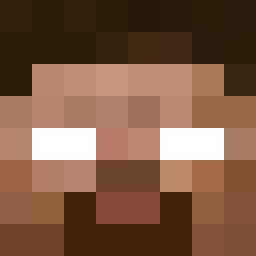
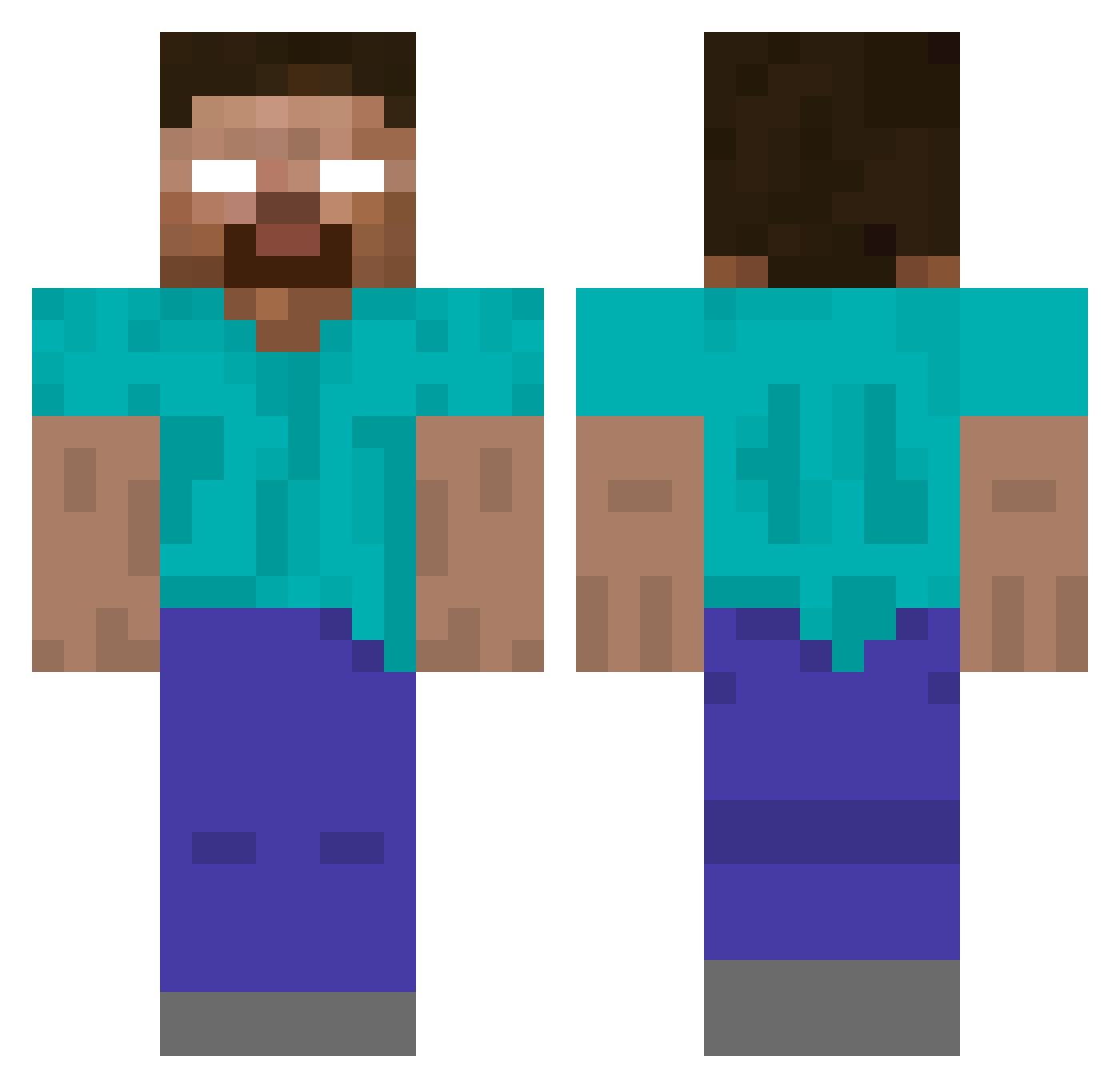
Minecraft skin of Rugo012. Rotate the 3D model with your mouse or finger to view the skin from every angle, then download it as a PNG file and use it in Minecraft: Bedrock Edition or Java Edition for free. Rate the skin with stars to help other players find the best skins in our collection.
How to install the Rugo012 skin
- Press the Download button above to save the skin as a PNG file.
- Minecraft: Bedrock Edition (PE): open the Dressing Room from the main menu (or tap your character → Edit Character), go to Classic Skins → Owned, press the + (new skin) button, choose the downloaded PNG and pick the Classic (Steve) model. Works on PC and mobile; consoles cannot import custom skins.
- Minecraft: Java Edition: open the Minecraft Launcher, go to the Skins tab, click New Skin, load the PNG, pick the Classic (Steve) model and press Save & Use. You can also upload it at minecraft.net → Profile → Change Skin.
The skin does not show up after import - what should I do?
Restart Minecraft and open the Dressing Room again - imported skins sometimes appear only after a restart. Also make sure you selected the imported skin and picked the Classic (Steve) model.
Which model should I choose, Classic or Slim?
This skin is designed for the Classic (Steve) model. If you pick the wrong model, the arms of the skin will look stretched or squeezed.
Is this skin free to use?
Yes. Press Download, save the PNG file and use it in Minecraft: Bedrock Edition or Java Edition - no payment or registration needed. The skin also works on multiplayer servers and Realms.
More Herobrine Minecraft skins
More skins
Looking for more? Go back to all Minecraft skins and check the top skins of the week, month and all time, or find any player's skin by nickname.