
 ItzGewoon Dawnel01 lazilazi2k Jana_02 MiranFilikay imin0309 Sazuwu1013 McShnasty23 Shankx7 Y1Nu0o0 YakuFR I_am_Kenner bso777 cisco254 Mislicked DeMoNiaK14 Nixon221 jeyjey_16 Dr_Schnell SpaceMonky99 GETABAKO_0314 Cyth_AU Lonewulf21 TombSon666 Yadiel_Caguas Wasted_Diablo Keno32 hualiul Dnt3_14 M8sway Namonich SkutyDziordzio JS4017 JADE_MINSEONG gameurnpc ZangaDo__ 15blaster11 bernaedo7529 XingJane C_leader chan23143 RubixCubeBro Volfiir Chernobyyll 1ott Jonathan_Beast _Filipeq_ EDG_GAMING DIIMOO Dalilu borge_top3 spidercoco87 DunderCrew6767 JSiwnl akramisnoob sn0wy_111 kanjji glorunt Vic93s Chadou2109
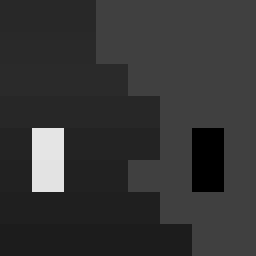
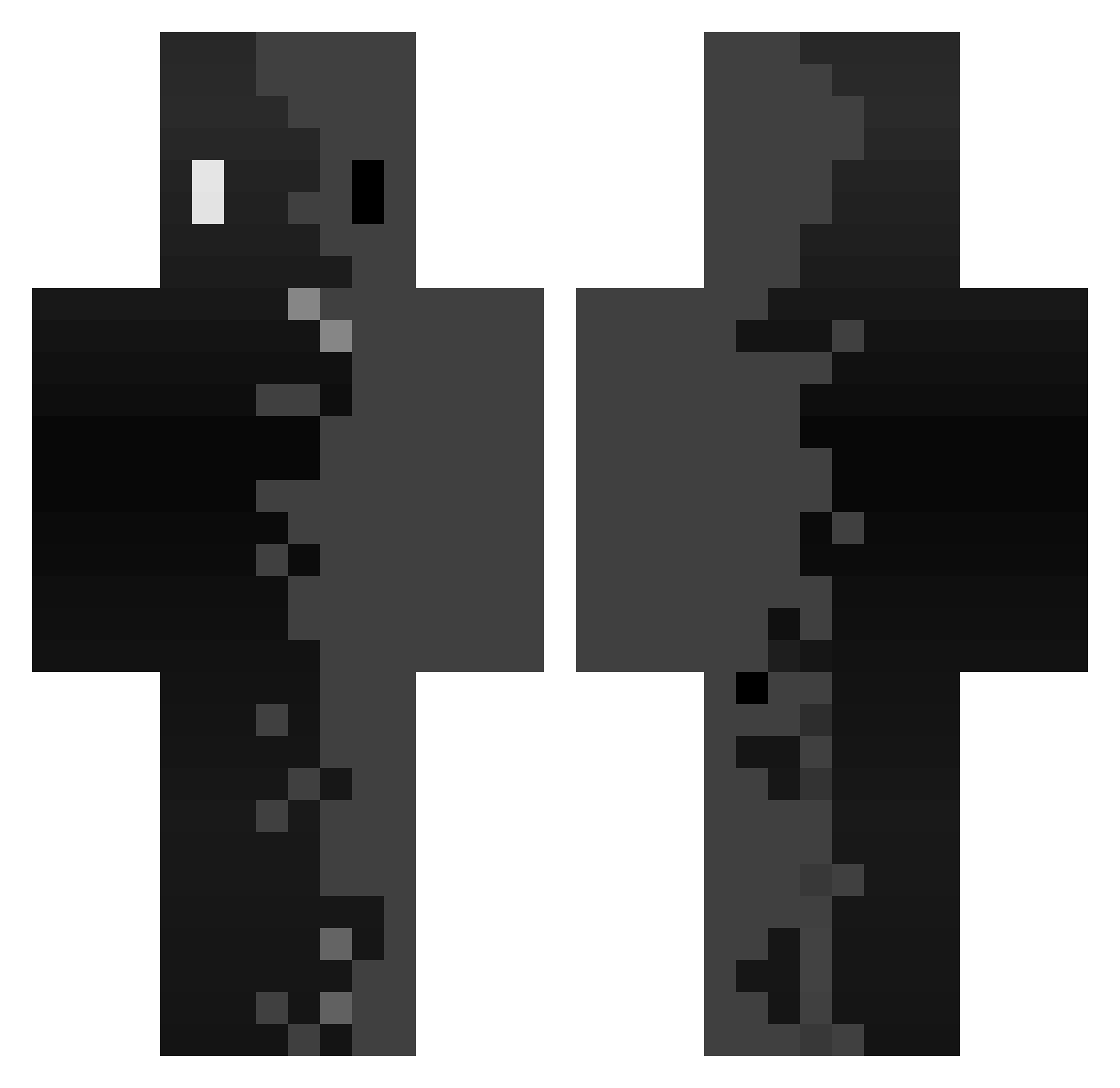
Minecraft skin of Cyborghdj. Rotate the 3D model with your mouse or finger to view the skin from every angle, then download it as a PNG file and use it in Minecraft: Bedrock Edition or Java Edition for free. Rate the skin with stars to help other players find the best skins in our collection.
How to install the Cyborghdj skin
- Press the Download button above to save the skin as a PNG file.
- Minecraft: Bedrock Edition (PE): open the Dressing Room from the main menu (or tap your character → Edit Character), go to Classic Skins → Owned, press the + (new skin) button, choose the downloaded PNG and pick the Classic (Steve) model. Works on PC and mobile; consoles cannot import custom skins.
- Minecraft: Java Edition: open the Minecraft Launcher, go to the Skins tab, click New Skin, load the PNG, pick the Classic (Steve) model and press Save & Use. You can also upload it at minecraft.net → Profile → Change Skin.
The skin does not show up after import - what should I do?
Restart Minecraft and open the Dressing Room again - imported skins sometimes appear only after a restart. Also make sure you selected the imported skin and picked the Classic (Steve) model.
Which model should I choose, Classic or Slim?
This skin is designed for the Classic (Steve) model. If you pick the wrong model, the arms of the skin will look stretched or squeezed.
Is this skin free to use?
Yes. Press Download, save the PNG file and use it in Minecraft: Bedrock Edition or Java Edition - no payment or registration needed. The skin also works on multiplayer servers and Realms.
More skins
Looking for more? Go back to all Minecraft skins and check the top skins of the week, month and all time, or find any player's skin by nickname.