
JSiwnl - Minecraft Skins & Skin History
Current Minecraft skin of the player JSiwnl, loaded from the official Mojang API. Rotate the 3D model with your mouse or finger, then download the skin as a PNG file and use it in Minecraft: Bedrock Edition or Java Edition for free. When JSiwnl changes their skin, this page updates automatically and the old skin stays in the history below.
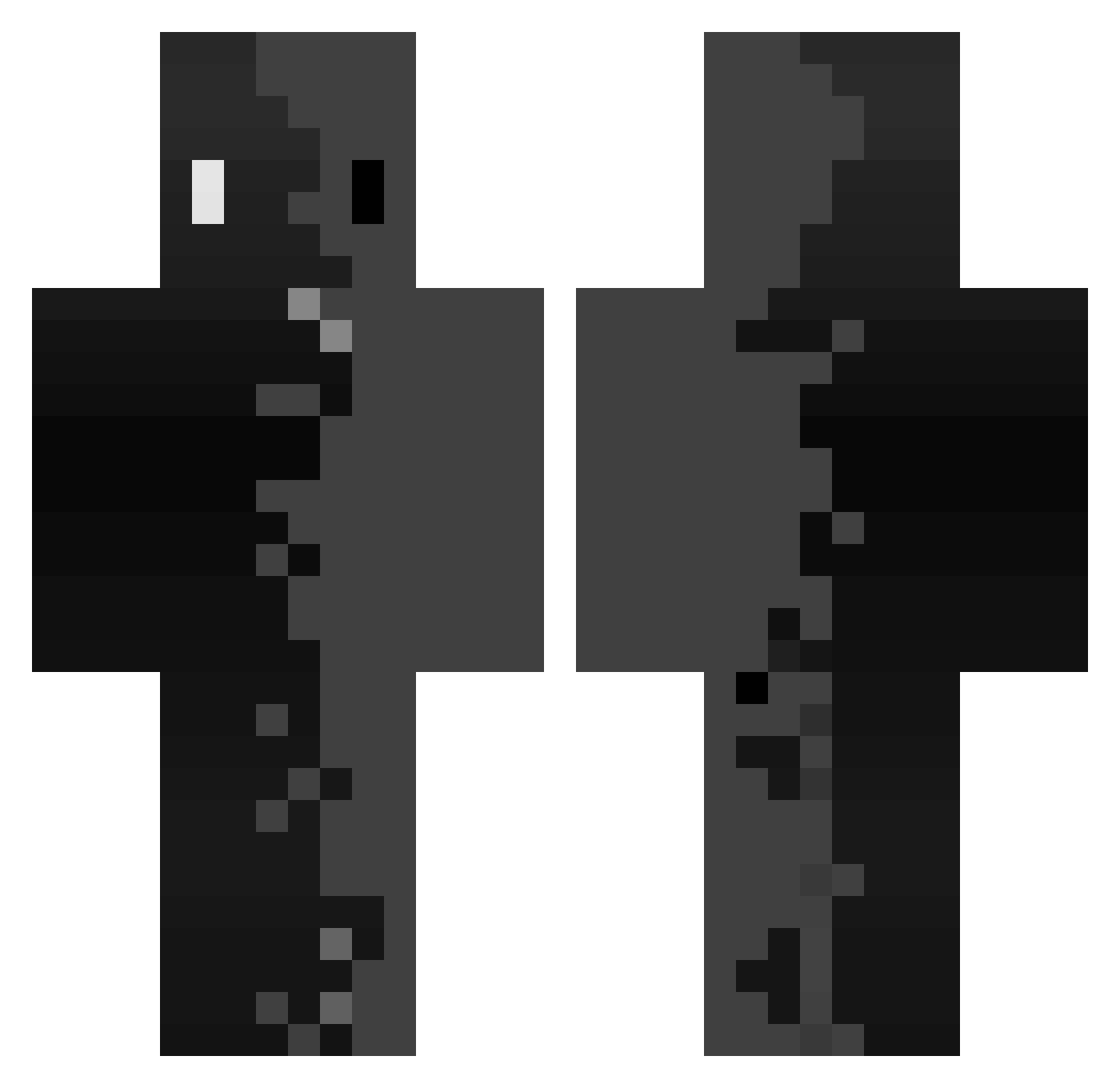
Other players with this skin (359)
JSiwnl was the 307th player we have seen with this skin, first spotted on 22.10.2026. The same skin was seen on these players. Open a nickname to see their current skin and skin history.
 DunderCrew6767 akramisnoob spidercoco87 borge_top3 Dalilu DIIMOO EDG_GAMING _Filipeq_ sn0wy_111 kanjji glorunt Jonathan_Beast 1ott Vic93s Chadou2109 Chernobyyll matti2426 Volfiir RubixCubeBro helix1101 Kyrl0s _ZERO_ZERO chan23143 C_leader Jesus1890 g7xsosooo iKtz 1wiseworld1 Itz_not_Dave Jagaaa7 XingJane bernaedo7529 15blaster11 ZangaDo__ 12xdd gameurnpc JADE_MINSEONG JS4017 IINETOII SkutyDziordzio puresnxw Namonich M8sway Nuke_Drake Rick_Moonen iEsteban__ ffhjhj3 itsvexx Nazar808 Martirow Swox4K Dnt3_14 asteriooprimeW lordname001 hualiul Keno32 maziladad Basxz GlitchedDrive SimplyAzgoth
How to install the JSiwnl skin
- Press the Download button above to save the skin as a PNG file.
- Minecraft: Bedrock Edition (PE): open the Dressing Room from the main menu (or tap your character → Edit Character), go to Classic Skins → Owned, press the + (new skin) button, choose the downloaded PNG and pick the Classic (Steve) model. Works on PC and mobile; consoles cannot import custom skins.
- Minecraft: Java Edition: open the Minecraft Launcher, go to the Skins tab, click New Skin, load the PNG, pick the Classic (Steve) model and press Save & Use. You can also upload it at minecraft.net → Profile → Change Skin.
The skin does not show up after import - what should I do?
Restart Minecraft and open the Dressing Room again - imported skins sometimes appear only after a restart. Also make sure you selected the imported skin and picked the Classic (Steve) model.
Which model should I choose, Classic or Slim?
This skin is designed for the Classic (Steve) model. If you pick the wrong model, the arms of the skin will look stretched or squeezed.
Is the skin of JSiwnl free to download?
Yes. Press Download, save the PNG file and use it in Minecraft: Bedrock Edition or Java Edition - no payment or registration needed. The skin also works on multiplayer servers and Realms.
More skins
Looking for more? Go back to all Minecraft skins and check the top skins of the week, month and all time, or find any player's skin by nickname.