
 amoraille setuna1111 big_guy_joey funky6108 Rymoux23 DedMatthew N_I_G_E_R_I_A SharonJennifer JAMESSSSS00000 KenSuGro pronoob67 zerinacar Emilio894 bertoven LUI1106 Mr_Leb Az_menace12 wu_shuango Poolio SEOUIHUCK seanthesheep7 Kondziu1510 NotRealWolf Axcexu Reftros FelakEt Bulkur Courdh Falling_peak MatzeLSA molly_gg GoldenboiX1 Fancy_1 noiseycricket1 888leo888 Haoni20 naizera chopp1es KiReiMei Jam_big Miloboy81 wylocik mochimochikunda Mahuuz gost_Tattoowin Shoxy Dominikowski17 nicklolgaming Marty_McFly05 seldo Cookie_swirley WestSideWarlord z3xs razzback931 QDG_John TTVxRares Giggand Norvid96 Sir_Eisblock Technoblade1020
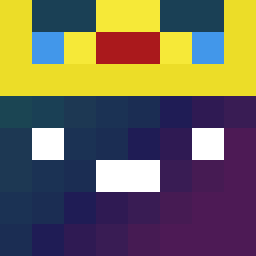
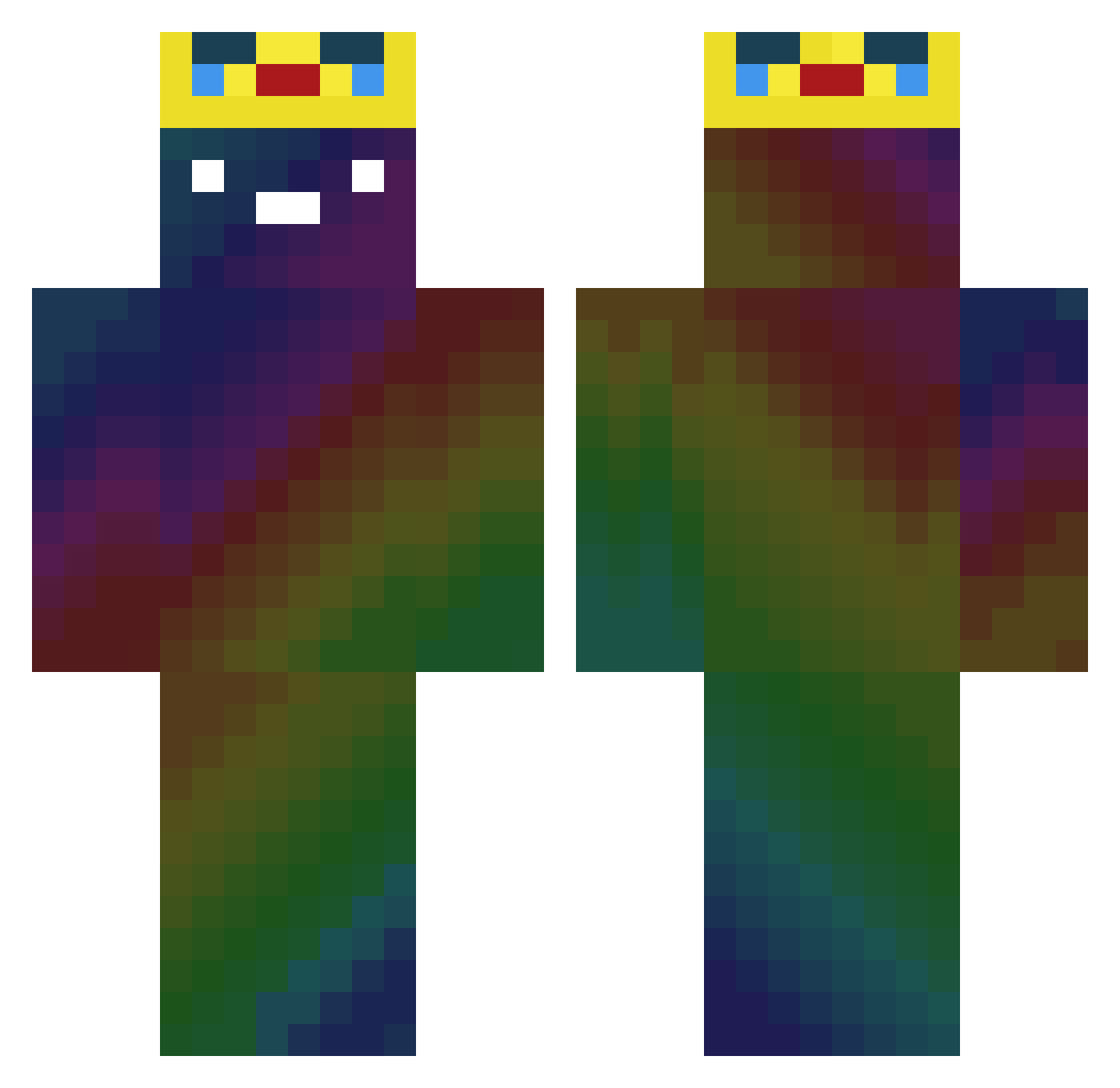
Minecraft skin of Louting. Rotate the 3D model with your mouse or finger to view the skin from every angle, then download it as a PNG file and use it in Minecraft: Bedrock Edition or Java Edition for free. Rate the skin with stars to help other players find the best skins in our collection.
How to install the Louting skin
- Press the Download button above to save the skin as a PNG file.
- Minecraft: Bedrock Edition (PE): open the Dressing Room from the main menu (or tap your character → Edit Character), go to Classic Skins → Owned, press the + (new skin) button, choose the downloaded PNG and pick the Classic (Steve) model. Works on PC and mobile; consoles cannot import custom skins.
- Minecraft: Java Edition: open the Minecraft Launcher, go to the Skins tab, click New Skin, load the PNG, pick the Classic (Steve) model and press Save & Use. You can also upload it at minecraft.net → Profile → Change Skin.
The skin does not show up after import - what should I do?
Restart Minecraft and open the Dressing Room again - imported skins sometimes appear only after a restart. Also make sure you selected the imported skin and picked the Classic (Steve) model.
Which model should I choose, Classic or Slim?
This skin is designed for the Classic (Steve) model. If you pick the wrong model, the arms of the skin will look stretched or squeezed.
Is this skin free to use?
Yes. Press Download, save the PNG file and use it in Minecraft: Bedrock Edition or Java Edition - no payment or registration needed. The skin also works on multiplayer servers and Realms.
More Galaxy Minecraft skins
More skins
Looking for more? Go back to all Minecraft skins and check the top skins of the week, month and all time, or find any player's skin by nickname.