
 DeathDropz lLikeToast mareen7 Who_is_this_ Bluczki Szaggy1 ArnSpud96 MERLINALAMAS rogspace MikosekKokosek WasabiJoker msstmathis Les_leds Ansony270 Ruemaroo Adalarik Soussav2 Tom151122 wangyu945 Wendi420 TRK_0 ljcjjj2007 indomix47 KGM099 RyuhVII dongjjoon MineMenart Flutinure itzhak23 xsteven0302 Foxof7207 bloodforblood Vittorioooo45 NotSoSupreme Pisop ObsidianEve ROkasap rusher885 KaRaKoNwRz123 cdiiizzle XMZzfy Tansor_Disko Lionheart87 resh_art KCENOVE Riv3ndel PlPiotrek Aguuarded pr1cem _Qukasz_ OurLittleWorld MagicianFan Fowlza MarcoDerG Viscality fhantom165 Servy09 gfdgrtgfgy BusenBernd111 IronRagnar
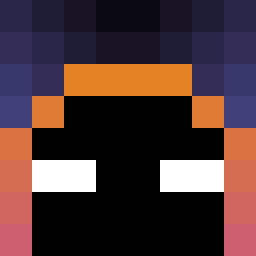
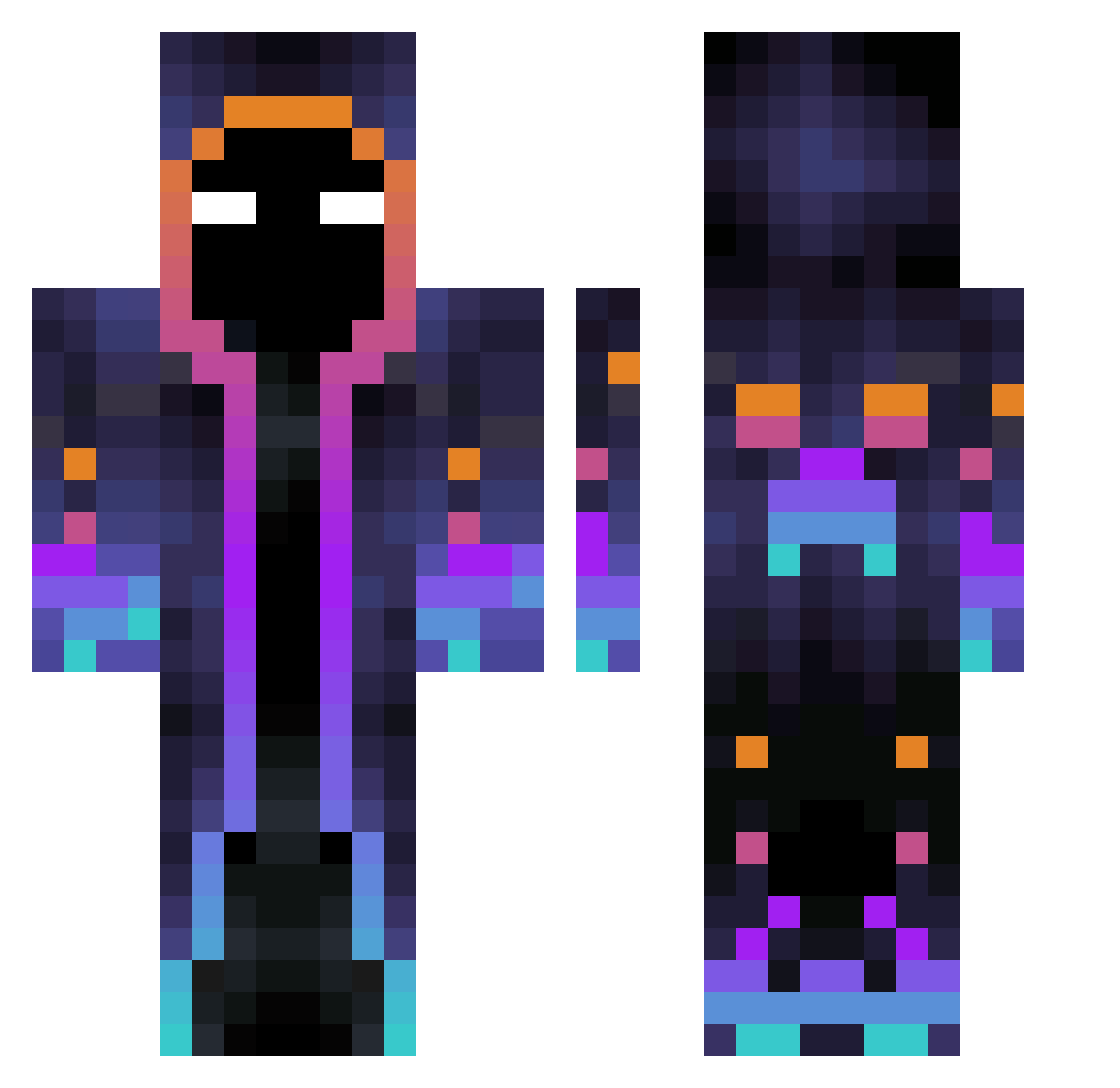
Minecraft skin of Ravensphere. Rotate the 3D model with your mouse or finger to view the skin from every angle, then download it as a PNG file and use it in Minecraft: Bedrock Edition or Java Edition for free. Rate the skin with stars to help other players find the best skins in our collection.
How to install the Ravensphere skin
- Press the Download button above to save the skin as a PNG file.
- Minecraft: Bedrock Edition (PE): open the Dressing Room from the main menu (or tap your character → Edit Character), go to Classic Skins → Owned, press the + (new skin) button, choose the downloaded PNG and pick the Classic (Steve) model. Works on PC and mobile; consoles cannot import custom skins.
- Minecraft: Java Edition: open the Minecraft Launcher, go to the Skins tab, click New Skin, load the PNG, pick the Classic (Steve) model and press Save & Use. You can also upload it at minecraft.net → Profile → Change Skin.
The skin does not show up after import - what should I do?
Restart Minecraft and open the Dressing Room again - imported skins sometimes appear only after a restart. Also make sure you selected the imported skin and picked the Classic (Steve) model.
Which model should I choose, Classic or Slim?
This skin is designed for the Classic (Steve) model. If you pick the wrong model, the arms of the skin will look stretched or squeezed.
Is this skin free to use?
Yes. Press Download, save the PNG file and use it in Minecraft: Bedrock Edition or Java Edition - no payment or registration needed. The skin also works on multiplayer servers and Realms.
More Galaxy Minecraft skins
More skins
Looking for more? Go back to all Minecraft skins and check the top skins of the week, month and all time, or find any player's skin by nickname.