
 WaiteAMinute Romafan13 kcal23 FREESHEEPWARS CarpetDifficult llSubzeroll PetitPois130 wawatooie stampy24cat stampylonghed25 lavendergarden4 sxmeb mineshaftkiller1 Milkyyv hunterallday1771 JJPLAYZ3312 jmprr dogbasketball14 hashiuuu Comrade_Bullet Thatssoball jamo___ Livy1242 ri1ez MercifulRaven Noxxwastaken Simpy0201 allyfireball Crowderl lilshayisjuicy MineBrick08 James_Li Icarus2005 AgedVolcano7858 harrycart3r Viper102208 bibblelover13 omnipowerful UrbexCanada FreakInMyBust Simp_Guy ThyroidalDiamond TTrain_Cooper MegaGames3600 zoo_wee_mama____ lazi1234 kithew Creat1veUsername ImTySky Its_ayy_lexx D1NGO8 Ethorthehunter 1WildIngot vimtofarts NoobishBoss CookedCow12 cr4sh31 MaveWhisper83 StoneAndPickaxe LinkVEOV
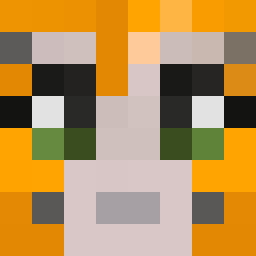
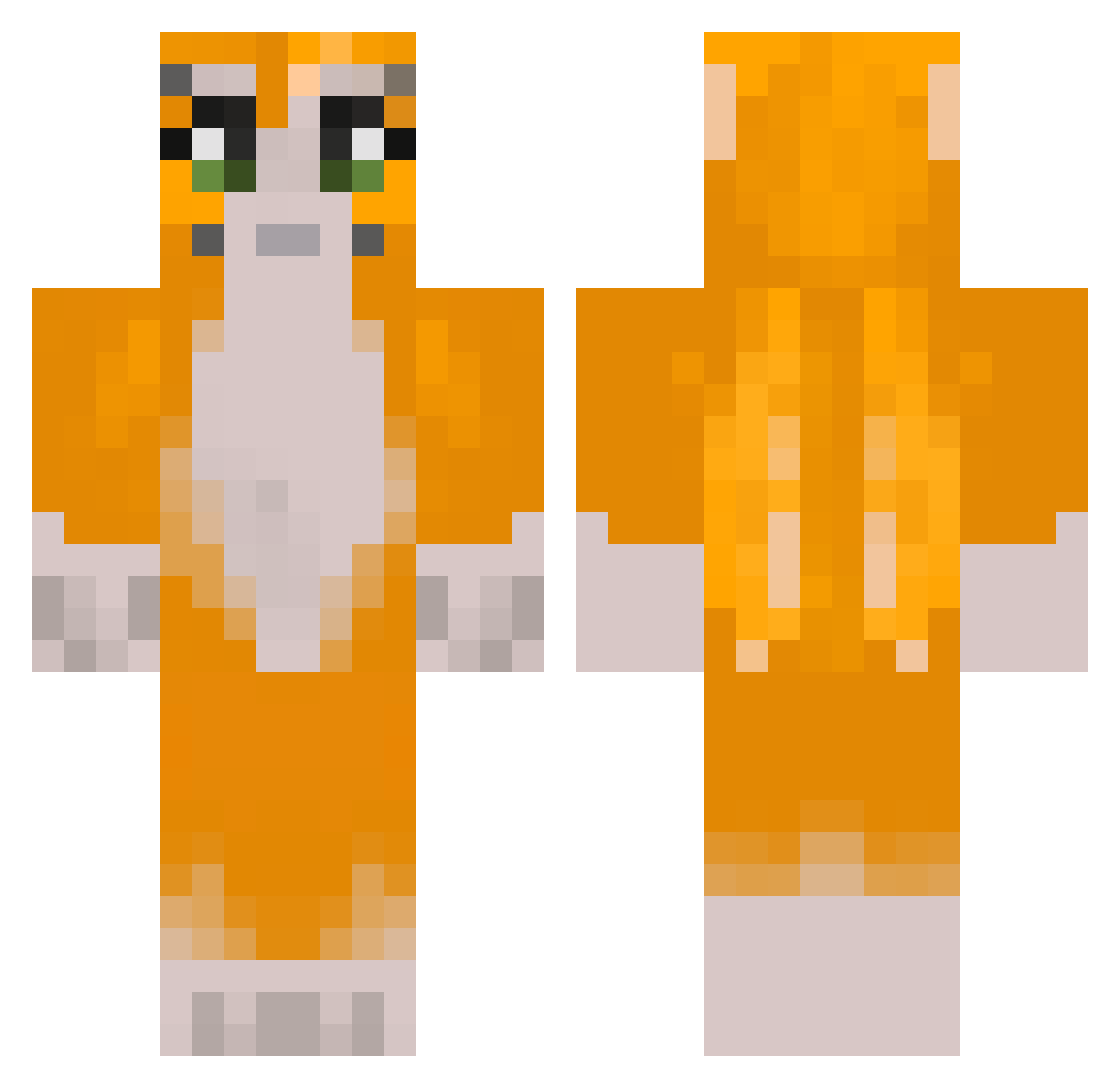
Minecraft skin of wiktorv1. Rotate the 3D model with your mouse or finger to view the skin from every angle, then download it as a PNG file and use it in Minecraft: Bedrock Edition or Java Edition for free. Rate the skin with stars to help other players find the best skins in our collection.
How to install the wiktorv1 skin
- Press the Download button above to save the skin as a PNG file.
- Minecraft: Bedrock Edition (PE): open the Dressing Room from the main menu (or tap your character → Edit Character), go to Classic Skins → Owned, press the + (new skin) button, choose the downloaded PNG and pick the Classic (Steve) model. Works on PC and mobile; consoles cannot import custom skins.
- Minecraft: Java Edition: open the Minecraft Launcher, go to the Skins tab, click New Skin, load the PNG, pick the Classic (Steve) model and press Save & Use. You can also upload it at minecraft.net → Profile → Change Skin.
The skin does not show up after import - what should I do?
Restart Minecraft and open the Dressing Room again - imported skins sometimes appear only after a restart. Also make sure you selected the imported skin and picked the Classic (Steve) model.
Which model should I choose, Classic or Slim?
This skin is designed for the Classic (Steve) model. If you pick the wrong model, the arms of the skin will look stretched or squeezed.
Is this skin free to use?
Yes. Press Download, save the PNG file and use it in Minecraft: Bedrock Edition or Java Edition - no payment or registration needed. The skin also works on multiplayer servers and Realms.
More Furry Minecraft skins
More skins
Looking for more? Go back to all Minecraft skins and check the top skins of the week, month and all time, or find any player's skin by nickname.