
LinkVEOV - Minecraft Skins & Skin History
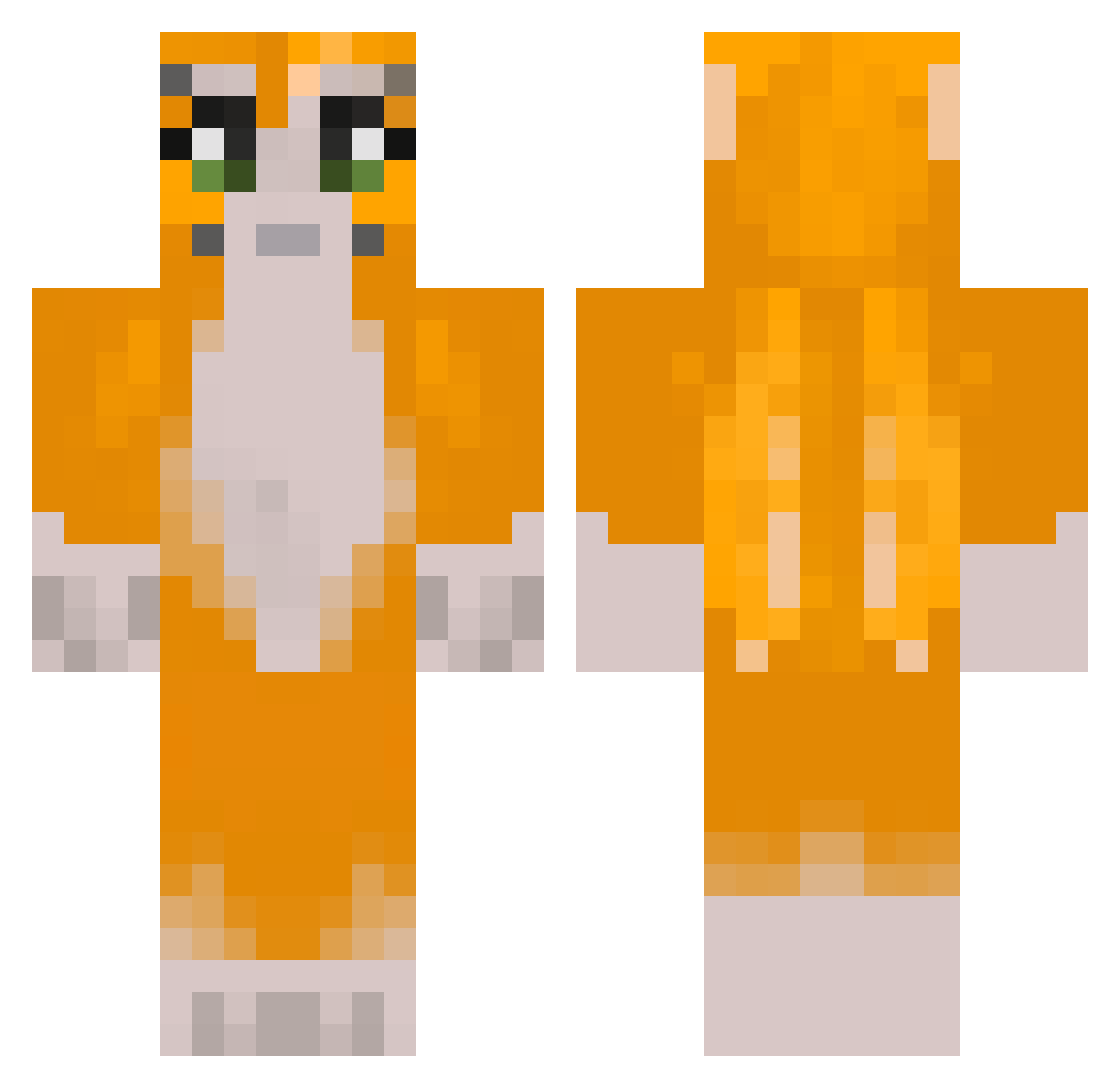
Current Minecraft skin of the player LinkVEOV, loaded from the official Mojang API. Rotate the 3D model with your mouse or finger, then download the skin as a PNG file and use it in Minecraft: Bedrock Edition or Java Edition for free. When LinkVEOV changes their skin, this page updates automatically and the old skin stays in the history below.
Other players with this skin (280)
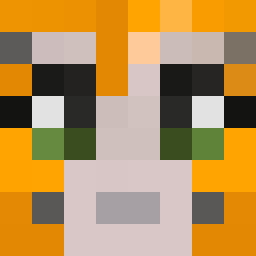
LinkVEOV was the 240th player we have seen with this skin, first spotted on 20.10.2026. The same skin was seen on these players. Open a nickname to see their current skin and skin history.
 StoneAndPickaxe bbible17 MaveWhisper83 cr4sh31 Olympic96 CookedCow12 NoobishBoss vimtofarts Stzy_Secret 1WildIngot aaroncuh Ethorthehunter GrimReaper790 D1NGO8 kittytae e_doggg69 Its_ayy_lexx a69t KappoX90 ImTySky Creat1veUsername kithew lazi1234 zoo_wee_mama____ MegaGames3600 Dust_A_Knight TTrain_Cooper ThyroidalDiamond Simp_Guy FreakInMyBust UrbexCanada uncle_mamba24 Shxft3487 ItsVinnyT fluffycat0907 British_Guy_1707 omnipowerful Arbadr bibblelover13 ItsLxnk FleterBoyPio77 winterrr2 Viper102208 harrycart3r kkscott8 OtiztikE AgedVolcano7858 caitg8 Icarus2005 GlizGliz_7 James_Li MineBrick08 lilshayisjuicy z3franah Crowderl MoB1oo Josh78728 allyfireball Simpy0201 Noxxwastaken
More Furry Minecraft skins
How to install the LinkVEOV skin
- Press the Download button above to save the skin as a PNG file.
- Minecraft: Bedrock Edition (PE): open the Dressing Room from the main menu (or tap your character → Edit Character), go to Classic Skins → Owned, press the + (new skin) button, choose the downloaded PNG and pick the Classic (Steve) model. Works on PC and mobile; consoles cannot import custom skins.
- Minecraft: Java Edition: open the Minecraft Launcher, go to the Skins tab, click New Skin, load the PNG, pick the Classic (Steve) model and press Save & Use. You can also upload it at minecraft.net → Profile → Change Skin.
The skin does not show up after import - what should I do?
Restart Minecraft and open the Dressing Room again - imported skins sometimes appear only after a restart. Also make sure you selected the imported skin and picked the Classic (Steve) model.
Which model should I choose, Classic or Slim?
This skin is designed for the Classic (Steve) model. If you pick the wrong model, the arms of the skin will look stretched or squeezed.
Is the skin of LinkVEOV free to download?
Yes. Press Download, save the PNG file and use it in Minecraft: Bedrock Edition or Java Edition - no payment or registration needed. The skin also works on multiplayer servers and Realms.
More skins
Looking for more? Go back to all Minecraft skins and check the top skins of the week, month and all time, or find any player's skin by nickname.