
 Blade081001 Shamrockshnake RG_BIGMAGRO GrasslIl GoldenTrophy200 MMW333 jagang91 28goofer Linkthehero1240 UsingChain_ Finness3 loudestflower Deadassassin7 BigSmarter SuperMaks_1 Kengoko Denis220v OffTheBody SpaceSloth4766 XExoAtomX Gamerpro_2017 SlickMamba theBrunster14 BigWeezin Slakfelipe Thunderjak07 furyfisyopain RACEistman dragonsrboss Bollesnurr Matti2090 SpookyTrumpet KyleDaMan 23josa Squidge_y MrNerd656 OOPS_DOOPSY poopeater2 kodes1 UpperCheetah790 YuuYuuG Cheesypops69420 IlluminatiVoV Figaro3293 C9Xs xXMegaXx Ethanolics lepinguoin2008 r2modman metriclightning JacketPotato236 Elsetugboat aeh_keine_ahnung Zappydogy flaminmangoes d_e_p_h Chijo AlienRockCookie EndureEnder eigma
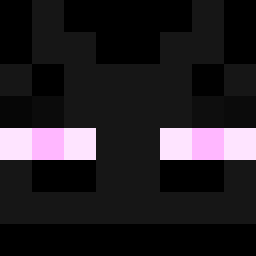
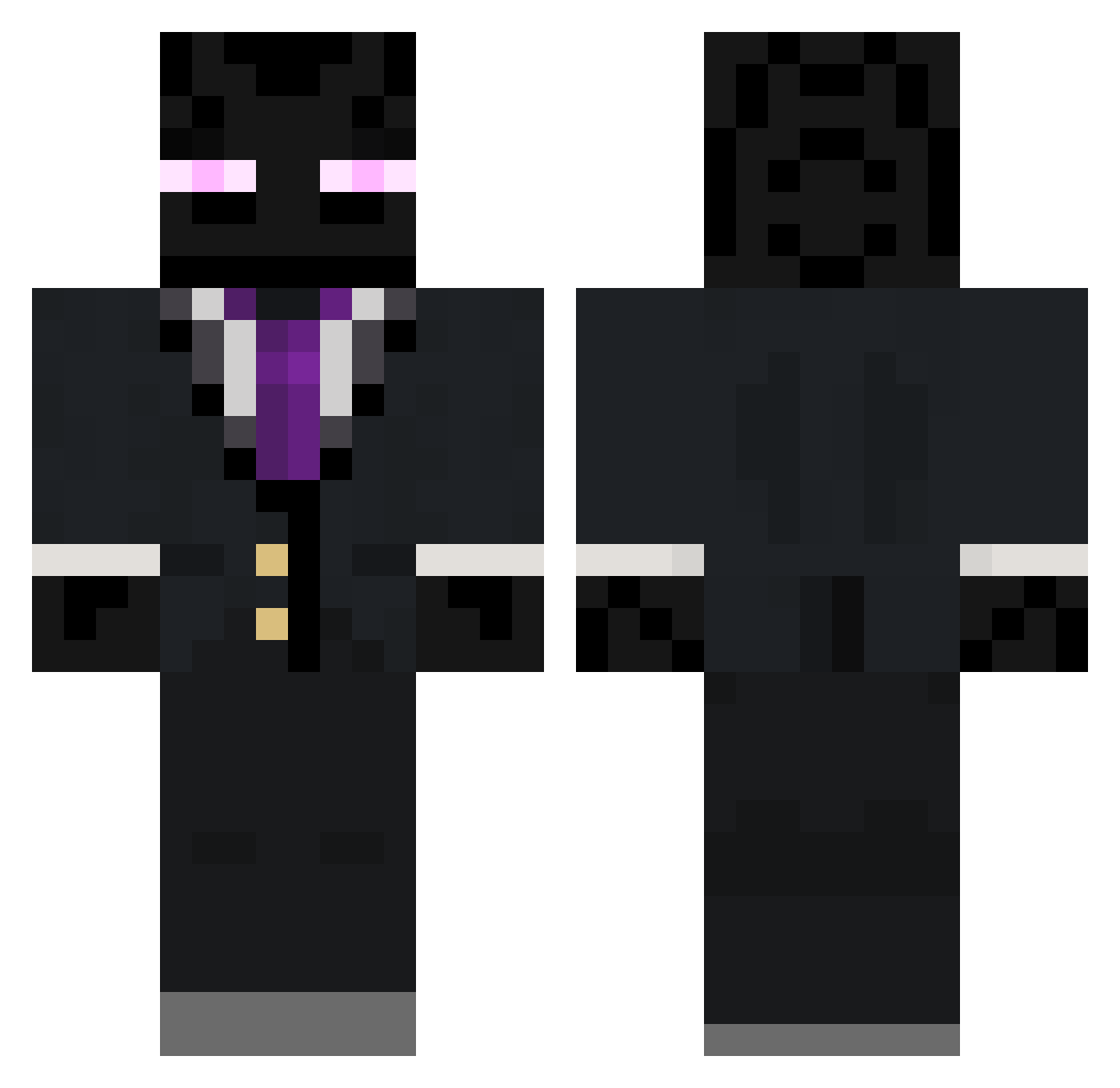
Minecraft skin of SlickMamba. Rotate the 3D model with your mouse or finger to view the skin from every angle, then download it as a PNG file and use it in Minecraft: Bedrock Edition or Java Edition for free. Rate the skin with stars to help other players find the best skins in our collection.
How to install the SlickMamba skin
- Press the Download button above to save the skin as a PNG file.
- Minecraft: Bedrock Edition (PE): open the Dressing Room from the main menu (or tap your character → Edit Character), go to Classic Skins → Owned, press the + (new skin) button, choose the downloaded PNG and pick the Classic (Steve) model. Works on PC and mobile; consoles cannot import custom skins.
- Minecraft: Java Edition: open the Minecraft Launcher, go to the Skins tab, click New Skin, load the PNG, pick the Classic (Steve) model and press Save & Use. You can also upload it at minecraft.net → Profile → Change Skin.
The skin does not show up after import - what should I do?
Restart Minecraft and open the Dressing Room again - imported skins sometimes appear only after a restart. Also make sure you selected the imported skin and picked the Classic (Steve) model.
Which model should I choose, Classic or Slim?
This skin is designed for the Classic (Steve) model. If you pick the wrong model, the arms of the skin will look stretched or squeezed.
Is this skin free to use?
Yes. Press Download, save the PNG file and use it in Minecraft: Bedrock Edition or Java Edition - no payment or registration needed. The skin also works on multiplayer servers and Realms.
More Enderman Minecraft skins
More skins
Looking for more? Go back to all Minecraft skins and check the top skins of the week, month and all time, or find any player's skin by nickname.