
 TessaLucas superminecart123 orangetrill banna1100 creeperkid1998 Toeppi98 13Nemo Macbeff DTCxPredator spearo555 aerogold10 Blast911 jameskimber youn99ezzy adamof5 YellowHawk4 Herobrine_24 Sonjaaaa_123 bluemuel jakejoeyo Kadenbh SuperMarleyo zumies248 EditedStorm27 Lapis_Lazuli SamBlink sem8907 hunterbutt1 EMcBo txboy10 Victoria_0424 niki_1802 jia683 jcraft03 kkha Ghost_Lord13 SNOOPYBOY444 ITrain4Killn_30 EddieW11 krakookassz Stone_579 Coulors ghost498 HellsJaniter Loveluns Phejmas Gunter24567 Batman9782 MarriesMonster Runevar deathinfluence theshadowguy_ 5L5c17 Benke99 WRS3809 nicopatten chainman3 DOOMSku11 powelly009 _Moep_Moep_
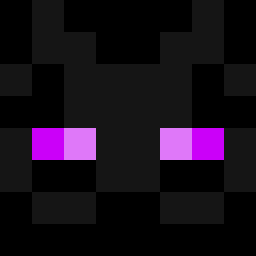
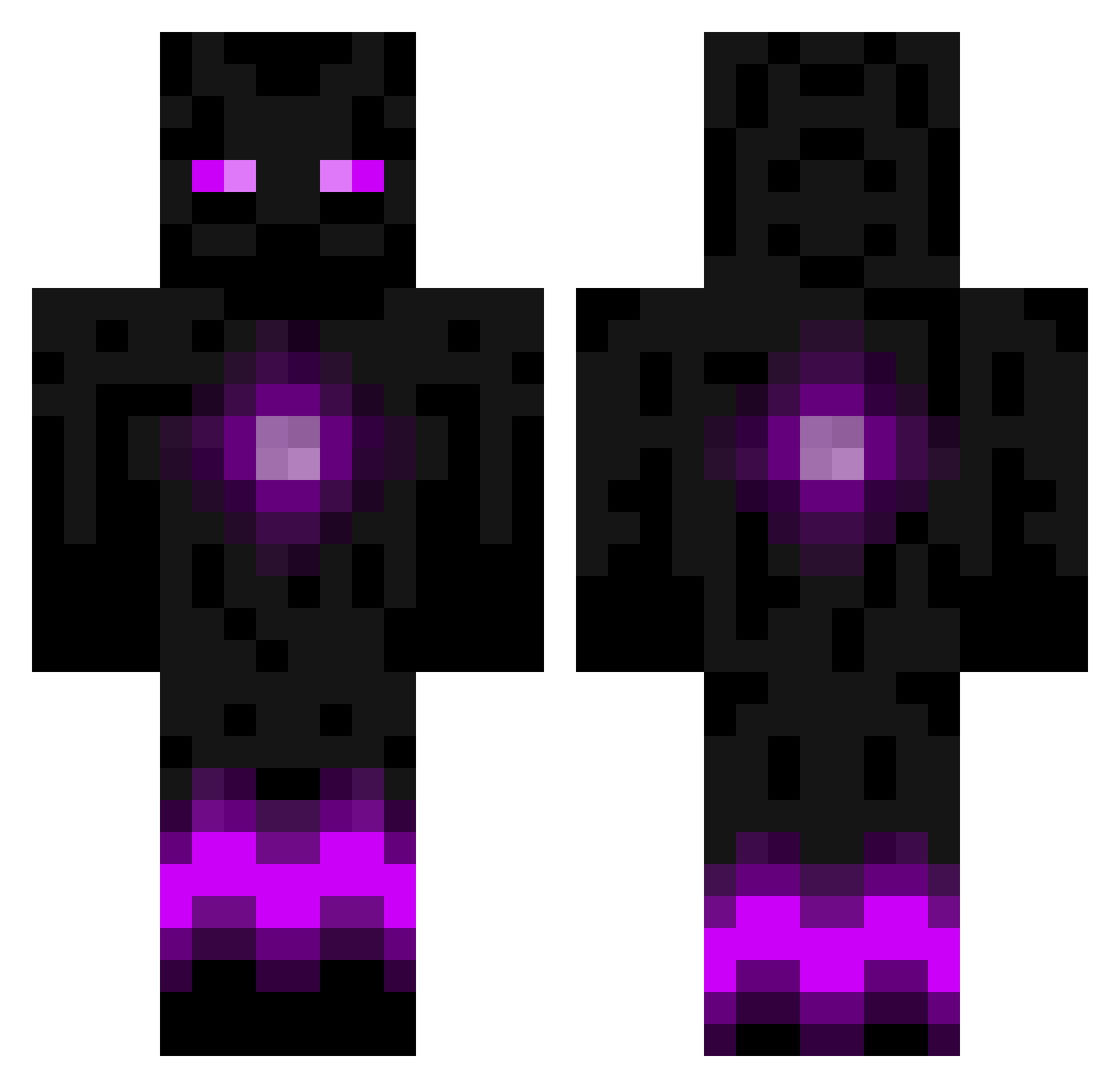
Minecraft skin of Jilly. Rotate the 3D model with your mouse or finger to view the skin from every angle, then download it as a PNG file and use it in Minecraft: Bedrock Edition or Java Edition for free. Rate the skin with stars to help other players find the best skins in our collection.
How to install the Jilly skin
- Press the Download button above to save the skin as a PNG file.
- Minecraft: Bedrock Edition (PE): open the Dressing Room from the main menu (or tap your character → Edit Character), go to Classic Skins → Owned, press the + (new skin) button, choose the downloaded PNG and pick the Classic (Steve) model. Works on PC and mobile; consoles cannot import custom skins.
- Minecraft: Java Edition: open the Minecraft Launcher, go to the Skins tab, click New Skin, load the PNG, pick the Classic (Steve) model and press Save & Use. You can also upload it at minecraft.net → Profile → Change Skin.
The skin does not show up after import - what should I do?
Restart Minecraft and open the Dressing Room again - imported skins sometimes appear only after a restart. Also make sure you selected the imported skin and picked the Classic (Steve) model.
Which model should I choose, Classic or Slim?
This skin is designed for the Classic (Steve) model. If you pick the wrong model, the arms of the skin will look stretched or squeezed.
Is this skin free to use?
Yes. Press Download, save the PNG file and use it in Minecraft: Bedrock Edition or Java Edition - no payment or registration needed. The skin also works on multiplayer servers and Realms.
More Enderman Minecraft skins
More skins
Looking for more? Go back to all Minecraft skins and check the top skins of the week, month and all time, or find any player's skin by nickname.