
 naysilva6 pastorkill BitIvan573 Santinix12389 oozako7 Speed83 Bunnyx0101 alih4ider enderBro_50000 GL_ST nmscorreia2009 MickyM420 mihal1234567890 Shadok365 BlackSalazar Wid666 Bukajn RickyVTC PomPom_Jelly Andrfm1234 LudwigIIV Le_Faucheur69 Yukozen KurtzDJ lelandggyf alexleoapr Neyfox01 Mosterss printHello_World rof_g AnonFawkes KoMBaT719 Kawaoiii BossMaku syius_jr TudorM311 poppo987456 Bebbo155 1sam0102 Mystik_Schadow LilSwepess_ Dzsdzs Enderman1606 SupersplashKai _Reaper_70 troy8787 alibaba48 Bambus786 _das_Lama_ Eita1101 EnderX81 Y0SAWA ZachOfAlpha wellyton2 madcraft29 TFresh337 Naranjo_06 Maitre_Mouton SANTI171 EnderTerran756
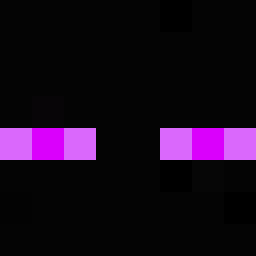
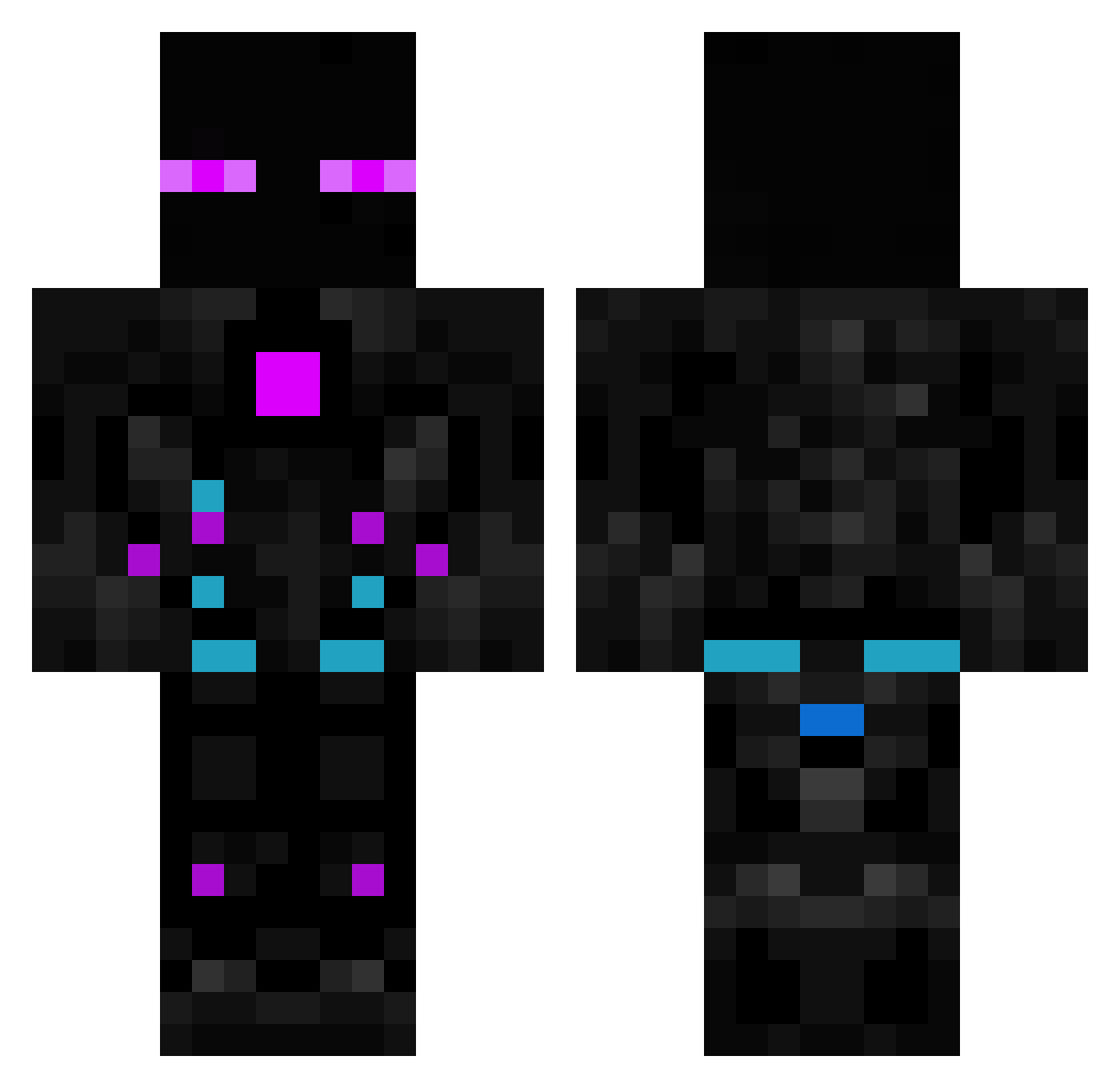
Minecraft skin of xX_Zygmunt_Xx. Rotate the 3D model with your mouse or finger to view the skin from every angle, then download it as a PNG file and use it in Minecraft: Bedrock Edition or Java Edition for free. Rate the skin with stars to help other players find the best skins in our collection.
How to install the xX_Zygmunt_Xx skin
- Press the Download button above to save the skin as a PNG file.
- Minecraft: Bedrock Edition (PE): open the Dressing Room from the main menu (or tap your character → Edit Character), go to Classic Skins → Owned, press the + (new skin) button, choose the downloaded PNG and pick the Classic (Steve) model. Works on PC and mobile; consoles cannot import custom skins.
- Minecraft: Java Edition: open the Minecraft Launcher, go to the Skins tab, click New Skin, load the PNG, pick the Classic (Steve) model and press Save & Use. You can also upload it at minecraft.net → Profile → Change Skin.
The skin does not show up after import - what should I do?
Restart Minecraft and open the Dressing Room again - imported skins sometimes appear only after a restart. Also make sure you selected the imported skin and picked the Classic (Steve) model.
Which model should I choose, Classic or Slim?
This skin is designed for the Classic (Steve) model. If you pick the wrong model, the arms of the skin will look stretched or squeezed.
Is this skin free to use?
Yes. Press Download, save the PNG file and use it in Minecraft: Bedrock Edition or Java Edition - no payment or registration needed. The skin also works on multiplayer servers and Realms.
More Cyborg Minecraft skins
More skins
Looking for more? Go back to all Minecraft skins and check the top skins of the week, month and all time, or find any player's skin by nickname.