
 Nathanc21 nucleartoaster13 ItsReusta_ AnchientCreeper FabianICM_ Maximumboss2 TinYanBBG Hopinz MrCryptic21 WarFight_FR Gabrinator09 Issoudotexe Blockierer Greenlukky Yohem3 Scroodo Volseminator PHOENIXBOYY Aka7tsu4 ICYadik imViru5x Ipick1 DreamMaster21 DrummerWiz Ideaass this_is_burnsy AnVictory TheLopan Blue_The_Bear scp_9029 MrLonely41 Back_Dragon Joe_D CesetKokusu TalhaAlperen Iam_Orbiit RedL4ck Undercrystal ZManRocks224 Gigabait LargeHungBears winn_hall _HAPKOMAH_ marcos_1007 Enderbite187 Azureu Shadows38 UNBTBLJP TacticalThief humphrey707 ShoeDr NightKnightxD 503michael millerkids2016 NLI420 EpicKills727 galinasupron bettercallsaulmf CBTD mik3l__
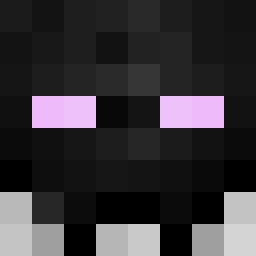
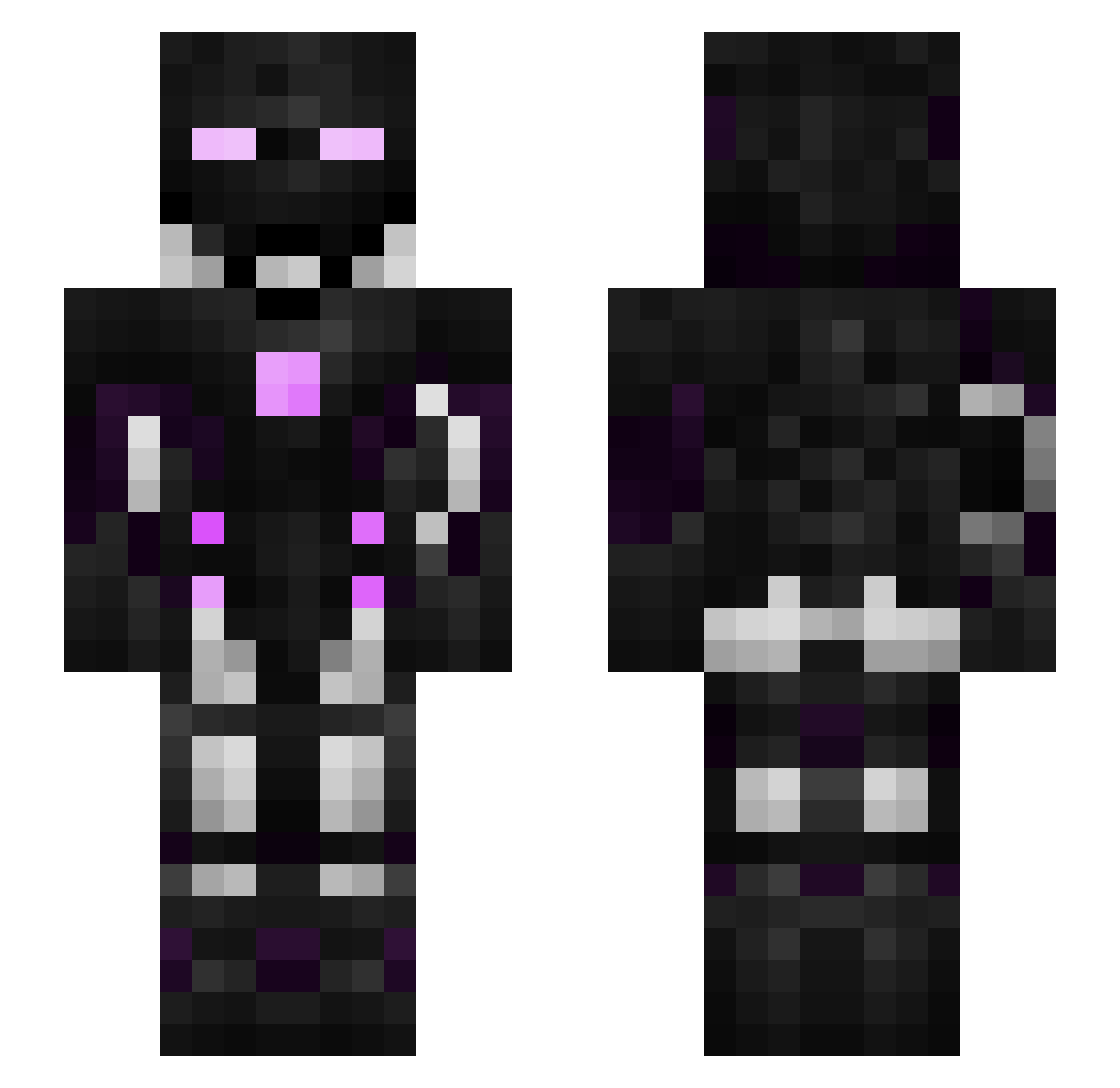
Minecraft skin of Janis. Rotate the 3D model with your mouse or finger to view the skin from every angle, then download it as a PNG file and use it in Minecraft: Bedrock Edition or Java Edition for free. Rate the skin with stars to help other players find the best skins in our collection.
How to install the Janis skin
- Press the Download button above to save the skin as a PNG file.
- Minecraft: Bedrock Edition (PE): open the Dressing Room from the main menu (or tap your character → Edit Character), go to Classic Skins → Owned, press the + (new skin) button, choose the downloaded PNG and pick the Slim (Alex) model. Works on PC and mobile; consoles cannot import custom skins.
- Minecraft: Java Edition: open the Minecraft Launcher, go to the Skins tab, click New Skin, load the PNG, pick the Slim (Alex) model and press Save & Use. You can also upload it at minecraft.net → Profile → Change Skin.
The skin does not show up after import - what should I do?
Restart Minecraft and open the Dressing Room again - imported skins sometimes appear only after a restart. Also make sure you selected the imported skin and picked the Slim (Alex) model.
Which model should I choose, Classic or Slim?
This skin is designed for the Slim (Alex) model. If you pick the wrong model, the arms of the skin will look stretched or squeezed.
Is this skin free to use?
Yes. Press Download, save the PNG file and use it in Minecraft: Bedrock Edition or Java Edition - no payment or registration needed. The skin also works on multiplayer servers and Realms.
More Cyborg Minecraft skins
More skins
Looking for more? Go back to all Minecraft skins and check the top skins of the week, month and all time, or find any player's skin by nickname.