
 Xx_Wicked_xX Sempai333 D4RKTR0JAN FamesJranco DefaultLUL Beast_Hunter21 Doom7322 Gerasimyan NCYoungblood I_got_Money_08 powerhorn Rookieover9000 adamszautner123 JIuHkop tigereyets Voix141 4NTsz Kiszon223 Canthio TheKnight55 Baudouinet DemonicDomon Ryan_Miller11 CzarnyZydek Dexter1080p Miazz_Blast OscarTheOriginal igorpocasideaprc antoniorubiocar Flamevil05 Rhaastala Robobi MacheMollo STARSHAN10 OfficerKitten XXDIAMONDXXO2 Dwalish2586 LilWallon PanXam_ smtripod Krokettenkalle Khazzerin HJones SerBaran Finesanti_2013 Homikel Mini_X2 Mam_2_z_matmy Spoon_Knight_01 thoxo Kuhnoot Hemros FatalBot the_poop_king wackyfella3 TheOlas00 Player124345 SheLuvNukes MrDe4Dp00l luitnited
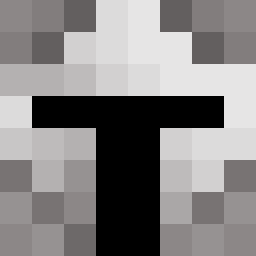
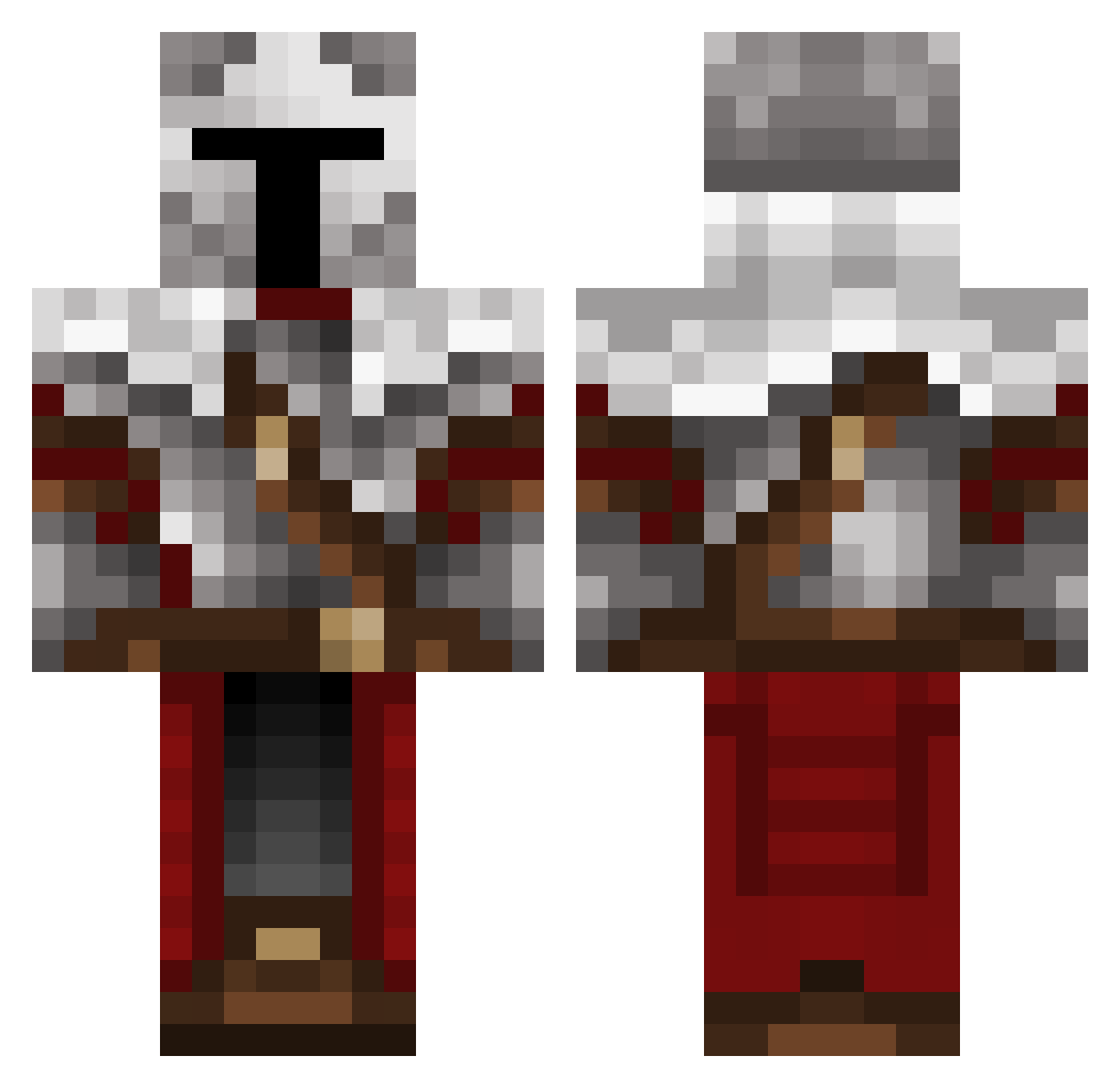
Minecraft skin of ZoiXD. Rotate the 3D model with your mouse or finger to view the skin from every angle, then download it as a PNG file and use it in Minecraft: Bedrock Edition or Java Edition for free. Rate the skin with stars to help other players find the best skins in our collection.
How to install the ZoiXD skin
- Press the Download button above to save the skin as a PNG file.
- Minecraft: Bedrock Edition (PE): open the Dressing Room from the main menu (or tap your character → Edit Character), go to Classic Skins → Owned, press the + (new skin) button, choose the downloaded PNG and pick the Classic (Steve) model. Works on PC and mobile; consoles cannot import custom skins.
- Minecraft: Java Edition: open the Minecraft Launcher, go to the Skins tab, click New Skin, load the PNG, pick the Classic (Steve) model and press Save & Use. You can also upload it at minecraft.net → Profile → Change Skin.
The skin does not show up after import - what should I do?
Restart Minecraft and open the Dressing Room again - imported skins sometimes appear only after a restart. Also make sure you selected the imported skin and picked the Classic (Steve) model.
Which model should I choose, Classic or Slim?
This skin is designed for the Classic (Steve) model. If you pick the wrong model, the arms of the skin will look stretched or squeezed.
Is this skin free to use?
Yes. Press Download, save the PNG file and use it in Minecraft: Bedrock Edition or Java Edition - no payment or registration needed. The skin also works on multiplayer servers and Realms.
More Crusader Minecraft skins
More skins
Looking for more? Go back to all Minecraft skins and check the top skins of the week, month and all time, or find any player's skin by nickname.