
 ThoRAgain 998th Garaa1234567890 Alex2378 ninja951 franskmand139 AsuraEternal At0nium shadowolf22 AlfieLewis SlayerLucas CraftMiner95 Nedra_Lynn22 buttertactics tigeris DonnydeVito Toasty_Marv BooSkyWalker Apocodus animalsaber tacoriffic321 benjaminw934 Chocolate_Hero MF293 Jules68 baxvader 091218 purelygood123 kingmack11 278013 Thekingben555 Thedutchwarrior_ hondengast Crimson_Wraith7 Zarekral porkchopsrule13 tristan84tristan peter_blackwell theniceguide Marcoaraujo7 timmb Hoggne KingdomWarrior99 SlashingTitan19 kevin11512 tsalsa jojo0nuclear W3DGI3 Lecom swordofthewest creepydog97 Aimanos ZombieBlaster200 Shifty_Ray Matt_Paul Windbraid Kinfrodim12 Mordereen SyTiFr soccerstar5z
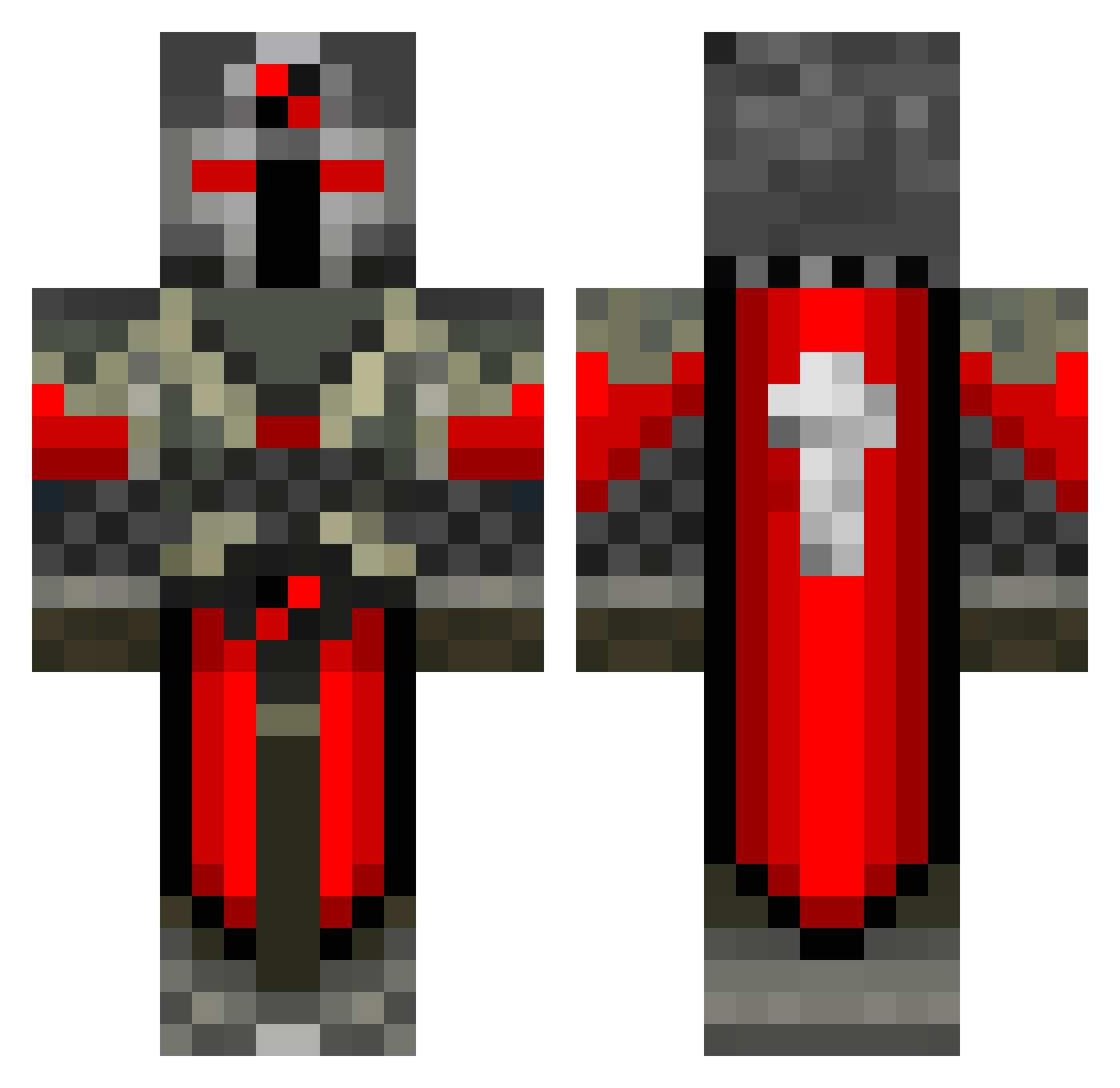
Minecraft skin of caril. Rotate the 3D model with your mouse or finger to view the skin from every angle, then download it as a PNG file and use it in Minecraft: Bedrock Edition or Java Edition for free. Rate the skin with stars to help other players find the best skins in our collection.
How to install the caril skin
- Press the Download button above to save the skin as a PNG file.
- Minecraft: Bedrock Edition (PE): open the Dressing Room from the main menu (or tap your character → Edit Character), go to Classic Skins → Owned, press the + (new skin) button, choose the downloaded PNG and pick the Classic (Steve) model. Works on PC and mobile; consoles cannot import custom skins.
- Minecraft: Java Edition: open the Minecraft Launcher, go to the Skins tab, click New Skin, load the PNG, pick the Classic (Steve) model and press Save & Use. You can also upload it at minecraft.net → Profile → Change Skin.
The skin does not show up after import - what should I do?
Restart Minecraft and open the Dressing Room again - imported skins sometimes appear only after a restart. Also make sure you selected the imported skin and picked the Classic (Steve) model.
Which model should I choose, Classic or Slim?
This skin is designed for the Classic (Steve) model. If you pick the wrong model, the arms of the skin will look stretched or squeezed.
Is this skin free to use?
Yes. Press Download, save the PNG file and use it in Minecraft: Bedrock Edition or Java Edition - no payment or registration needed. The skin also works on multiplayer servers and Realms.
More Crusader Minecraft skins
More skins
Looking for more? Go back to all Minecraft skins and check the top skins of the week, month and all time, or find any player's skin by nickname.