
 Rowee10 silentmarksman digiridoo Geckergeezer_v1 Scipioaustralus ExoticAlt9 VegimiteToastie Adrimax7 Suchti_HD Empty_Knight thebrownieman11 LumpMcBooty69420 Tour_3 GJ500 TheStowster A_Blonde_Kiwi jonathan1029abc firestar1218 Dark__Neutron ChelseaFCnumber1 MarkkNijboer Tailtopbastard collingrimes99 Dope_Block Vamou7 Headshotcity slutzinc Dalhai1234 bible75 thebryman12 Stellar_Puff Jgskate68 Pankrati KnightOfLegends Birdwatcher0301 tjmadden1128 GuneDe smiffy832 GlassFafnir Veminex Hamm3rstr1k3 RCAldo herpmasse 3SKIM0 SaineGray lewishardy appledude34 jackdl1994 dj_fml101 Roogath clarke__ Austria4Ever t3l01v PyroStorm7 Chicago2012 Sangdrax504 hihuli Stutz562 TC_Flyer jor8899
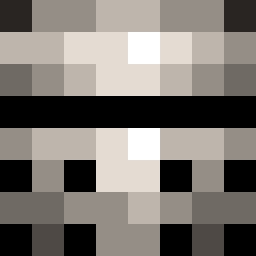
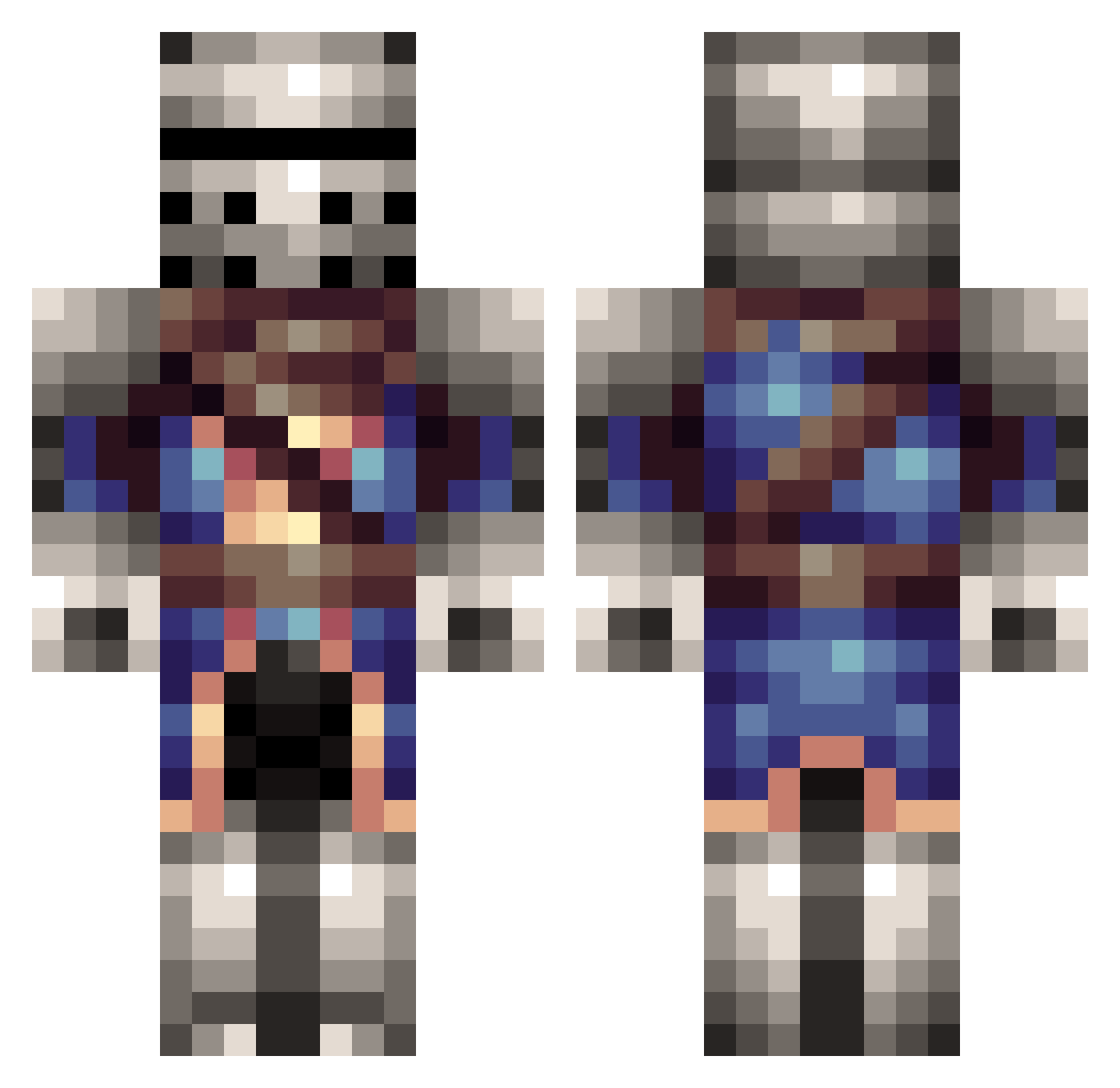
Minecraft skin of thehunterofsouls. Rotate the 3D model with your mouse or finger to view the skin from every angle, then download it as a PNG file and use it in Minecraft: Bedrock Edition or Java Edition for free. Rate the skin with stars to help other players find the best skins in our collection.
How to install the thehunterofsouls skin
- Press the Download button above to save the skin as a PNG file.
- Minecraft: Bedrock Edition (PE): open the Dressing Room from the main menu (or tap your character → Edit Character), go to Classic Skins → Owned, press the + (new skin) button, choose the downloaded PNG and pick the Classic (Steve) model. Works on PC and mobile; consoles cannot import custom skins.
- Minecraft: Java Edition: open the Minecraft Launcher, go to the Skins tab, click New Skin, load the PNG, pick the Classic (Steve) model and press Save & Use. You can also upload it at minecraft.net → Profile → Change Skin.
The skin does not show up after import - what should I do?
Restart Minecraft and open the Dressing Room again - imported skins sometimes appear only after a restart. Also make sure you selected the imported skin and picked the Classic (Steve) model.
Which model should I choose, Classic or Slim?
This skin is designed for the Classic (Steve) model. If you pick the wrong model, the arms of the skin will look stretched or squeezed.
Is this skin free to use?
Yes. Press Download, save the PNG file and use it in Minecraft: Bedrock Edition or Java Edition - no payment or registration needed. The skin also works on multiplayer servers and Realms.
More Medieval Minecraft skins
More skins
Looking for more? Go back to all Minecraft skins and check the top skins of the week, month and all time, or find any player's skin by nickname.