
 Taban0x JonnyMo_ W1llcantpause MasterSlayer927 DarthTalo Dzeralt Eclipse_VI Silver_083 FancyPancyLad FlamesOfPhoenix7 SirChromosome AdamZsN Fahan4ik Redhach Ossi_Waldi myhedhurts 1Weh MR_K3KO3 Strusten Marsclow DawidPL418 Raziiid LilSmooth coolNG2010 Aranic Probable_Human Primalsalt SrMoustacho Ragekid59 Valentin3459 KacperosGOAT HardCarryGary that_white_boy96 Stickman9751 JobyOneKenobi Tangless CoTPyDHuK EO96_ SH_1_Sur_Infinie Gorilla4k Mirosa79 Jeroeth Ahmazaku spegyNmerblz EddyAbreu Hesteen Yulmar_Vorlod DokuNoku adriancookie MrBambino7 UhSebastian eis_panda CrazyCake777 NicolasMahieu SwiftySmithy cansat Kordixon Beast15712 Cylvyr Timurlaine
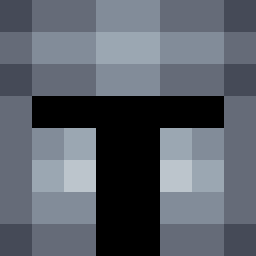
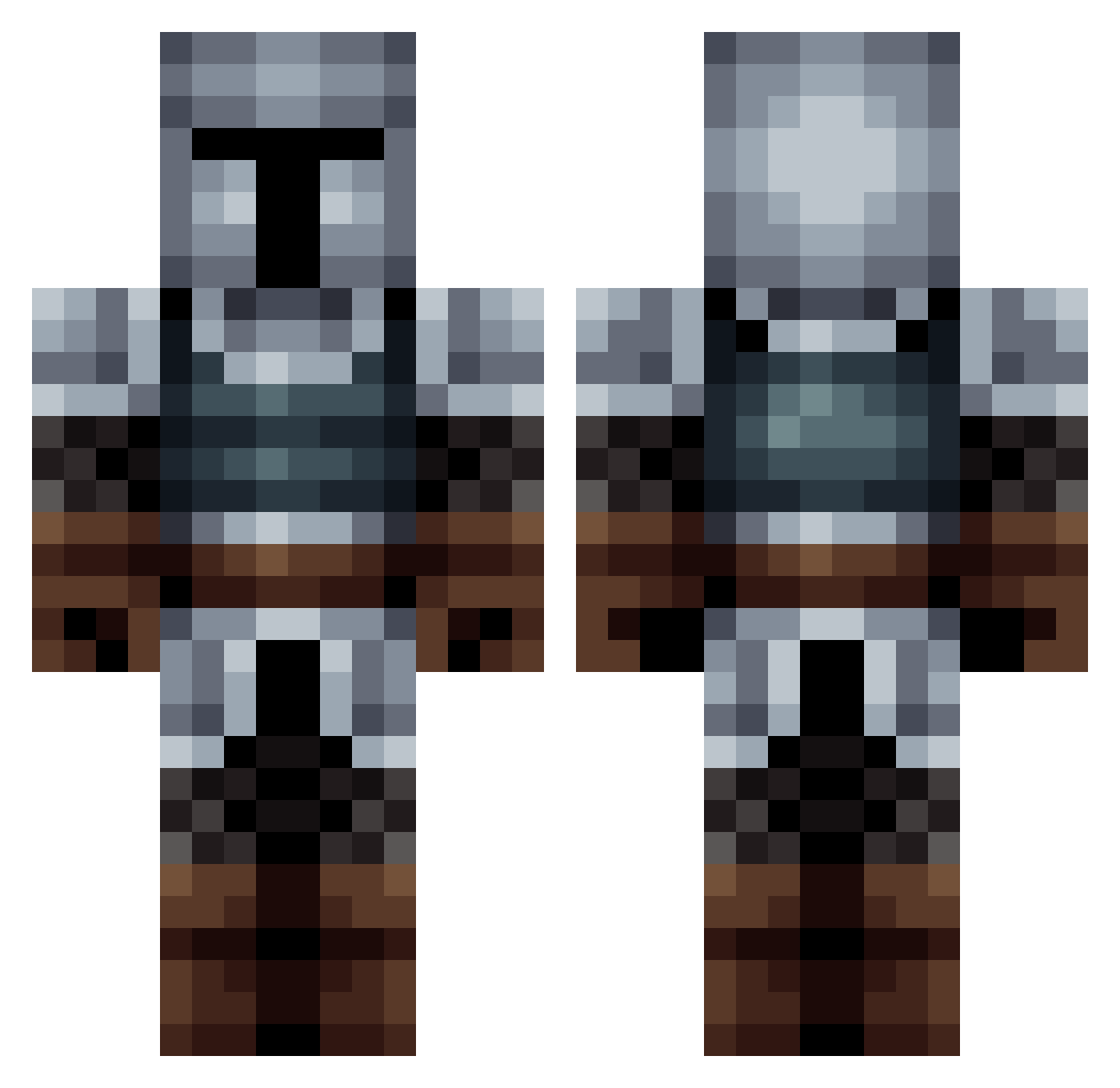
Minecraft skin of reidporg. Rotate the 3D model with your mouse or finger to view the skin from every angle, then download it as a PNG file and use it in Minecraft: Bedrock Edition or Java Edition for free. Rate the skin with stars to help other players find the best skins in our collection.
How to install the reidporg skin
- Press the Download button above to save the skin as a PNG file.
- Minecraft: Bedrock Edition (PE): open the Dressing Room from the main menu (or tap your character → Edit Character), go to Classic Skins → Owned, press the + (new skin) button, choose the downloaded PNG and pick the Classic (Steve) model. Works on PC and mobile; consoles cannot import custom skins.
- Minecraft: Java Edition: open the Minecraft Launcher, go to the Skins tab, click New Skin, load the PNG, pick the Classic (Steve) model and press Save & Use. You can also upload it at minecraft.net → Profile → Change Skin.
The skin does not show up after import - what should I do?
Restart Minecraft and open the Dressing Room again - imported skins sometimes appear only after a restart. Also make sure you selected the imported skin and picked the Classic (Steve) model.
Which model should I choose, Classic or Slim?
This skin is designed for the Classic (Steve) model. If you pick the wrong model, the arms of the skin will look stretched or squeezed.
Is this skin free to use?
Yes. Press Download, save the PNG file and use it in Minecraft: Bedrock Edition or Java Edition - no payment or registration needed. The skin also works on multiplayer servers and Realms.
More Medieval Minecraft skins
More skins
Looking for more? Go back to all Minecraft skins and check the top skins of the week, month and all time, or find any player's skin by nickname.