
 TheGeeerant ZDragonXX CalicoBlackBR xu_kun DanyalK0 bcuccio my00t MattyH1021 Matadoripod123 itsnaenae BARBAS_87 rhysprit11 egypto44 Krxnik Gutynho y1HA Curtz987 zxcvbnqwerty Master_Shade minecool921 net_moor tempest947 bigbro407 renjedood felixjohansson danieldones killroit ComoEstaTuHija Nuba991 Noahweepers Phoenix_PK xXStowersXx dk_Sparda Bden_Hicky TerrariaWayBetr MRMX yusufm606 DeamoSlayer98 Stephen_Daddario HeliFlash oliverO619 Acarekor MrKrowely WhimsicalPanda47 chul9 venasion Waterplex LuckeLucke123 k4libu Bekfast_ CHASEDECK85 bmeSw basketball65 Luinaril Scrawg fortresscraft21 PlexJug urosgvozdeni Clasbyte samxjsthemighty
Minecraft skin of xXFLOW12Xx. Rotate the 3D model with your mouse or finger to view the skin from every angle, then download it as a PNG file and use it in Minecraft: Bedrock Edition or Java Edition for free. Rate the skin with stars to help other players find the best skins in our collection.
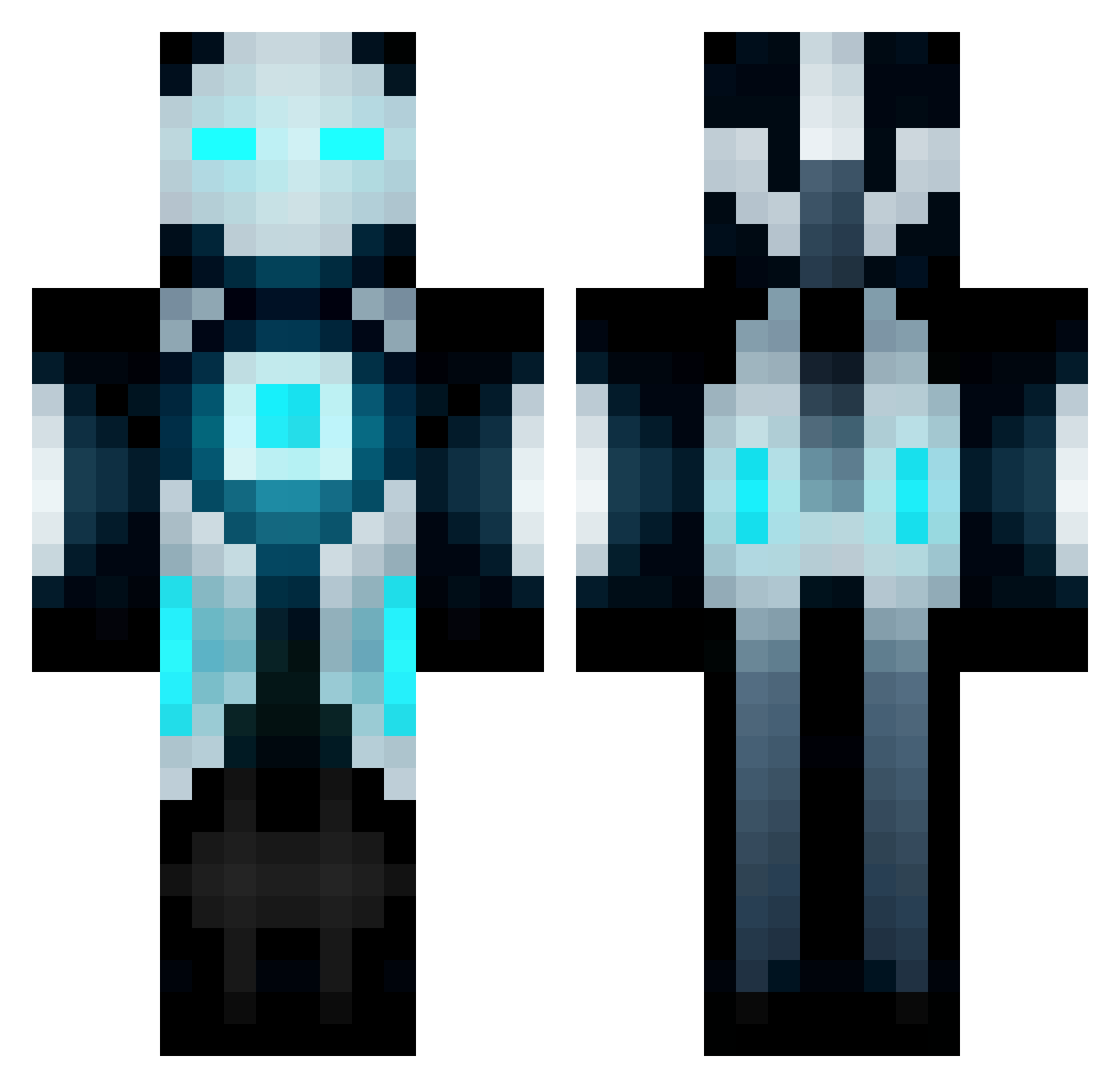
How to install the xXFLOW12Xx skin
- Press the Download button above to save the skin as a PNG file.
- Minecraft: Bedrock Edition (PE): open the Dressing Room from the main menu (or tap your character → Edit Character), go to Classic Skins → Owned, press the + (new skin) button, choose the downloaded PNG and pick the Classic (Steve) model. Works on PC and mobile; consoles cannot import custom skins.
- Minecraft: Java Edition: open the Minecraft Launcher, go to the Skins tab, click New Skin, load the PNG, pick the Classic (Steve) model and press Save & Use. You can also upload it at minecraft.net → Profile → Change Skin.
The skin does not show up after import - what should I do?
Restart Minecraft and open the Dressing Room again - imported skins sometimes appear only after a restart. Also make sure you selected the imported skin and picked the Classic (Steve) model.
Which model should I choose, Classic or Slim?
This skin is designed for the Classic (Steve) model. If you pick the wrong model, the arms of the skin will look stretched or squeezed.
Is this skin free to use?
Yes. Press Download, save the PNG file and use it in Minecraft: Bedrock Edition or Java Edition - no payment or registration needed. The skin also works on multiplayer servers and Realms.
More Futuristic Minecraft skins
More skins
Looking for more? Go back to all Minecraft skins and check the top skins of the week, month and all time, or find any player's skin by nickname.