
 manjae011i AYELEXIS dlwndussla123 kimmyeongjun12 Nayatee negazzangBH Eminem_shulin pfs_deelnemer_20 Garboil pfs_deelnemer_32 ethans_iPhone Hyeon829 xcuteme Dragon_SY Friendly_Nugget ojh3727 B3llad1221 CosmicDwagon Abbzcababz SwagyTurby4 6H_H_H6 Hallie13 mergwan Megumin_666 JJSlayer03 _Loulia_ liLshotta21 zzakks kiribn Biggie_G MIDORI_PEIPEI Mr_ldH Crunchydoobla96 Emma100 hajra FreshImpala7426 xKoguma Sticksi dinomite poison_gang DesiredPr0file sooyaaa__uu rhibug m1aaaa Bamboo_Tea oelebeloe Pinokioww smash_em_bro blueberryybee Rush_Roke pfs_deelnemer_13 MightyQG91 HA_Han_Jun byrelax106 charlieboone Yu_Wuv_Me DinoRawrBeing fatui_skirmisher Joselafina OPV3rbs
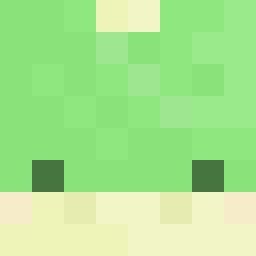
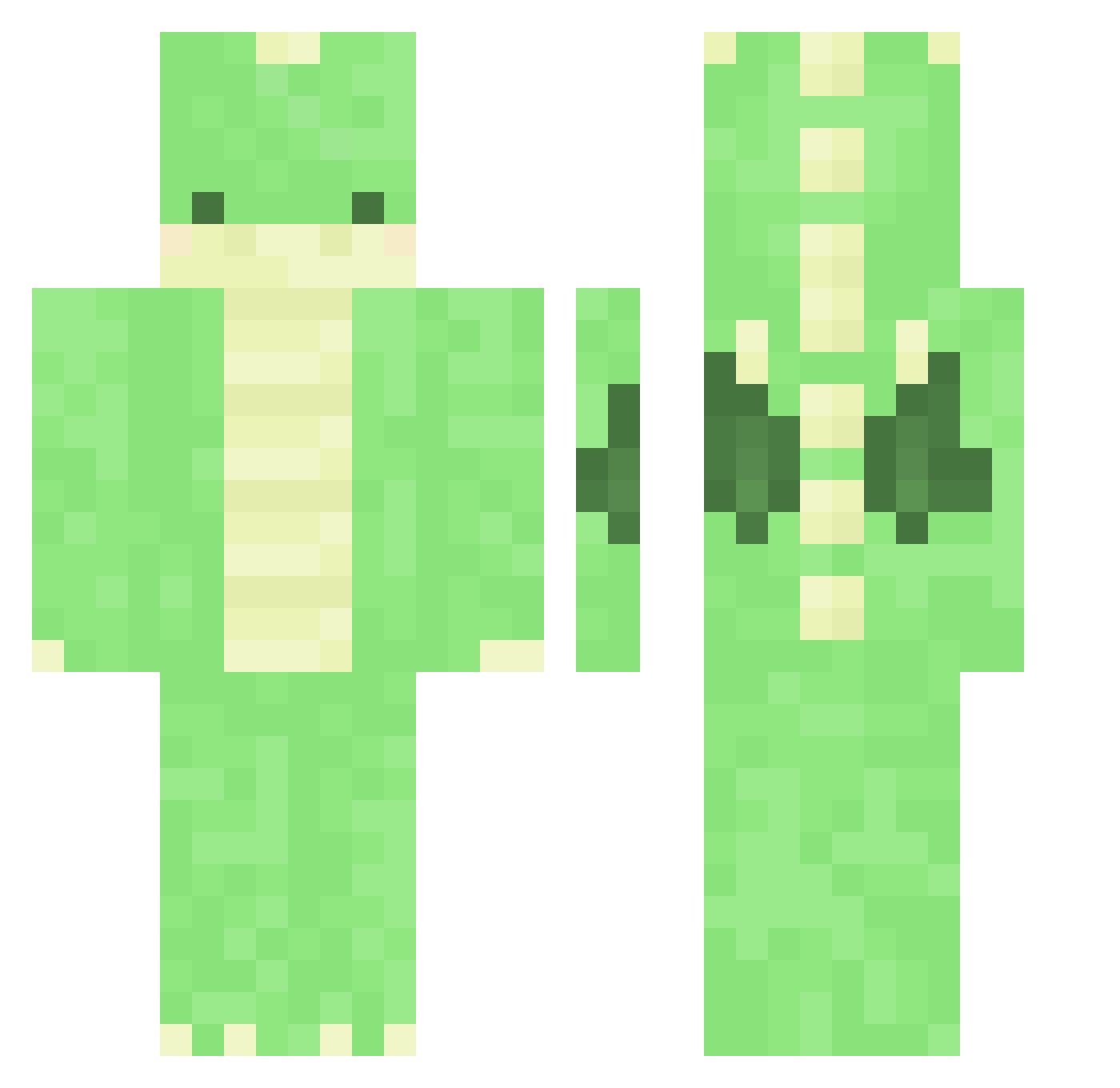
Minecraft skin of pfs_deelnemer_15. Rotate the 3D model with your mouse or finger to view the skin from every angle, then download it as a PNG file and use it in Minecraft: Bedrock Edition or Java Edition for free. Rate the skin with stars to help other players find the best skins in our collection.
How to install the pfs_deelnemer_15 skin
- Press the Download button above to save the skin as a PNG file.
- Minecraft: Bedrock Edition (PE): open the Dressing Room from the main menu (or tap your character → Edit Character), go to Classic Skins → Owned, press the + (new skin) button, choose the downloaded PNG and pick the Classic (Steve) model. Works on PC and mobile; consoles cannot import custom skins.
- Minecraft: Java Edition: open the Minecraft Launcher, go to the Skins tab, click New Skin, load the PNG, pick the Classic (Steve) model and press Save & Use. You can also upload it at minecraft.net → Profile → Change Skin.
The skin does not show up after import - what should I do?
Restart Minecraft and open the Dressing Room again - imported skins sometimes appear only after a restart. Also make sure you selected the imported skin and picked the Classic (Steve) model.
Which model should I choose, Classic or Slim?
This skin is designed for the Classic (Steve) model. If you pick the wrong model, the arms of the skin will look stretched or squeezed.
Is this skin free to use?
Yes. Press Download, save the PNG file and use it in Minecraft: Bedrock Edition or Java Edition - no payment or registration needed. The skin also works on multiplayer servers and Realms.
More Dinosaur Minecraft skins
More skins
Looking for more? Go back to all Minecraft skins and check the top skins of the week, month and all time, or find any player's skin by nickname.