
 bananapie417 FineapplePuddin yuaaa423 MabloKing patxke yourmom6996 BatonNEburitO ChiYu0324 hyeon_o1 Petsikene KochamSzymborksa pwotatocakes darbybarbiee Orfo Wurmxxsarahxx Helydia 923emily Rosie789 xscammerx memlemm Indiana0 iiEru _zorua_ MissJesslau02 jmunnnn paolq shinzaa_ how2finduser __I_am_Groot___ phonkericy moonbxbyy tuddle_ okura463 yildizrm SeungWoo1027 Ottakringer crocclown Xx_KatyCraft_xX Fish_er1 sofsen ftnyuni mugyumugyu seokrich Izzy_hamilton KeqingIsMine DC_sammi _mpjack_ Belpoppe Gugsx phhishy DAKHTFTT mayherthind eag3rLydare froggygabby notnuji LMori CinnamonPreso Lunaa_noob Zara4real PinkBrenda
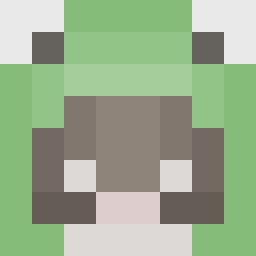
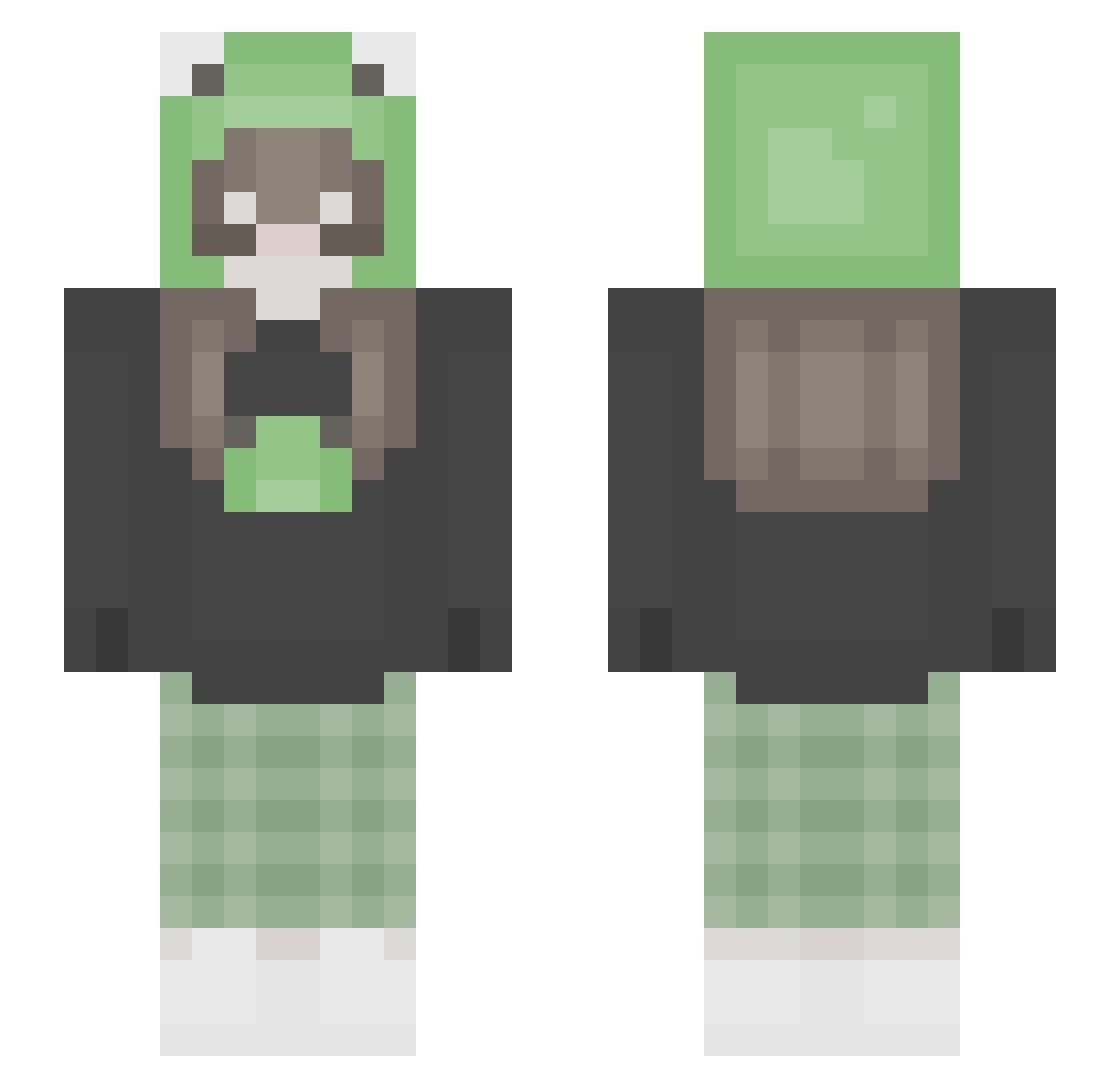
Minecraft skin of minsunj. Rotate the 3D model with your mouse or finger to view the skin from every angle, then download it as a PNG file and use it in Minecraft: Bedrock Edition or Java Edition for free. Rate the skin with stars to help other players find the best skins in our collection.
How to install the minsunj skin
- Press the Download button above to save the skin as a PNG file.
- Minecraft: Bedrock Edition (PE): open the Dressing Room from the main menu (or tap your character → Edit Character), go to Classic Skins → Owned, press the + (new skin) button, choose the downloaded PNG and pick the Slim (Alex) model. Works on PC and mobile; consoles cannot import custom skins.
- Minecraft: Java Edition: open the Minecraft Launcher, go to the Skins tab, click New Skin, load the PNG, pick the Slim (Alex) model and press Save & Use. You can also upload it at minecraft.net → Profile → Change Skin.
The skin does not show up after import - what should I do?
Restart Minecraft and open the Dressing Room again - imported skins sometimes appear only after a restart. Also make sure you selected the imported skin and picked the Slim (Alex) model.
Which model should I choose, Classic or Slim?
This skin is designed for the Slim (Alex) model. If you pick the wrong model, the arms of the skin will look stretched or squeezed.
Is this skin free to use?
Yes. Press Download, save the PNG file and use it in Minecraft: Bedrock Edition or Java Edition - no payment or registration needed. The skin also works on multiplayer servers and Realms.
More Pastel Minecraft skins
More skins
Looking for more? Go back to all Minecraft skins and check the top skins of the week, month and all time, or find any player's skin by nickname.