
 zzqq93 Dood76 xtraa8 BCHOI Elemental774 lOT795 NLa709 Moladim Sandy001 MDD_13 SannyGo comerperros Sweaty_Ari Lmh318 wocaonmdb LYNEZ anderooH superpig15937 ASAPMOJO WATA_wataa US_RlVSHFSipf574 FryKobe 92777 YoungKobe_24 KamiKaxe96 pirku Johnnjea gd4077 mxnue4 Krecias BOTVictor1 farkinjimmy DPort502 wouse051 xDingyy ImTrashBtw224 dlowjee originalotis Jake_Gunnar 2ndBestGoodGamer aaR754 kaihei1 1no666 firefesse Croweeeee bibissgames HeiManEight YY_zero bcp524 14Sonetto APD495 EvY866 williamcheng1515 SCUM2x ShadowPP scottf99 CrisYear Francisfenix shadowkz aLk152
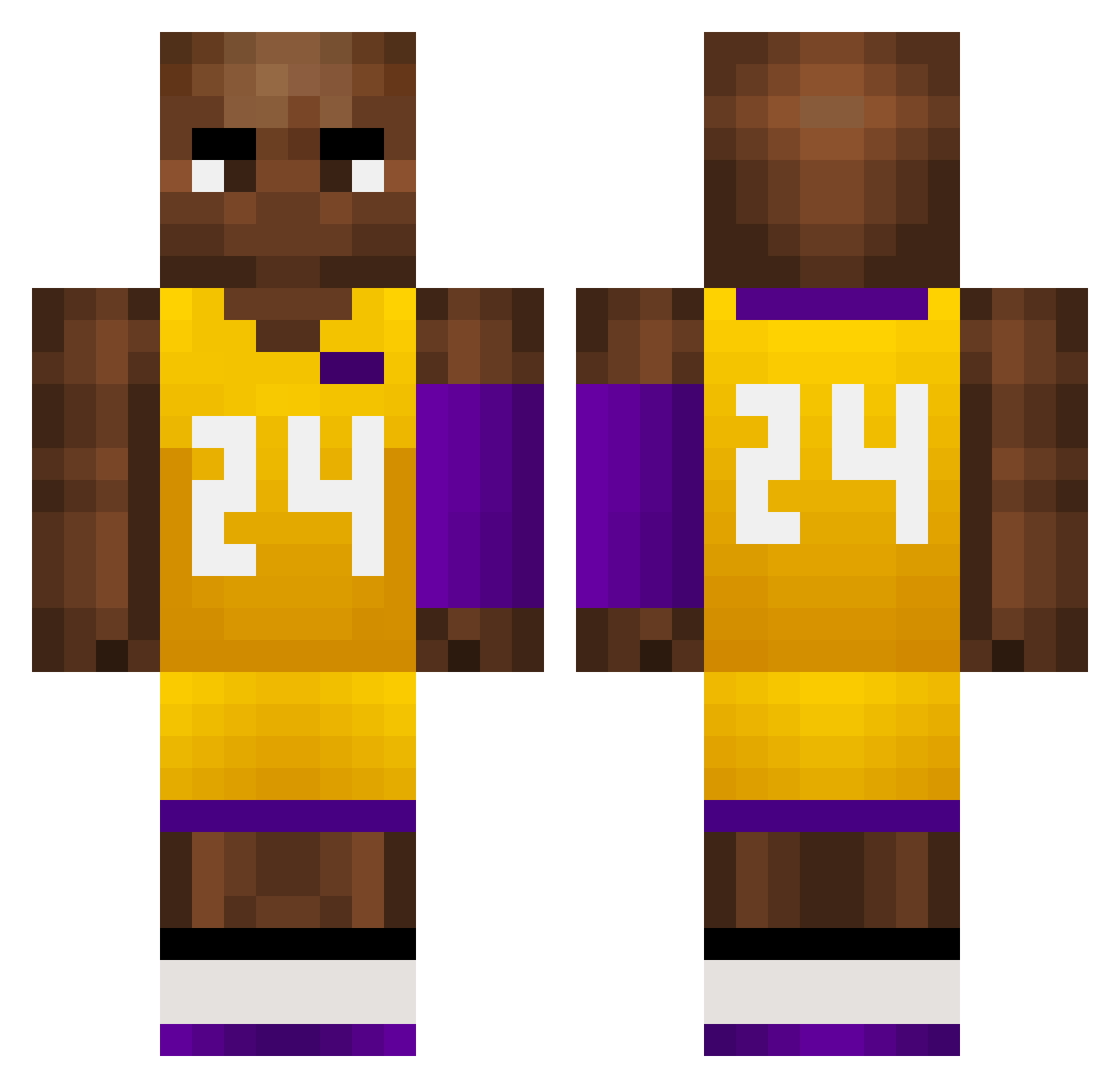
Minecraft skin of fabian334. Rotate the 3D model with your mouse or finger to view the skin from every angle, then download it as a PNG file and use it in Minecraft: Bedrock Edition or Java Edition for free. Rate the skin with stars to help other players find the best skins in our collection.
How to install the fabian334 skin
- Press the Download button above to save the skin as a PNG file.
- Minecraft: Bedrock Edition (PE): open the Dressing Room from the main menu (or tap your character → Edit Character), go to Classic Skins → Owned, press the + (new skin) button, choose the downloaded PNG and pick the Classic (Steve) model. Works on PC and mobile; consoles cannot import custom skins.
- Minecraft: Java Edition: open the Minecraft Launcher, go to the Skins tab, click New Skin, load the PNG, pick the Classic (Steve) model and press Save & Use. You can also upload it at minecraft.net → Profile → Change Skin.
The skin does not show up after import - what should I do?
Restart Minecraft and open the Dressing Room again - imported skins sometimes appear only after a restart. Also make sure you selected the imported skin and picked the Classic (Steve) model.
Which model should I choose, Classic or Slim?
This skin is designed for the Classic (Steve) model. If you pick the wrong model, the arms of the skin will look stretched or squeezed.
Is this skin free to use?
Yes. Press Download, save the PNG file and use it in Minecraft: Bedrock Edition or Java Edition - no payment or registration needed. The skin also works on multiplayer servers and Realms.
More Kobe Bryant Minecraft skins
More skins
Looking for more? Go back to all Minecraft skins and check the top skins of the week, month and all time, or find any player's skin by nickname.