
 SterlTc mie_tuan yishi1981 TheKing_OfStars huangzhongming BlueDragon267 FanDaWei MegaMonster1234 Rooon_K scared_boy Helllvetica Swaginton1 Rampart38 Tsukiiiiiiiii Czzv587 nanping_king fengluoge Raven_Darklegion Zsysire alsohuo MMBass31 kiko2412 HforikK MC0807 TheDangerKing99 Eigenwelt zhugejin1 Aman0421 XuBoHeAv3n LoveXin1008 XiaoYao00 miH0Y0 Gmoster Evolto9 lzykrxx 54yd zxg2024 Eyreyy uguisu16 cakrit OfficialLattei_ q0_0o alssleng Garrison9102 Sparkplug411 Goiachor Kritius13 zpy22 Lin_JH Austale xiaolang1937 royi0321 xiaoyou4522 LINCHENAO JZHs0n norwio FeiFei135 PZXM pgflight BAZnautEOD
Minecraft skin of Kicoder15. Rotate the 3D model with your mouse or finger to view the skin from every angle, then download it as a PNG file and use it in Minecraft: Bedrock Edition or Java Edition for free. Rate the skin with stars to help other players find the best skins in our collection.
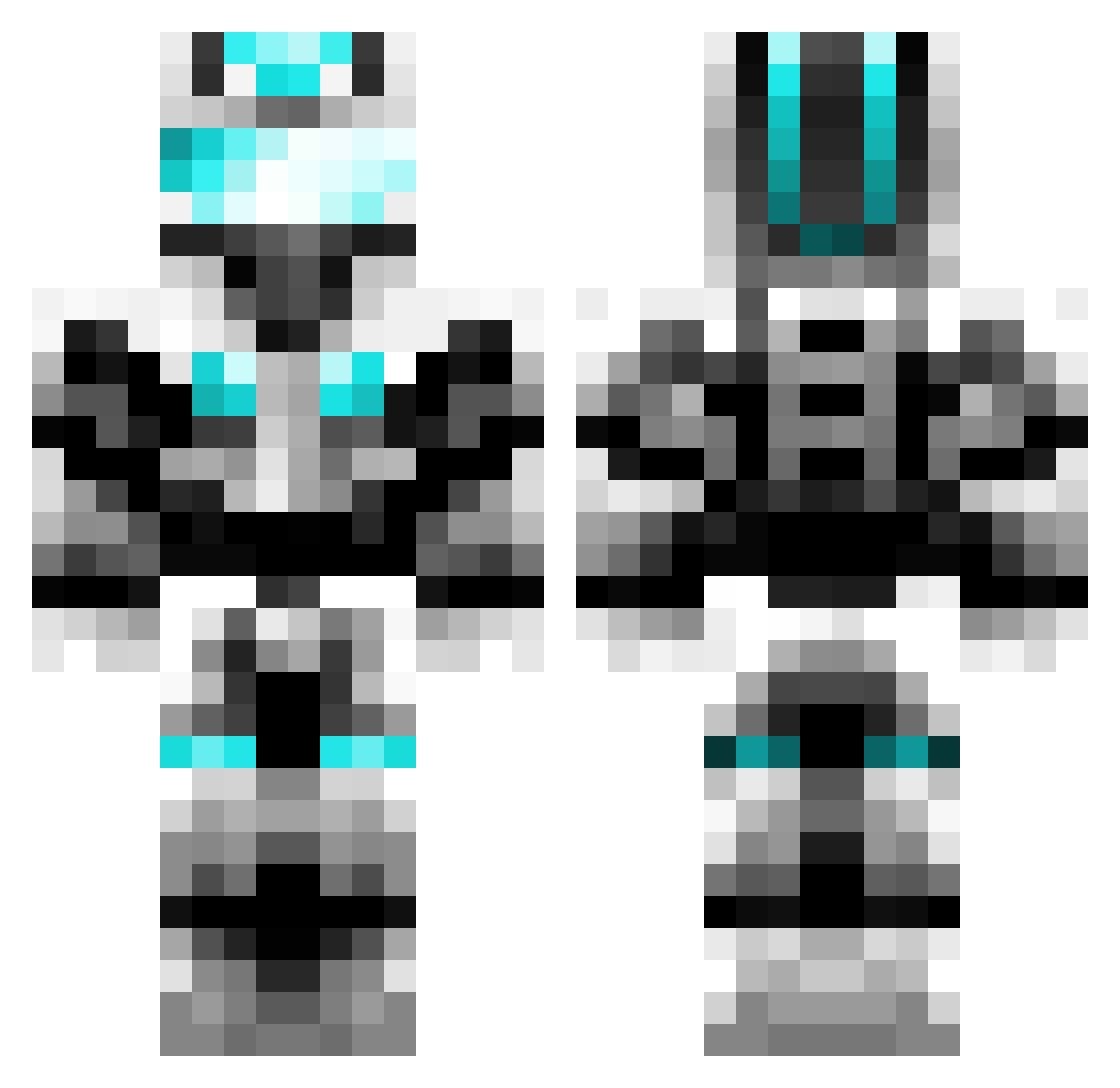
How to install the Kicoder15 skin
- Press the Download button above to save the skin as a PNG file.
- Minecraft: Bedrock Edition (PE): open the Dressing Room from the main menu (or tap your character → Edit Character), go to Classic Skins → Owned, press the + (new skin) button, choose the downloaded PNG and pick the Classic (Steve) model. Works on PC and mobile; consoles cannot import custom skins.
- Minecraft: Java Edition: open the Minecraft Launcher, go to the Skins tab, click New Skin, load the PNG, pick the Classic (Steve) model and press Save & Use. You can also upload it at minecraft.net → Profile → Change Skin.
The skin does not show up after import - what should I do?
Restart Minecraft and open the Dressing Room again - imported skins sometimes appear only after a restart. Also make sure you selected the imported skin and picked the Classic (Steve) model.
Which model should I choose, Classic or Slim?
This skin is designed for the Classic (Steve) model. If you pick the wrong model, the arms of the skin will look stretched or squeezed.
Is this skin free to use?
Yes. Press Download, save the PNG file and use it in Minecraft: Bedrock Edition or Java Edition - no payment or registration needed. The skin also works on multiplayer servers and Realms.
More Cyber Soldier Minecraft skins
See all 47 Cyber Soldier skins
More skins
Looking for more? Go back to all Minecraft skins and check the top skins of the week, month and all time, or find any player's skin by nickname.