
 Onslaught413 fantasticbob ahmed7390 BudderBoy229 trystin7605 Pvt_Panda211 samhubbard23 ROADLU armed_legend MIK3K2 Failedkey Samstar9 TechnoTiger bweb777 fastkill69 kasperrr1234 grimmi_12 Abistory JaphethA Tawnyman arunptl100 Kub29 mmgm3214 PlasmaOrb breuer1416 TommyF3000 Jones79 M_Eternal Krenni1 TiberiumWolf ARed729 Maximus_Titan ops987 iamaorange140 SCSCJ mw3beast80 emk1104 PercyJ3 cppineapple jamaican121 TurfyTundra51 chris2702 maghel DeMalo007 Diamond_Jewel1 V3mon_7 gettocruiser blackshadows814 Keomah triarac iSqck chidude1 SEBOOOO9 Kyle_Steen FruityNutFlakes theoriginalnate alearb20 fuuckchucknorris CrazyHorse44 SMJAlex
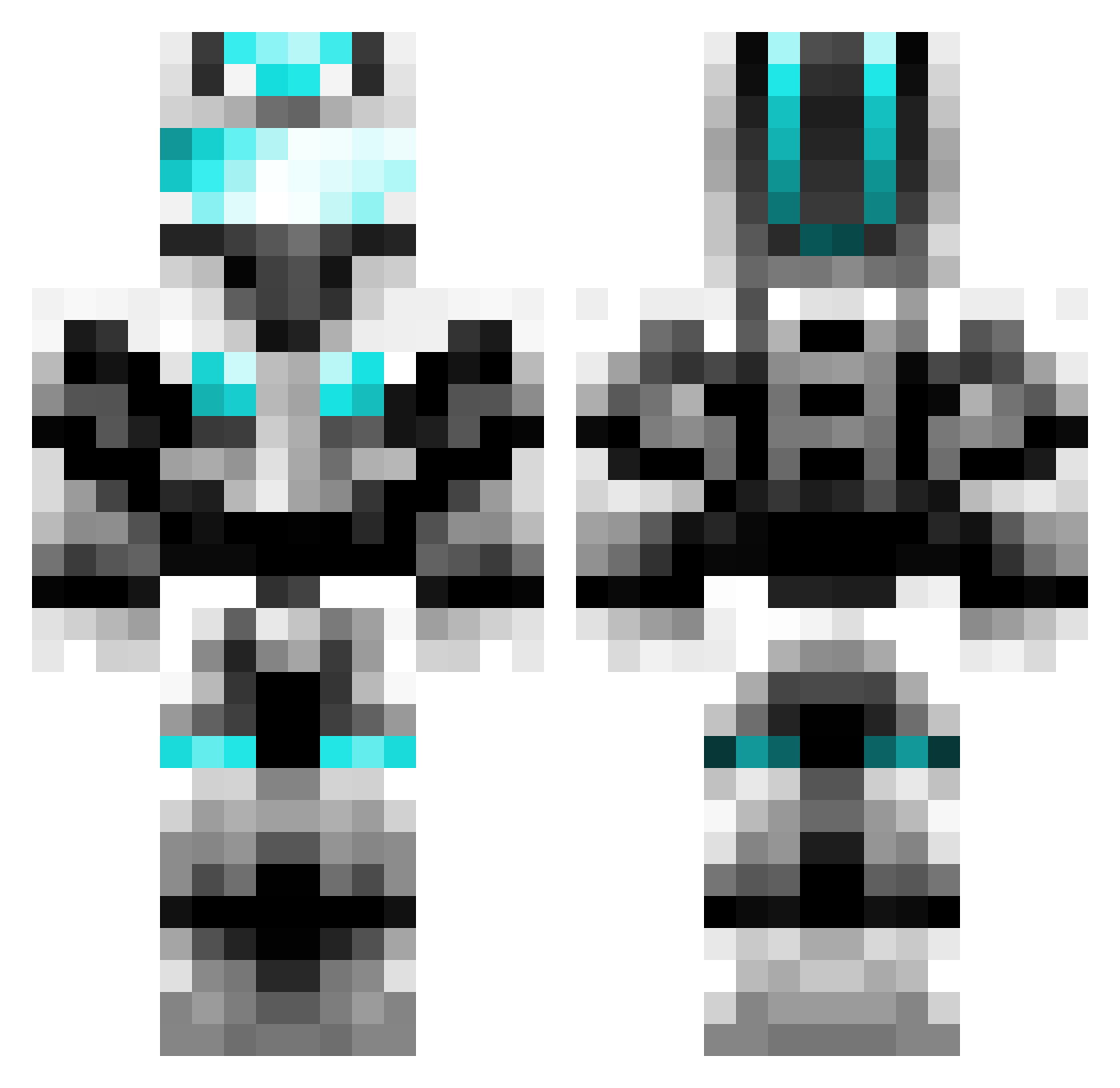
Minecraft skin of JuniorMinecraft6. Rotate the 3D model with your mouse or finger to view the skin from every angle, then download it as a PNG file and use it in Minecraft: Bedrock Edition or Java Edition for free. Rate the skin with stars to help other players find the best skins in our collection.
How to install the JuniorMinecraft6 skin
- Press the Download button above to save the skin as a PNG file.
- Minecraft: Bedrock Edition (PE): open the Dressing Room from the main menu (or tap your character → Edit Character), go to Classic Skins → Owned, press the + (new skin) button, choose the downloaded PNG and pick the Classic (Steve) model. Works on PC and mobile; consoles cannot import custom skins.
- Minecraft: Java Edition: open the Minecraft Launcher, go to the Skins tab, click New Skin, load the PNG, pick the Classic (Steve) model and press Save & Use. You can also upload it at minecraft.net → Profile → Change Skin.
The skin does not show up after import - what should I do?
Restart Minecraft and open the Dressing Room again - imported skins sometimes appear only after a restart. Also make sure you selected the imported skin and picked the Classic (Steve) model.
Which model should I choose, Classic or Slim?
This skin is designed for the Classic (Steve) model. If you pick the wrong model, the arms of the skin will look stretched or squeezed.
Is this skin free to use?
Yes. Press Download, save the PNG file and use it in Minecraft: Bedrock Edition or Java Edition - no payment or registration needed. The skin also works on multiplayer servers and Realms.
More Cyber Soldier Minecraft skins
See all 43 Cyber Soldier skins
More skins
Looking for more? Go back to all Minecraft skins and check the top skins of the week, month and all time, or find any player's skin by nickname.