
 cobra_0771 jut3s godoi ChickenTendersz NBJaxX Kar_loS giorgiotati Schronix ChickenBreak Unknown5988 theboyscool Waffellover13 nadouri3131 HqH_Nixo abanozoglu cheesychicken89 coolkld69 Chicken_Army2 rnnGorilla Boop0412 trulyskitto SheeshTaouk Shlarpyy Nexus766 chickensh_it2K Rorbin Mrs_Galinho chry0cell LoayGaming Apnesseuh iechris0924 TAE_DAK Matt846 chonanT dbswo_0120 Lily123424 Thanhdz17 alsrio Thexiaojijun ChickenMan999346 Raptogrus_03 WillK9199 ScrubbyJamie tpgracz Ismaow ImTheCutestChick hi4321x ChickenTeriyakie HemTheChicken_ YippieHi Pollo145 Chickenbutt6900 SunlessSphere86 MaXiaoNa0721 kippebil dpsking iggasaurusRex_ Szwagierek Riema_108 Felix725
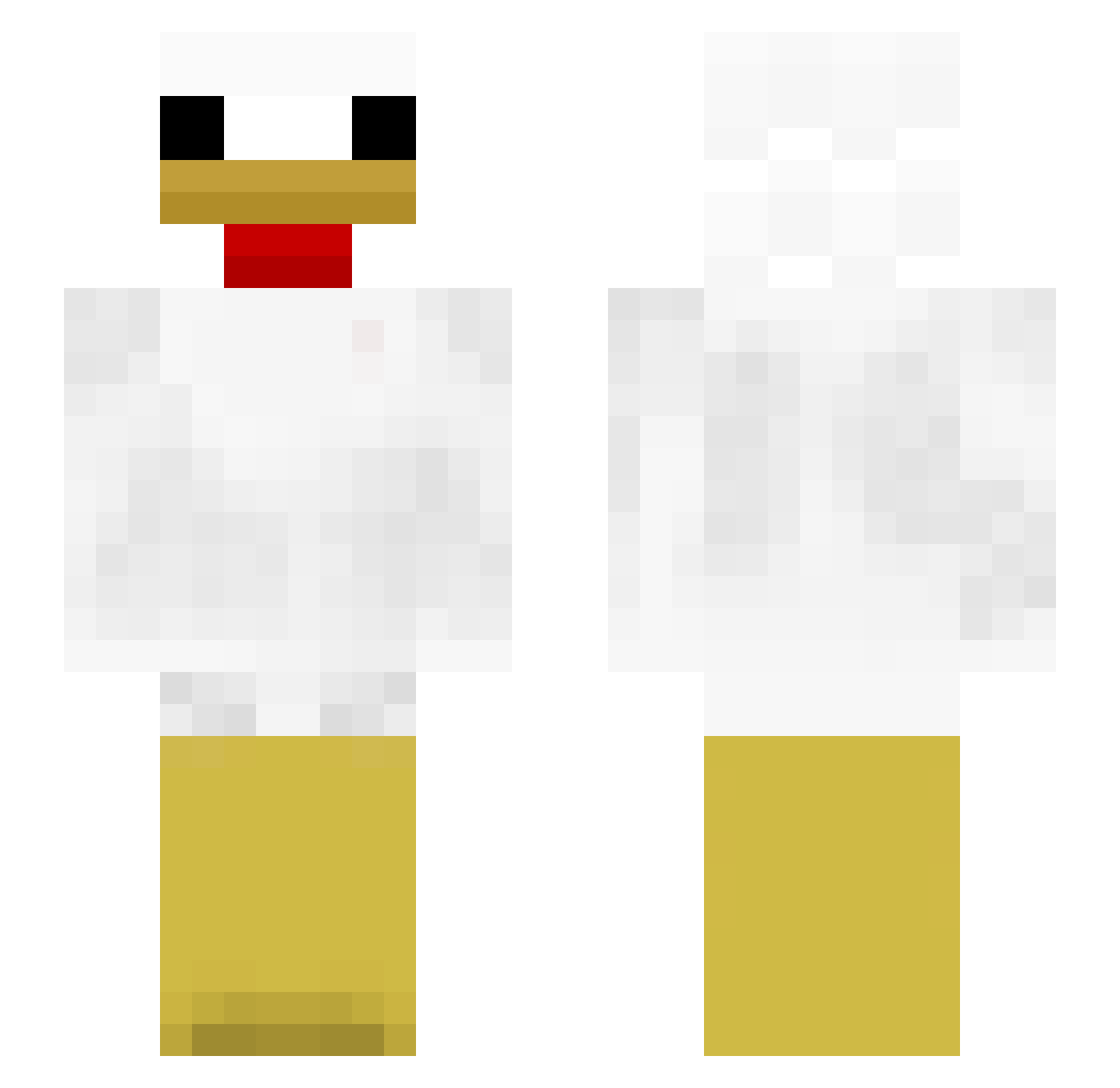
Minecraft skin of wsadjebany206. Rotate the 3D model with your mouse or finger to view the skin from every angle, then download it as a PNG file and use it in Minecraft: Bedrock Edition or Java Edition for free. Rate the skin with stars to help other players find the best skins in our collection.
How to install the wsadjebany206 skin
- Press the Download button above to save the skin as a PNG file.
- Minecraft: Bedrock Edition (PE): open the Dressing Room from the main menu (or tap your character → Edit Character), go to Classic Skins → Owned, press the + (new skin) button, choose the downloaded PNG and pick the Slim (Alex) model. Works on PC and mobile; consoles cannot import custom skins.
- Minecraft: Java Edition: open the Minecraft Launcher, go to the Skins tab, click New Skin, load the PNG, pick the Slim (Alex) model and press Save & Use. You can also upload it at minecraft.net → Profile → Change Skin.
The skin does not show up after import - what should I do?
Restart Minecraft and open the Dressing Room again - imported skins sometimes appear only after a restart. Also make sure you selected the imported skin and picked the Slim (Alex) model.
Which model should I choose, Classic or Slim?
This skin is designed for the Slim (Alex) model. If you pick the wrong model, the arms of the skin will look stretched or squeezed.
Is this skin free to use?
Yes. Press Download, save the PNG file and use it in Minecraft: Bedrock Edition or Java Edition - no payment or registration needed. The skin also works on multiplayer servers and Realms.
More Chicken Minecraft skins
More skins
Looking for more? Go back to all Minecraft skins and check the top skins of the week, month and all time, or find any player's skin by nickname.