
 Jawalanpa87 DeCria_ fox22043 DDL0N WaterMvlon KimMelerin JDMSUS BenjaminTKD10 Ult1m4t3Ch1ck3n Tiramice JSloveSW JoseMGM rkskekfk1234 TIRABEL stepbrogelo koirocat nyehuing mrgatoYT12 Ze_das_quintas Lhuminay1617 Fluorite314 nauoon Henry0123 EPICbrother kimmin093 v0rdy34 dangitdrew SFRTE Blackte86 Jeonale7 xReallyB Lev1nee BonPadre cyanaja Adidog911 lucasinnn BlasterTron911 azizdubled TaroPaidem Rave_GM Chrizze69 SibalKim Seiyar1219 totorhdf Pancio1222 hamster12100 matozivica NotKok0 2221him DDot_jui Sxventyh oshuns_ cksqls1521 gabbypeterson Dekwhy WilderMonkey88 9speeds BOOOOCKBOCKBOCK sxufu ptitpeon
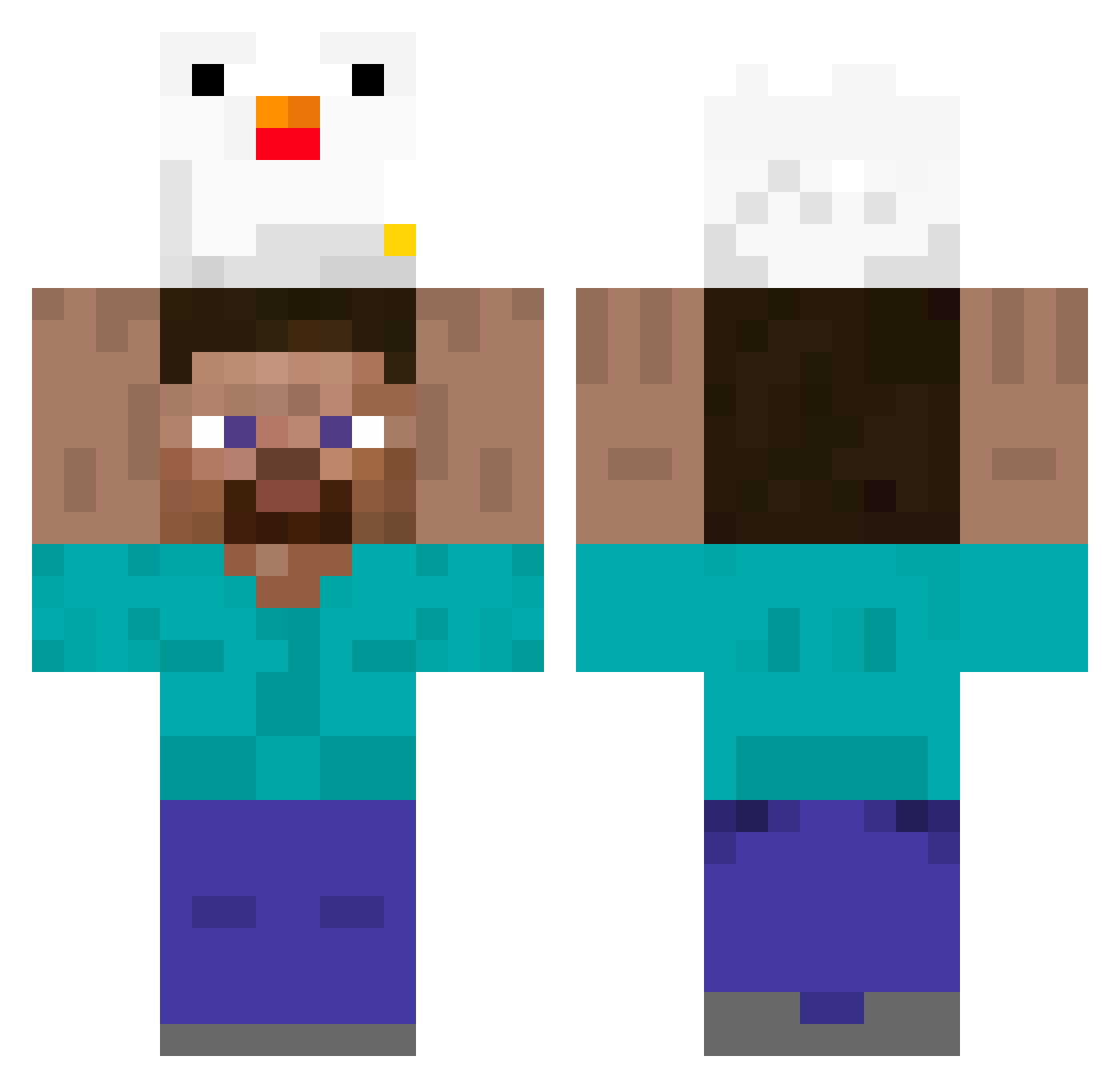
Minecraft skin of zhugui. Rotate the 3D model with your mouse or finger to view the skin from every angle, then download it as a PNG file and use it in Minecraft: Bedrock Edition or Java Edition for free. Rate the skin with stars to help other players find the best skins in our collection.
How to install the zhugui skin
- Press the Download button above to save the skin as a PNG file.
- Minecraft: Bedrock Edition (PE): open the Dressing Room from the main menu (or tap your character → Edit Character), go to Classic Skins → Owned, press the + (new skin) button, choose the downloaded PNG and pick the Classic (Steve) model. Works on PC and mobile; consoles cannot import custom skins.
- Minecraft: Java Edition: open the Minecraft Launcher, go to the Skins tab, click New Skin, load the PNG, pick the Classic (Steve) model and press Save & Use. You can also upload it at minecraft.net → Profile → Change Skin.
The skin does not show up after import - what should I do?
Restart Minecraft and open the Dressing Room again - imported skins sometimes appear only after a restart. Also make sure you selected the imported skin and picked the Classic (Steve) model.
Which model should I choose, Classic or Slim?
This skin is designed for the Classic (Steve) model. If you pick the wrong model, the arms of the skin will look stretched or squeezed.
Is this skin free to use?
Yes. Press Download, save the PNG file and use it in Minecraft: Bedrock Edition or Java Edition - no payment or registration needed. The skin also works on multiplayer servers and Realms.
More Holding Chicken Minecraft skins
See all 8 Holding Chicken skins
More skins
Looking for more? Go back to all Minecraft skins and check the top skins of the week, month and all time, or find any player's skin by nickname.