
 IfTrueThen GravityAssist42 Beran_s0901 GooJM Syuung1 maxone22 kipo_D baejinseok98 yanivethemagnive Laura51015 whcococo 2_jyu sonic38764 kodtri Gr09t OliTheSkoli pH_ingz benrothman Cyclonely Ch4nKaro Caliellegal209 wjaaaay LuciValdivieso JoBab Frikinzi kubsoniv Teik01 JH_EMO GOBOON1971 Lyfmeno selim_etkar Lionisgarb ChonkyMonkey59 goovis259 BinJJang2010 bpbwbhO_Q INFINITUN Bartek__1 Zudaeng alicehome12345 FullFountain FadedSquirrel61 THEREALMVD sghost8558 LoDDaDDI Sniperiper _Lythronax_ Kongo__ DDongma BlankGry Drbasbab Jaikon_ LasseHmm itsraychul nsalex07 MIKODDAM rhkdtn08 lightbulbEX Eris_101 CLAUDIO_ANTHONY
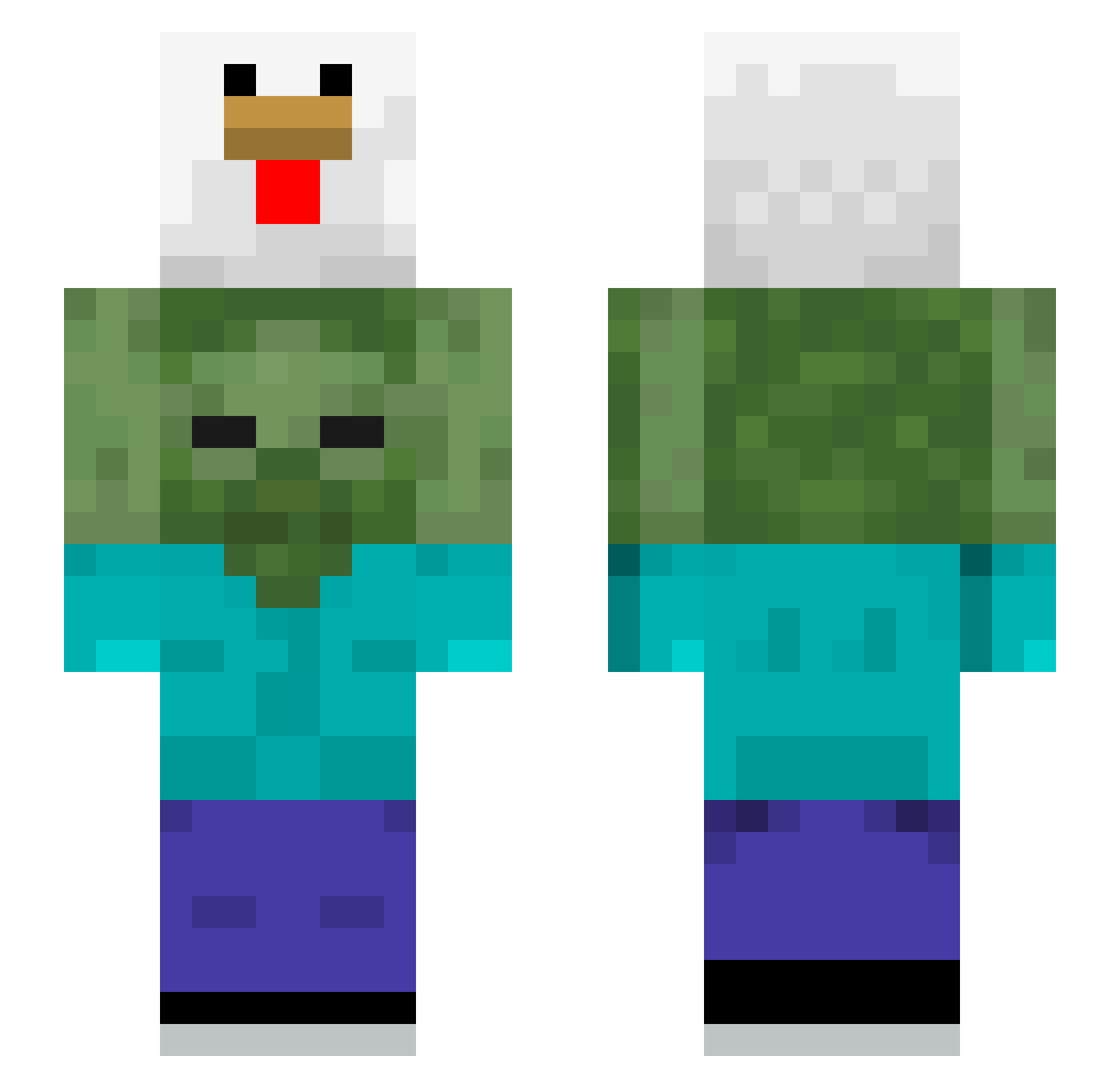
Minecraft skin of baejinseok98. Rotate the 3D model with your mouse or finger to view the skin from every angle, then download it as a PNG file and use it in Minecraft: Bedrock Edition or Java Edition for free. Rate the skin with stars to help other players find the best skins in our collection.
How to install the baejinseok98 skin
- Press the Download button above to save the skin as a PNG file.
- Minecraft: Bedrock Edition (PE): open the Dressing Room from the main menu (or tap your character → Edit Character), go to Classic Skins → Owned, press the + (new skin) button, choose the downloaded PNG and pick the Slim (Alex) model. Works on PC and mobile; consoles cannot import custom skins.
- Minecraft: Java Edition: open the Minecraft Launcher, go to the Skins tab, click New Skin, load the PNG, pick the Slim (Alex) model and press Save & Use. You can also upload it at minecraft.net → Profile → Change Skin.
The skin does not show up after import - what should I do?
Restart Minecraft and open the Dressing Room again - imported skins sometimes appear only after a restart. Also make sure you selected the imported skin and picked the Slim (Alex) model.
Which model should I choose, Classic or Slim?
This skin is designed for the Slim (Alex) model. If you pick the wrong model, the arms of the skin will look stretched or squeezed.
Is this skin free to use?
Yes. Press Download, save the PNG file and use it in Minecraft: Bedrock Edition or Java Edition - no payment or registration needed. The skin also works on multiplayer servers and Realms.
More Chicken Minecraft skins
More skins
Looking for more? Go back to all Minecraft skins and check the top skins of the week, month and all time, or find any player's skin by nickname.