
AirforceFam - Minecraft Skins & Skin History
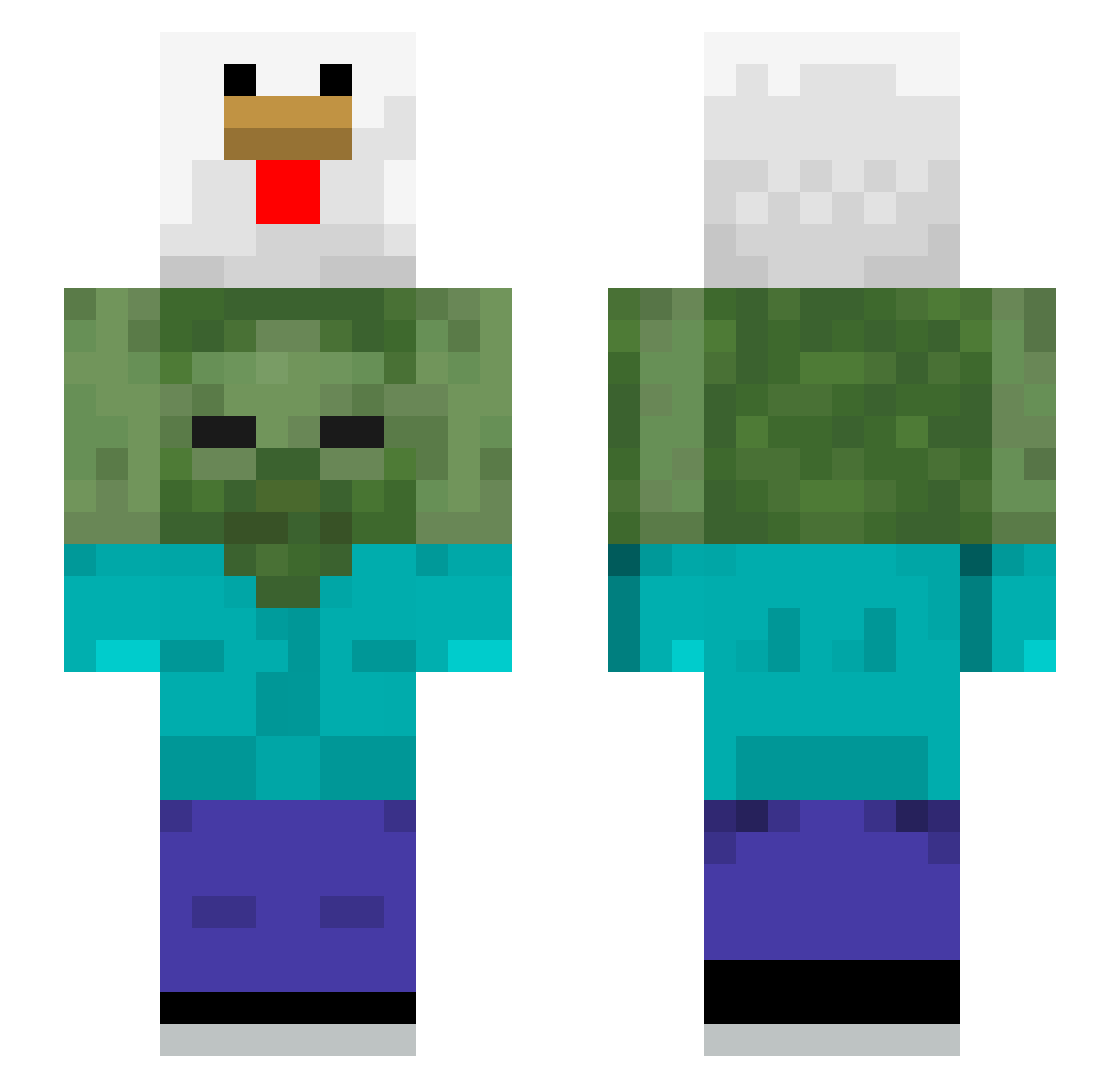
Current Minecraft skin of the player AirforceFam, loaded from the official Mojang API. Rotate the 3D model with your mouse or finger, then download the skin as a PNG file and use it in Minecraft: Bedrock Edition or Java Edition for free. When AirforceFam changes their skin, this page updates automatically and the old skin stays in the history below.
Other players with this skin (623)
AirforceFam was the 569th player we have seen with this skin, first spotted on 09.11.2026. The same skin was seen on these players. Open a nickname to see their current skin and skin history.
 SpaceOddesy Kenji_is_fire Cond0mColletctor Mark060791 WhoIsFuray ANIMAL_SADO MiniRaichu SuperGaoGamer odi1m2m Quezac_1 wihaoma Indivimind LEEYEJUN jaemin5242 NykoTine gugupoter laowang1145 HecticBloom7094 topdonezo sam870603 AdvisoryPlot89 pebuspro ImIvic Adballoon toramu5187 Derpingston CheeChoo_ CerealViral Kapoong anyu0100 OhMyJosh2003 Pungsandog HiDess2 ___Nuguri___ sleverith Grizzly_i RionBraveHeart allahwallah unattempt Ahrisya pizzame67 Spirituality jcw1319 MuffHuffer A_S0me1 smoshii ALOHAOE MrPato07E handsomeseunghun Masapa Max_Stout JoooooY_LiiiiiN Buktakus 12485252 Pystill expect1916 Imperfectibility Sanniator93 CJBuys technomachin
More Chicken Minecraft skins
How to install the AirforceFam skin
- Press the Download button above to save the skin as a PNG file.
- Minecraft: Bedrock Edition (PE): open the Dressing Room from the main menu (or tap your character → Edit Character), go to Classic Skins → Owned, press the + (new skin) button, choose the downloaded PNG and pick the Slim (Alex) model. Works on PC and mobile; consoles cannot import custom skins.
- Minecraft: Java Edition: open the Minecraft Launcher, go to the Skins tab, click New Skin, load the PNG, pick the Slim (Alex) model and press Save & Use. You can also upload it at minecraft.net → Profile → Change Skin.
The skin does not show up after import - what should I do?
Restart Minecraft and open the Dressing Room again - imported skins sometimes appear only after a restart. Also make sure you selected the imported skin and picked the Slim (Alex) model.
Which model should I choose, Classic or Slim?
This skin is designed for the Slim (Alex) model. If you pick the wrong model, the arms of the skin will look stretched or squeezed.
Is the skin of AirforceFam free to download?
Yes. Press Download, save the PNG file and use it in Minecraft: Bedrock Edition or Java Edition - no payment or registration needed. The skin also works on multiplayer servers and Realms.
More skins
Looking for more? Go back to all Minecraft skins and check the top skins of the week, month and all time, or find any player's skin by nickname.