
 Xamers07 ExileEx Igh43 CornelioRdz shadowsholdier Jonas25624 Esboron DemonCast wasperz Blackmini0n qxec OnFL4M3Z oMythic_ Minecraft223s JavierRT07 YIHENGXING Nallidan _SYKR_ Ne_formal Realaser yoquermax1 Rowanda camandosrmt RNMZL Nexus0204 Destructor swwyln 10Prism DeadShotMaster Spectre024 _Ruketetsu_ vibhu3124 MichaelMyers__ volyxx213 matael_de_2e The_Lawbringer05 Gintarou Romeo120811 TOOBHJ Souli_Jin1 MigueSTg TuSenegaleess TheMightyQwig CRUSH_95 ismail112 HAWKTUAHNSPIT0NT spyder369 SKLToji McMogamer DeathlyHallows3 rotciVzz xN3kk1 Jardson_S Algioga DatRat69 kee2020 zakx1305 MrGibson2 Senvra Warrior5533
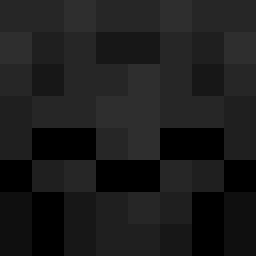
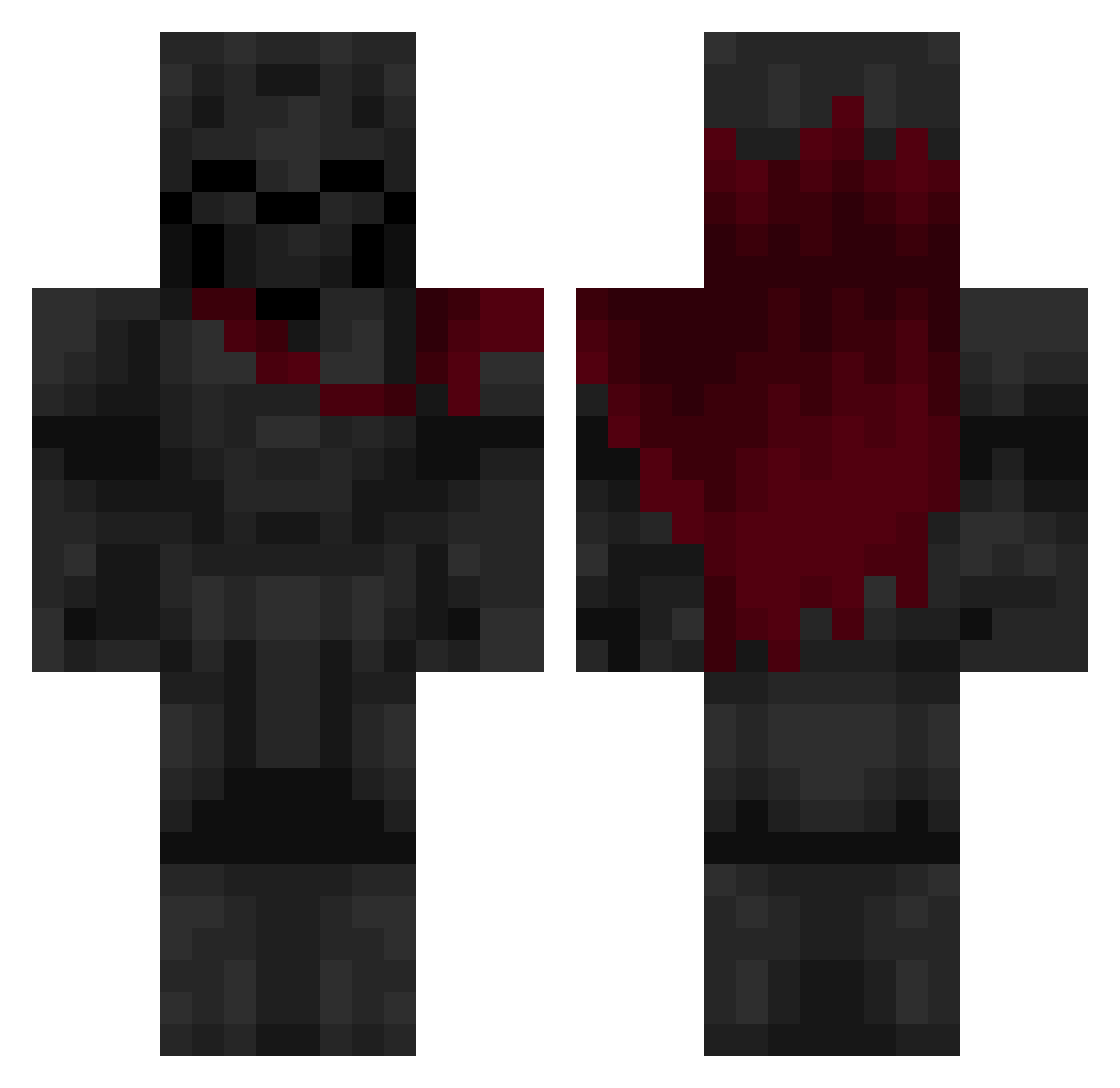
Minecraft skin of Tladysboy8. Rotate the 3D model with your mouse or finger to view the skin from every angle, then download it as a PNG file and use it in Minecraft: Bedrock Edition or Java Edition for free. Rate the skin with stars to help other players find the best skins in our collection.
How to install the Tladysboy8 skin
- Press the Download button above to save the skin as a PNG file.
- Minecraft: Bedrock Edition (PE): open the Dressing Room from the main menu (or tap your character → Edit Character), go to Classic Skins → Owned, press the + (new skin) button, choose the downloaded PNG and pick the Classic (Steve) model. Works on PC and mobile; consoles cannot import custom skins.
- Minecraft: Java Edition: open the Minecraft Launcher, go to the Skins tab, click New Skin, load the PNG, pick the Classic (Steve) model and press Save & Use. You can also upload it at minecraft.net → Profile → Change Skin.
The skin does not show up after import - what should I do?
Restart Minecraft and open the Dressing Room again - imported skins sometimes appear only after a restart. Also make sure you selected the imported skin and picked the Classic (Steve) model.
Which model should I choose, Classic or Slim?
This skin is designed for the Classic (Steve) model. If you pick the wrong model, the arms of the skin will look stretched or squeezed.
Is this skin free to use?
Yes. Press Download, save the PNG file and use it in Minecraft: Bedrock Edition or Java Edition - no payment or registration needed. The skin also works on multiplayer servers and Realms.
More Knight Minecraft skins
More skins
Looking for more? Go back to all Minecraft skins and check the top skins of the week, month and all time, or find any player's skin by nickname.