
 Flamemaster4485 SalteaFrog Classic_Potato GranolaCola Overlookedt The_Knight_97 vG_JoneZyy textbookurchin Zmichuuu SirSchnitzl Okwm lamtb byorh2 Hampeew Peacewolf_ coolcatq ortekey Cryk1291 HammyManny sou1t1 Kalthine death2606123 Gyzmo99 Striker_K BigGuy99 Urs03 Diamondman995 Nightozin Killmeister420 GreatJobJake Rognvaldrr Lats_like_wings Puresilence1928 oofda00 DiegoKim tomaattikastike xCorsaiir Jherd draphinix LaChati LostEchoDX Fazy_Lucker ultrox_ Mr_Beckie Ebden Thecatgoesmoodle Rajoovi11 HERJEN bigmanupstairs Evir LoneComplex The_Sheep7 DivinityV2 ILstMyPc MatttyPatty AlwaysFadedHD Legorion TheDragynovich KxngPar kingsms5977
Minecraft skin of JMSofSweden. Rotate the 3D model with your mouse or finger to view the skin from every angle, then download it as a PNG file and use it in Minecraft: Bedrock Edition or Java Edition for free. Rate the skin with stars to help other players find the best skins in our collection.
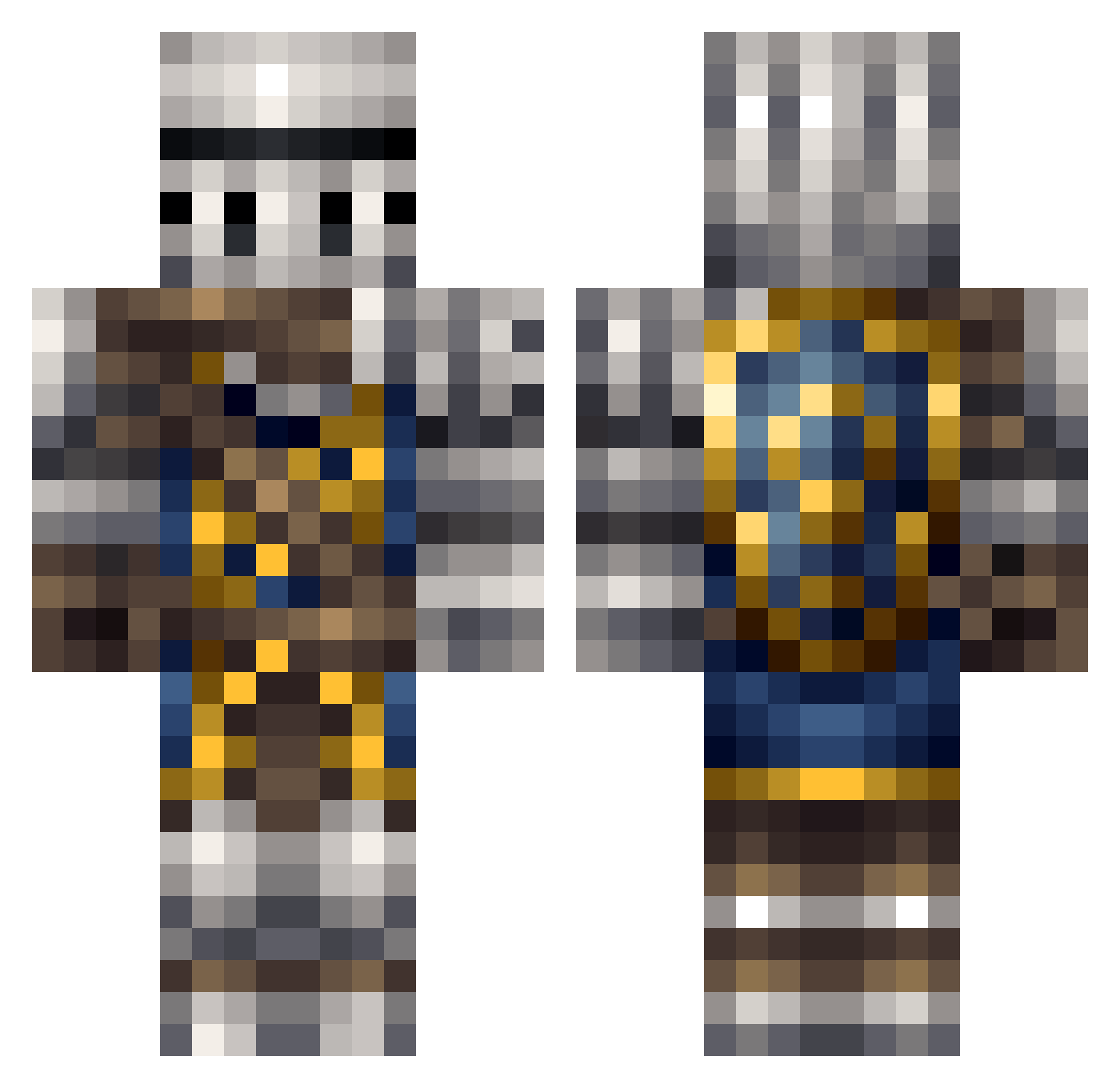
How to install the JMSofSweden skin
- Press the Download button above to save the skin as a PNG file.
- Minecraft: Bedrock Edition (PE): open the Dressing Room from the main menu (or tap your character → Edit Character), go to Classic Skins → Owned, press the + (new skin) button, choose the downloaded PNG and pick the Classic (Steve) model. Works on PC and mobile; consoles cannot import custom skins.
- Minecraft: Java Edition: open the Minecraft Launcher, go to the Skins tab, click New Skin, load the PNG, pick the Classic (Steve) model and press Save & Use. You can also upload it at minecraft.net → Profile → Change Skin.
The skin does not show up after import - what should I do?
Restart Minecraft and open the Dressing Room again - imported skins sometimes appear only after a restart. Also make sure you selected the imported skin and picked the Classic (Steve) model.
Which model should I choose, Classic or Slim?
This skin is designed for the Classic (Steve) model. If you pick the wrong model, the arms of the skin will look stretched or squeezed.
Is this skin free to use?
Yes. Press Download, save the PNG file and use it in Minecraft: Bedrock Edition or Java Edition - no payment or registration needed. The skin also works on multiplayer servers and Realms.
More Shield Minecraft skins
More skins
Looking for more? Go back to all Minecraft skins and check the top skins of the week, month and all time, or find any player's skin by nickname.