
 Wurzz Shadow2687m EliteKnightOscar MessyIsntIt NightSniper294 Skypierr c404_ Autosage SirBenju DrPhineas tommons124 mrpanke29 Space_Kamp ArielMod03 SilentChoir RandomPlayer76 BlondieSesh battlerubix Ocimandias Vintequee videogames2024 rruubbiioo Rootrick Zilver_Wolf Steelbl0od NachosAlt10 Caelo Lareant YehoshuaJPL LB32 Reed_Soacer Zakanr el_Tomanos Dusac GMSker Munchhaussen RussianGhosts Normalman3 BrandonBaja BlackBear26 MistrzShao SpheredPaladin Waddloe YourHelpBot DaBrohn dualslasher Maj0rJeag3r xLogico Sequenced_Chaos GalaxyGeeyoung Juan_CP Grimoire_Weiss Thornton12 Frumpnstien dadofthedead xBrighton EliteRiotSoldier Rhaeltyr AcidFuneral3600 Show_Me_Feet
Minecraft skin of bluesilly. Rotate the 3D model with your mouse or finger to view the skin from every angle, then download it as a PNG file and use it in Minecraft: Bedrock Edition or Java Edition for free. Rate the skin with stars to help other players find the best skins in our collection.
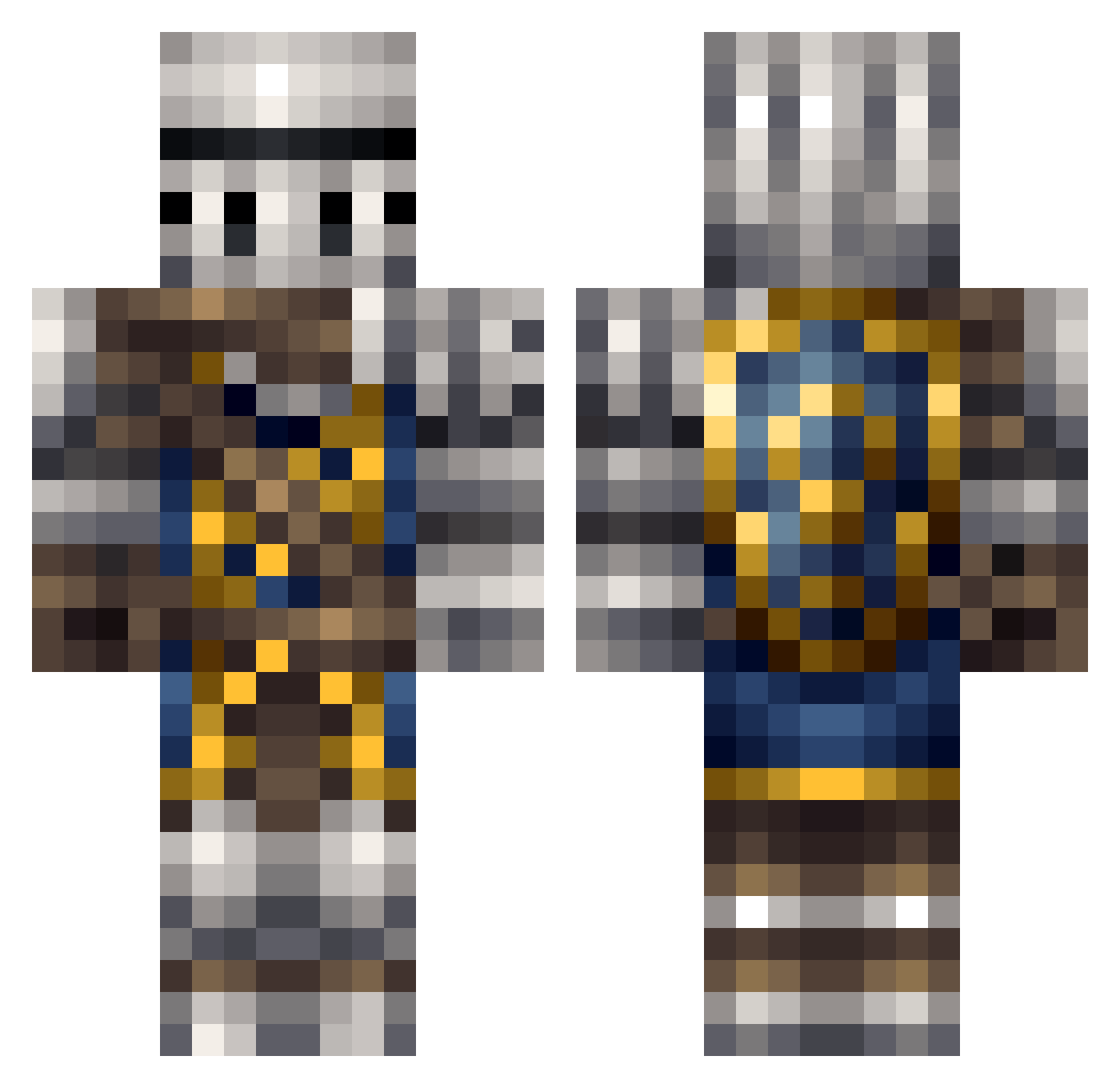
How to install the bluesilly skin
- Press the Download button above to save the skin as a PNG file.
- Minecraft: Bedrock Edition (PE): open the Dressing Room from the main menu (or tap your character → Edit Character), go to Classic Skins → Owned, press the + (new skin) button, choose the downloaded PNG and pick the Classic (Steve) model. Works on PC and mobile; consoles cannot import custom skins.
- Minecraft: Java Edition: open the Minecraft Launcher, go to the Skins tab, click New Skin, load the PNG, pick the Classic (Steve) model and press Save & Use. You can also upload it at minecraft.net → Profile → Change Skin.
The skin does not show up after import - what should I do?
Restart Minecraft and open the Dressing Room again - imported skins sometimes appear only after a restart. Also make sure you selected the imported skin and picked the Classic (Steve) model.
Which model should I choose, Classic or Slim?
This skin is designed for the Classic (Steve) model. If you pick the wrong model, the arms of the skin will look stretched or squeezed.
Is this skin free to use?
Yes. Press Download, save the PNG file and use it in Minecraft: Bedrock Edition or Java Edition - no payment or registration needed. The skin also works on multiplayer servers and Realms.
More Shield Minecraft skins
More skins
Looking for more? Go back to all Minecraft skins and check the top skins of the week, month and all time, or find any player's skin by nickname.