
 Le0n4rd_ BigBombaClaaat recoilxyz coolerboy187 Cazzmanian They_Luv_JT croc808 Azkedir Kexni Hi_itsryan Keiran268 SmokeyKaya DaRealKentCoffee MagicFaun846480 Michaelty raskeza Banana_man27 BootySlim FarNightShadows A5IAN Dimuss 21Everest mydeadhomie Psyclixx YeatGaming Pirax_Xsky22 IWannaSeeMySon FwwHood srokaa_ Minskis JallaFrank420 00Nocturne ys9lma VeganceXD KrankyKrankyAP Bauducco007 Sxlvage yuph tfw22 4astaroth Sundown115 touhf Way2Geekeddd xKDTx KumaIaIa texmexgio Shiru07 50DOLLARSS DuaneyILY Bigbodytonkaguy TwizzDreww Jetz529 Zekkec_ ayoub2093 INSNARE MISKO666 xaxvi RICHIE4201 xMathyy watato7
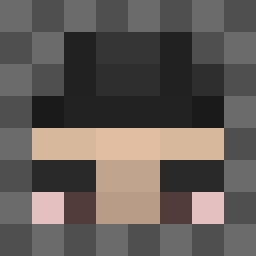
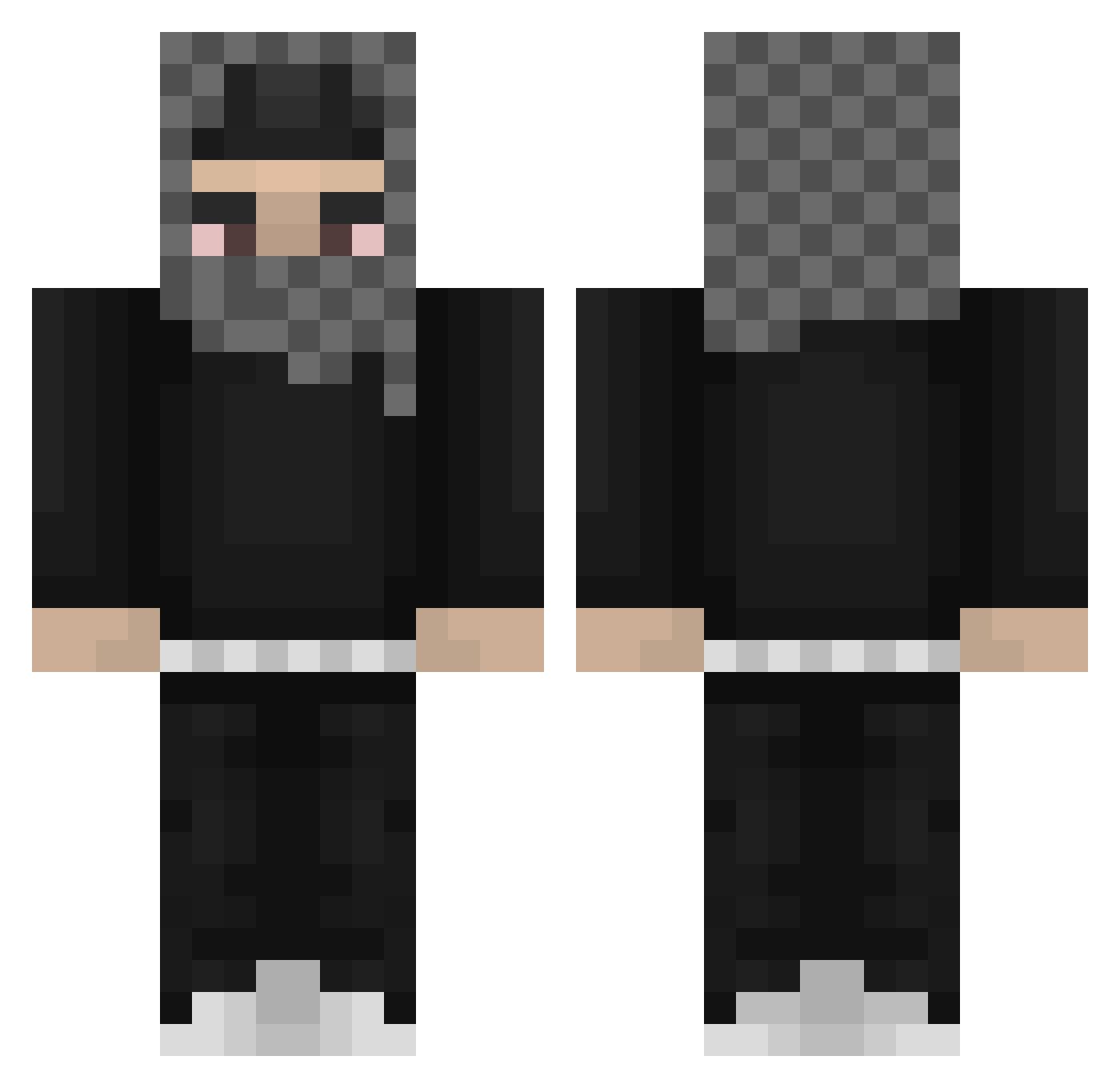
Minecraft skin of YBNAmn. Rotate the 3D model with your mouse or finger to view the skin from every angle, then download it as a PNG file and use it in Minecraft: Bedrock Edition or Java Edition for free. Rate the skin with stars to help other players find the best skins in our collection.
How to install the YBNAmn skin
- Press the Download button above to save the skin as a PNG file.
- Minecraft: Bedrock Edition (PE): open the Dressing Room from the main menu (or tap your character → Edit Character), go to Classic Skins → Owned, press the + (new skin) button, choose the downloaded PNG and pick the Classic (Steve) model. Works on PC and mobile; consoles cannot import custom skins.
- Minecraft: Java Edition: open the Minecraft Launcher, go to the Skins tab, click New Skin, load the PNG, pick the Classic (Steve) model and press Save & Use. You can also upload it at minecraft.net → Profile → Change Skin.
The skin does not show up after import - what should I do?
Restart Minecraft and open the Dressing Room again - imported skins sometimes appear only after a restart. Also make sure you selected the imported skin and picked the Classic (Steve) model.
Which model should I choose, Classic or Slim?
This skin is designed for the Classic (Steve) model. If you pick the wrong model, the arms of the skin will look stretched or squeezed.
Is this skin free to use?
Yes. Press Download, save the PNG file and use it in Minecraft: Bedrock Edition or Java Edition - no payment or registration needed. The skin also works on multiplayer servers and Realms.
More Streetwear Minecraft skins
More skins
Looking for more? Go back to all Minecraft skins and check the top skins of the week, month and all time, or find any player's skin by nickname.