
 GAMIEQ wohnt Cooooler alstjd101 canyoutell king24642 kakaklo123 sing1ng MXNP777 myruiin420 KOSCYX ItzSD PlayBeta KINGJUMAN kryyptifyy RickeyTehG wetpotato1 Riverhyun Pontussvenssoon AugMiya StokedTunas Aab1n Neighbor233 Sajiing green_tealatte Makisaurus Daurizio_icy379 PlatinumDedLock PGONE2020 saqqk devamped Treerex1738 TsunamI5768 ashtomongo CrymanK01 SGTbubbles007 LeonForevers KRAAKER Infernal_kami GetTarget soshiin yjh46 gamingyoza foirx KingCoconut134 4CQ Wingzzz__ hong451 soup1111 xGamerEmy1 guashawang1145 TigerTaiI21 AccYue MiilkMaan1 Xiatianz CRghyff bulani ErPiova happyelbq Hz1145141919810
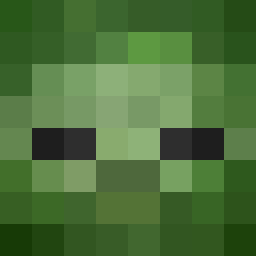
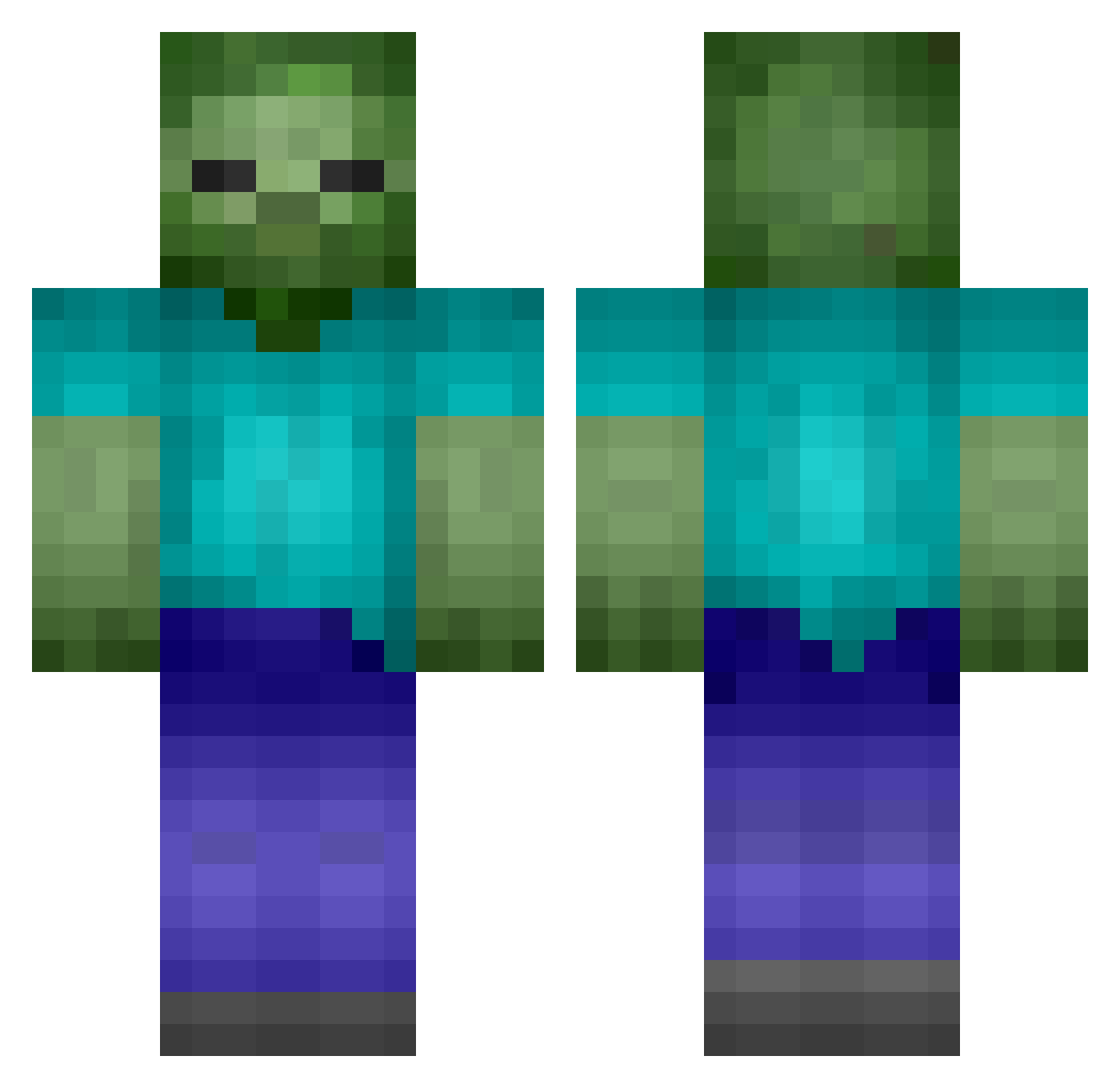
Minecraft skin of NBA_lover24. Rotate the 3D model with your mouse or finger to view the skin from every angle, then download it as a PNG file and use it in Minecraft: Bedrock Edition or Java Edition for free. Rate the skin with stars to help other players find the best skins in our collection.
How to install the NBA_lover24 skin
- Press the Download button above to save the skin as a PNG file.
- Minecraft: Bedrock Edition (PE): open the Dressing Room from the main menu (or tap your character → Edit Character), go to Classic Skins → Owned, press the + (new skin) button, choose the downloaded PNG and pick the Classic (Steve) model. Works on PC and mobile; consoles cannot import custom skins.
- Minecraft: Java Edition: open the Minecraft Launcher, go to the Skins tab, click New Skin, load the PNG, pick the Classic (Steve) model and press Save & Use. You can also upload it at minecraft.net → Profile → Change Skin.
The skin does not show up after import - what should I do?
Restart Minecraft and open the Dressing Room again - imported skins sometimes appear only after a restart. Also make sure you selected the imported skin and picked the Classic (Steve) model.
Which model should I choose, Classic or Slim?
This skin is designed for the Classic (Steve) model. If you pick the wrong model, the arms of the skin will look stretched or squeezed.
Is this skin free to use?
Yes. Press Download, save the PNG file and use it in Minecraft: Bedrock Edition or Java Edition - no payment or registration needed. The skin also works on multiplayer servers and Realms.
More Zombie Minecraft skins
More skins
Looking for more? Go back to all Minecraft skins and check the top skins of the week, month and all time, or find any player's skin by nickname.