
 Demonhunter789 _ZRH_ ASG_ Dingoz BlackPhoenixLord messypop B1indbandit max275 GIORGIO1969 nx4_d FunkyByCouto xxkazetazxx thieskehuting123 Boldest VilleDenLille vxh Nikko1026 OverHorizon4525 Popton52 cryptic123 Branti Hirving NOR_1011 Cmluca Koetjesreep xinofsiren Rk_Fuze_YT Vonxx MT128 Genocidlian KhaNickel Patrik1606 Klebs Wertyguy979 XxdarkavenuexX SwiftGamer_YT AP_YesnT Reveant Mtlee PvPgoodgamerHD xPotential Hydraonion Subsides Peroxy Readying RexWars SpeedNugget_7 Gruber369 xXSkRiLLeX FyreNoodles AlMarri6461 Dragonofice lfcfa ItsProGamerHD Vauganizer Nqck Silent_Snow LilS4ndro julispieltminecr Sokolenok2019
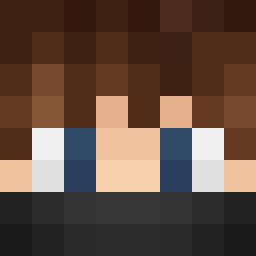
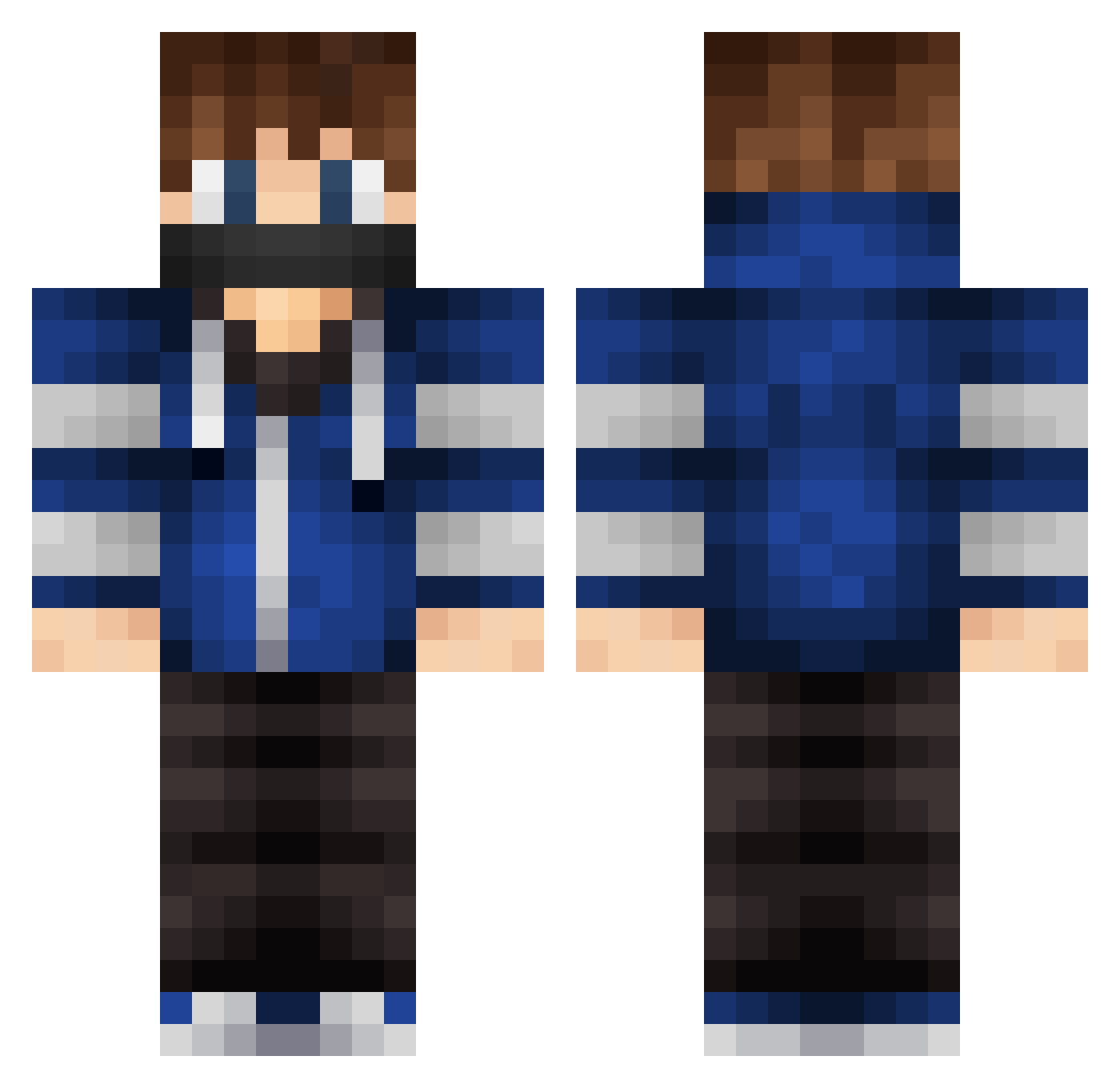
Minecraft skin of Darce223. Rotate the 3D model with your mouse or finger to view the skin from every angle, then download it as a PNG file and use it in Minecraft: Bedrock Edition or Java Edition for free. Rate the skin with stars to help other players find the best skins in our collection.
How to install the Darce223 skin
- Press the Download button above to save the skin as a PNG file.
- Minecraft: Bedrock Edition (PE): open the Dressing Room from the main menu (or tap your character → Edit Character), go to Classic Skins → Owned, press the + (new skin) button, choose the downloaded PNG and pick the Classic (Steve) model. Works on PC and mobile; consoles cannot import custom skins.
- Minecraft: Java Edition: open the Minecraft Launcher, go to the Skins tab, click New Skin, load the PNG, pick the Classic (Steve) model and press Save & Use. You can also upload it at minecraft.net → Profile → Change Skin.
The skin does not show up after import - what should I do?
Restart Minecraft and open the Dressing Room again - imported skins sometimes appear only after a restart. Also make sure you selected the imported skin and picked the Classic (Steve) model.
Which model should I choose, Classic or Slim?
This skin is designed for the Classic (Steve) model. If you pick the wrong model, the arms of the skin will look stretched or squeezed.
Is this skin free to use?
Yes. Press Download, save the PNG file and use it in Minecraft: Bedrock Edition or Java Edition - no payment or registration needed. The skin also works on multiplayer servers and Realms.
More Mask Minecraft skins
More skins
Looking for more? Go back to all Minecraft skins and check the top skins of the week, month and all time, or find any player's skin by nickname.