
 BigNickTheRed Kauzones poggersanna BladeofGrass_ Tankster09 MineSkillz4Lyfe GG_Gary giobeo WoodMan22 Salty_Wolf_ Ryan_kimho rar3003 HostLeaders lalaboofy Noisyboy120 GeorgeMichael08 dexinh oogwxy BIGDNoah Aimbotgob 442ms Nickel_os beaskocraft G3rRy310 Alex1101 Batata3116 Fandelavocado willrichphill1 lmpetuous Oh_Jinkies GoodSoup21 SneakyAdolf1 pobol2 kopateel likabo5s exrnny mirageBW adamusubi TQMIL bubbymaster12 BrokenSphere bratteen sweatypandas1 Kyeon_SY SwapzyNa olsonstudios Mackdaddy1205 Thomas_Watt SussyBoi Beep___ SSensai yubangs XxSerpentxX_ MinSimm slayer7600 zDerq Slashmo Dabbadon1 Zock3rFr3ak BjAramo
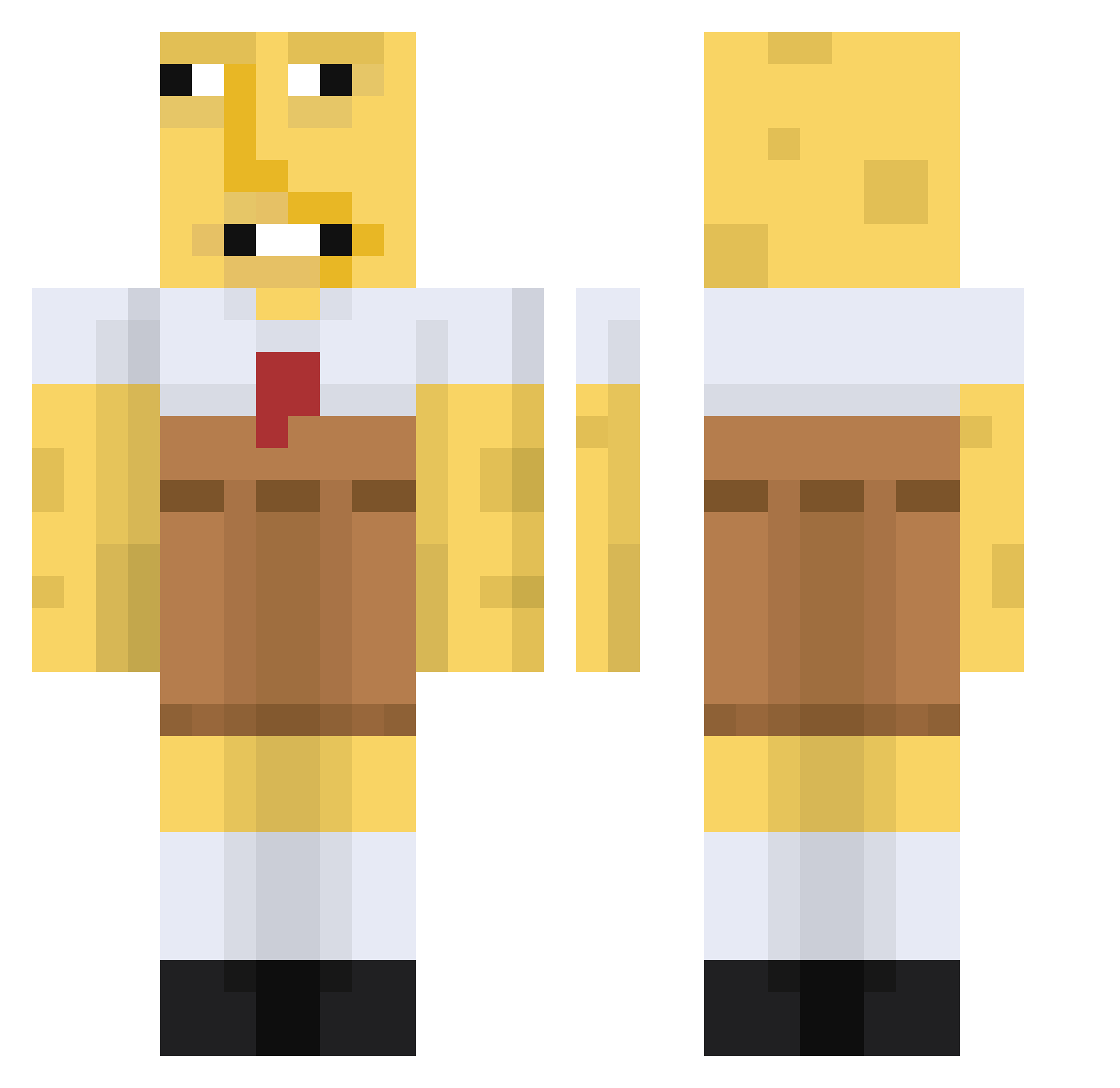
Minecraft skin of H1ZZ0. Rotate the 3D model with your mouse or finger to view the skin from every angle, then download it as a PNG file and use it in Minecraft: Bedrock Edition or Java Edition for free. Rate the skin with stars to help other players find the best skins in our collection.
How to install the H1ZZ0 skin
- Press the Download button above to save the skin as a PNG file.
- Minecraft: Bedrock Edition (PE): open the Dressing Room from the main menu (or tap your character → Edit Character), go to Classic Skins → Owned, press the + (new skin) button, choose the downloaded PNG and pick the Classic (Steve) model. Works on PC and mobile; consoles cannot import custom skins.
- Minecraft: Java Edition: open the Minecraft Launcher, go to the Skins tab, click New Skin, load the PNG, pick the Classic (Steve) model and press Save & Use. You can also upload it at minecraft.net → Profile → Change Skin.
The skin does not show up after import - what should I do?
Restart Minecraft and open the Dressing Room again - imported skins sometimes appear only after a restart. Also make sure you selected the imported skin and picked the Classic (Steve) model.
Which model should I choose, Classic or Slim?
This skin is designed for the Classic (Steve) model. If you pick the wrong model, the arms of the skin will look stretched or squeezed.
Is this skin free to use?
Yes. Press Download, save the PNG file and use it in Minecraft: Bedrock Edition or Java Edition - no payment or registration needed. The skin also works on multiplayer servers and Realms.
More Spongebob Minecraft skins
More skins
Looking for more? Go back to all Minecraft skins and check the top skins of the week, month and all time, or find any player's skin by nickname.