
 Matthew2020t4 Jinx_IsAlive aolm BlackHoleGod328 ScorpionMKX Dzones79 TiMottan Dorayaki69 runawayriley BurgerBoss25 FortniteIsPoo Julian_H_ YouDeqd DarikBzz Lazy_boi06 FuryB147 Proofydoofy Tullos31124 destroyertom49 Flipzyy Jtclone DJ_Unheard L_x2 furgons Derbadunkadunk slendermannnn PrehistoricMan07 yescantdont oscaeswe diamond_squadfam MBRULES WhiteHell577 bobyjoek KingCobra77 ArctRick69 PepperAndSage vin28l Duffy069 masonjm10 MaterShake slimdaddyog BRADROCK1 ladywiktoria20 Himmat123Himmat Cheryco75 Mydes stiprinieks_2 Cheezy_Locust g4m1ngmaster Keemstar_7 gavinplays313 Merorix ScriptedElectrix D4R3N valdnor arthAS56 Ravenlordz1987 SpriteJak nojus123 badlord99
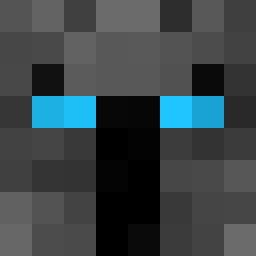
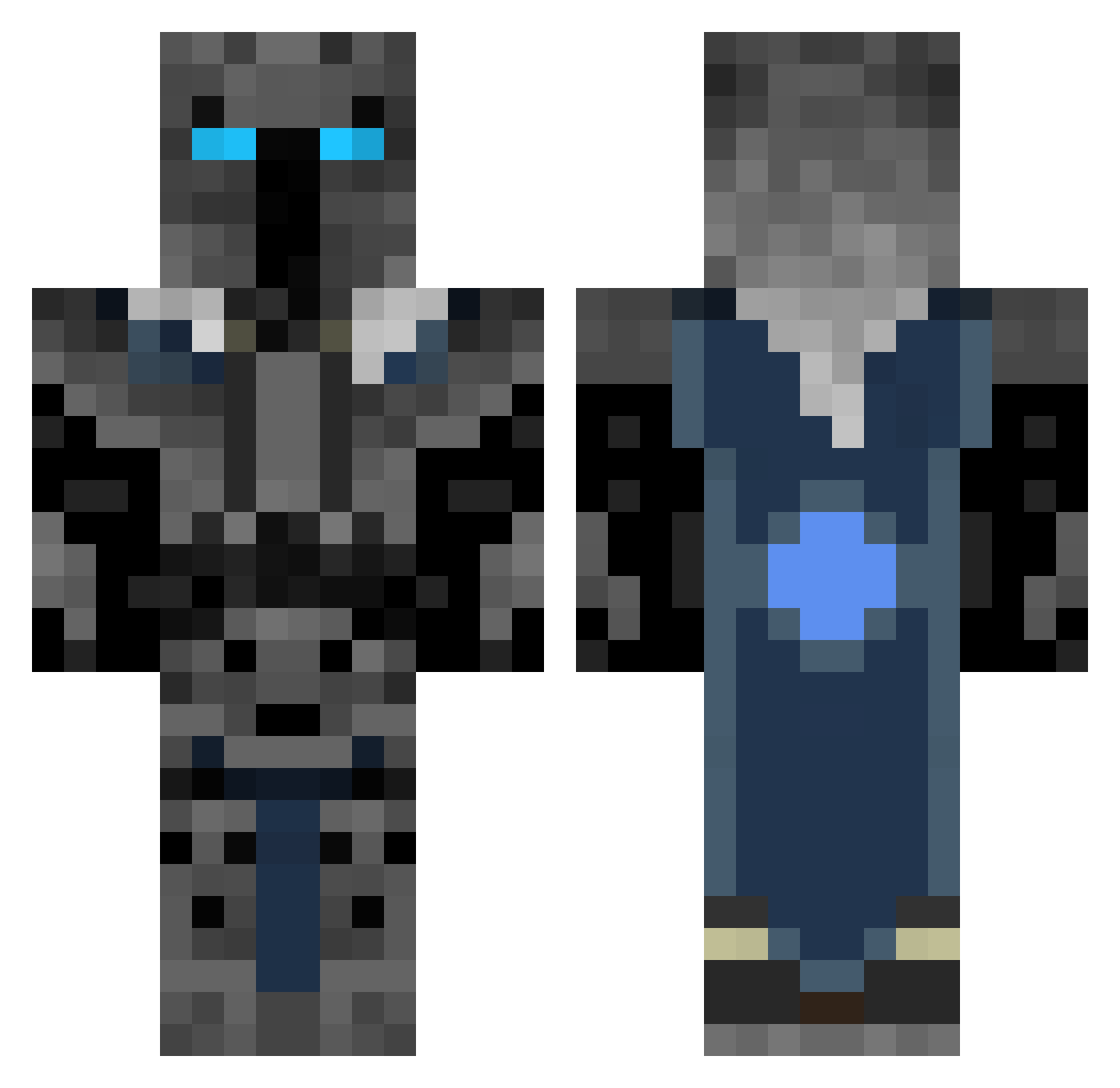
Minecraft skin of Mich_zilla_90. Rotate the 3D model with your mouse or finger to view the skin from every angle, then download it as a PNG file and use it in Minecraft: Bedrock Edition or Java Edition for free. Rate the skin with stars to help other players find the best skins in our collection.
How to install the Mich_zilla_90 skin
- Press the Download button above to save the skin as a PNG file.
- Minecraft: Bedrock Edition (PE): open the Dressing Room from the main menu (or tap your character → Edit Character), go to Classic Skins → Owned, press the + (new skin) button, choose the downloaded PNG and pick the Classic (Steve) model. Works on PC and mobile; consoles cannot import custom skins.
- Minecraft: Java Edition: open the Minecraft Launcher, go to the Skins tab, click New Skin, load the PNG, pick the Classic (Steve) model and press Save & Use. You can also upload it at minecraft.net → Profile → Change Skin.
The skin does not show up after import - what should I do?
Restart Minecraft and open the Dressing Room again - imported skins sometimes appear only after a restart. Also make sure you selected the imported skin and picked the Classic (Steve) model.
Which model should I choose, Classic or Slim?
This skin is designed for the Classic (Steve) model. If you pick the wrong model, the arms of the skin will look stretched or squeezed.
Is this skin free to use?
Yes. Press Download, save the PNG file and use it in Minecraft: Bedrock Edition or Java Edition - no payment or registration needed. The skin also works on multiplayer servers and Realms.
More Knight Minecraft skins
More skins
Looking for more? Go back to all Minecraft skins and check the top skins of the week, month and all time, or find any player's skin by nickname.