
 L0L_FVB66W_06_14 1Pry joaeb20 Val_Hunter DLB2K14 MrBrezer SebasPro7u7 Lord2458kk M2KGhost Biscuit_157 JoseMadonia ItzTherrox Onjomero Ikris27 rkont FatalZigZag dnistrey Uprents JustGaming2002 dead_clown Yane_7 MrOrto_ senseitower Depressin _vritex_x JeromePowellTopG MISH_15 jonysek Beanos1206 Dogperson60911 gridpure ItsGabrieel Seba211g ZyzoZ Dav60330 Lew1_s GordoLix MatiasSG14 Isacquist35778 Pkx0101 adawssder AVminee_ i7Moda Link229 Hydr46605 AKGame42 SaintOnTop nincrafty Logadek HajterosekYT Stan002012 BrightBird007 Hyan2K fREZZE333 Arenezu TheRomanianG I4rly Wansible2 TurkeyMan78687 albiter
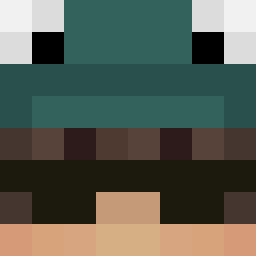
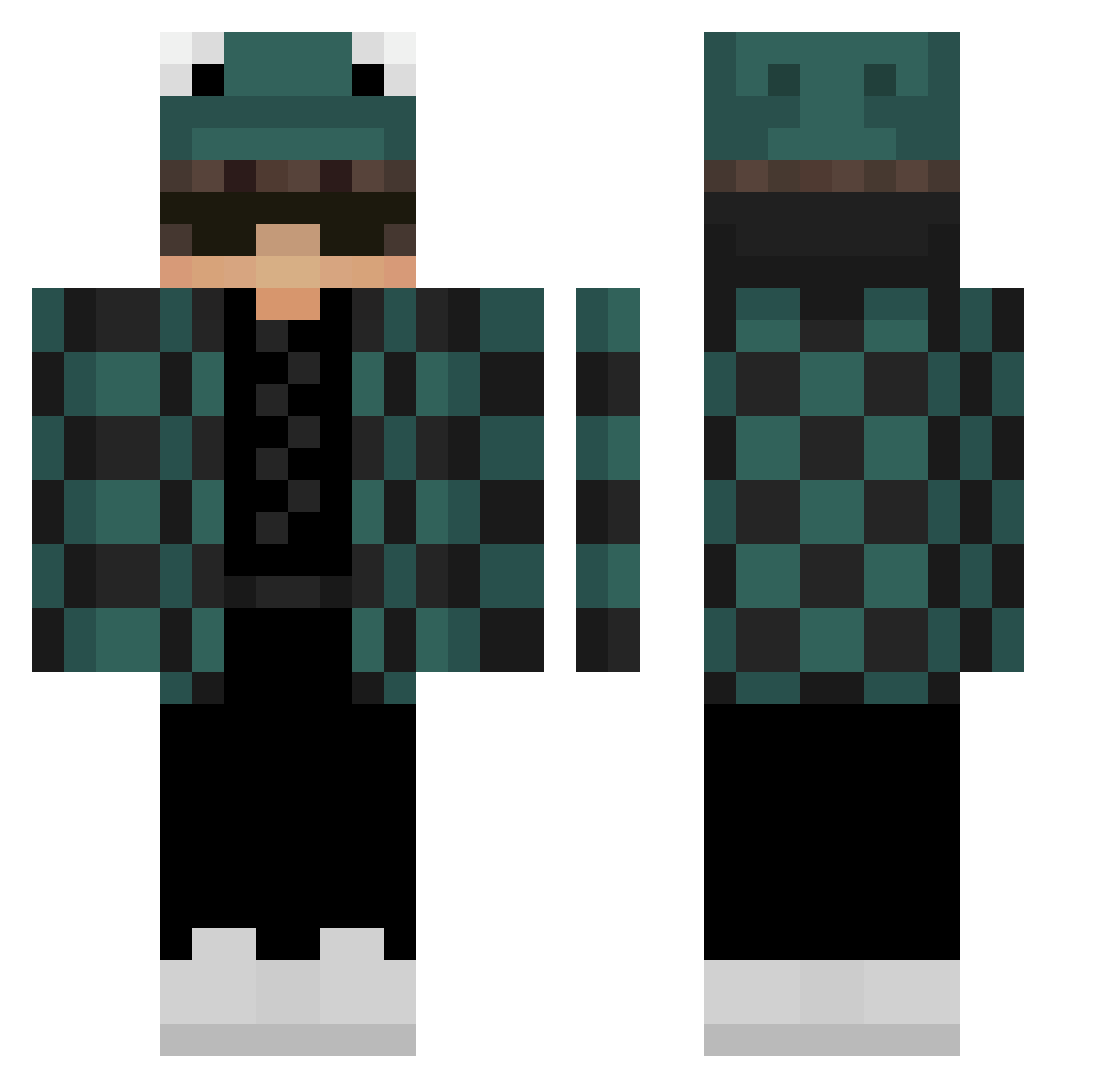
Minecraft skin of ITZINTK. Rotate the 3D model with your mouse or finger to view the skin from every angle, then download it as a PNG file and use it in Minecraft: Bedrock Edition or Java Edition for free. Rate the skin with stars to help other players find the best skins in our collection.
How to install the ITZINTK skin
- Press the Download button above to save the skin as a PNG file.
- Minecraft: Bedrock Edition (PE): open the Dressing Room from the main menu (or tap your character → Edit Character), go to Classic Skins → Owned, press the + (new skin) button, choose the downloaded PNG and pick the Classic (Steve) model. Works on PC and mobile; consoles cannot import custom skins.
- Minecraft: Java Edition: open the Minecraft Launcher, go to the Skins tab, click New Skin, load the PNG, pick the Classic (Steve) model and press Save & Use. You can also upload it at minecraft.net → Profile → Change Skin.
The skin does not show up after import - what should I do?
Restart Minecraft and open the Dressing Room again - imported skins sometimes appear only after a restart. Also make sure you selected the imported skin and picked the Classic (Steve) model.
Which model should I choose, Classic or Slim?
This skin is designed for the Classic (Steve) model. If you pick the wrong model, the arms of the skin will look stretched or squeezed.
Is this skin free to use?
Yes. Press Download, save the PNG file and use it in Minecraft: Bedrock Edition or Java Edition - no payment or registration needed. The skin also works on multiplayer servers and Realms.
More Frog Hat Minecraft skins
More skins
Looking for more? Go back to all Minecraft skins and check the top skins of the week, month and all time, or find any player's skin by nickname.