
 slimjay215 JackHammar Ibaseballbeast12 NasenBohrer racsokawasaki85 printyourworld nolimitaguirre ImCheesee T3rr0r4in Tookmool carsonrizzo kcay Vape_lord_PvP LifeofPablo141 BowBeastPlaysMc djcoolbeans Sharmsj N1all_ swagking5467 RedBanana231 Fredz6 BBC_HD drake232989 yllipllana223 Sperio Spike50000 Tiggser JordyStuff _Ragge_ slp2004 DrFizz15 SharpShotBoom haiderthecoolboy gabemonkey1 Niniboy 4909da DeathDriver2010 Duongel ItsDeadBoy_YT iTzYoUrEnD kul40 MXchampion22 XxYTpro_gamerxX Arqelios yousefgamer333 GlowZ Kehner TotalcubeZ DJThePharaoh Kolpis Wxrd KJellol Kreissx7 Jumpingpixel EtheroVamon EliasEl chonkerton24 BGP Jammy_Donut Waffleman331
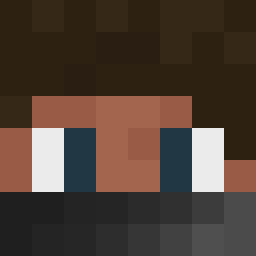
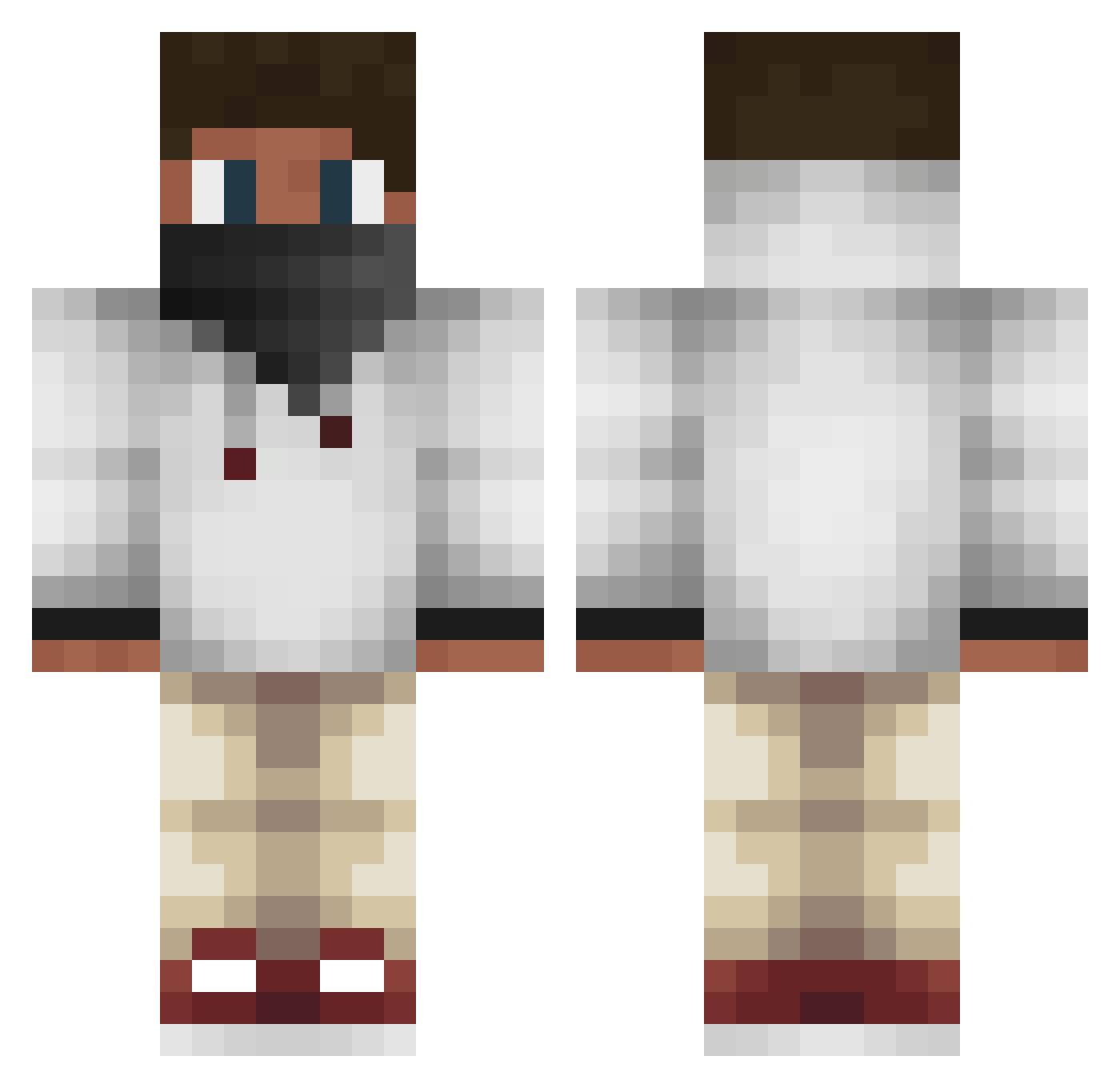
Minecraft skin of megaawsomwejosh. Rotate the 3D model with your mouse or finger to view the skin from every angle, then download it as a PNG file and use it in Minecraft: Bedrock Edition or Java Edition for free. Rate the skin with stars to help other players find the best skins in our collection.
How to install the megaawsomwejosh skin
- Press the Download button above to save the skin as a PNG file.
- Minecraft: Bedrock Edition (PE): open the Dressing Room from the main menu (or tap your character → Edit Character), go to Classic Skins → Owned, press the + (new skin) button, choose the downloaded PNG and pick the Classic (Steve) model. Works on PC and mobile; consoles cannot import custom skins.
- Minecraft: Java Edition: open the Minecraft Launcher, go to the Skins tab, click New Skin, load the PNG, pick the Classic (Steve) model and press Save & Use. You can also upload it at minecraft.net → Profile → Change Skin.
The skin does not show up after import - what should I do?
Restart Minecraft and open the Dressing Room again - imported skins sometimes appear only after a restart. Also make sure you selected the imported skin and picked the Classic (Steve) model.
Which model should I choose, Classic or Slim?
This skin is designed for the Classic (Steve) model. If you pick the wrong model, the arms of the skin will look stretched or squeezed.
Is this skin free to use?
Yes. Press Download, save the PNG file and use it in Minecraft: Bedrock Edition or Java Edition - no payment or registration needed. The skin also works on multiplayer servers and Realms.
More Face Mask Minecraft skins
More skins
Looking for more? Go back to all Minecraft skins and check the top skins of the week, month and all time, or find any player's skin by nickname.