
 TheRamonXD nodoxc ZytheGhoul999 mulang1 Joker_White_2010 ManuelMZN LUKY1012 Rayquaza_Games MannerlyTick Tipfout leop0to Inddilis byHansyyy pc123456789e ZZZiggy08 _samote22 Mackey003 bernatra1 ClappedThtJawn Vitus692 Fox_kiLL Koggi2 dancofficial GamerLordPups Yami0369 leemonnn_ Adulwat IWasAMistake2 KillerPT456 GoGotLambda ImQuinnIII monkeyhazzard WolfieWorks23 _sickLe0_ Alanczykk PhatPony Saadfq bananana712 morton737 _Beson_ Steve135792 WafflePig8 Kuryno19 reemiv100 Jpruneda03 Anthoto_ WaffleWarlord7 mazOo Volconxd RogoDogo KroKonrad MicahLarry Baby_Face_Jacob lai_h SanGoku1001 THESMILEYGAMER SlowRainbowGecko RookieODST780 charliew10 juln08
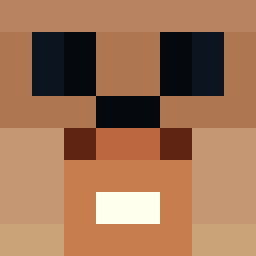
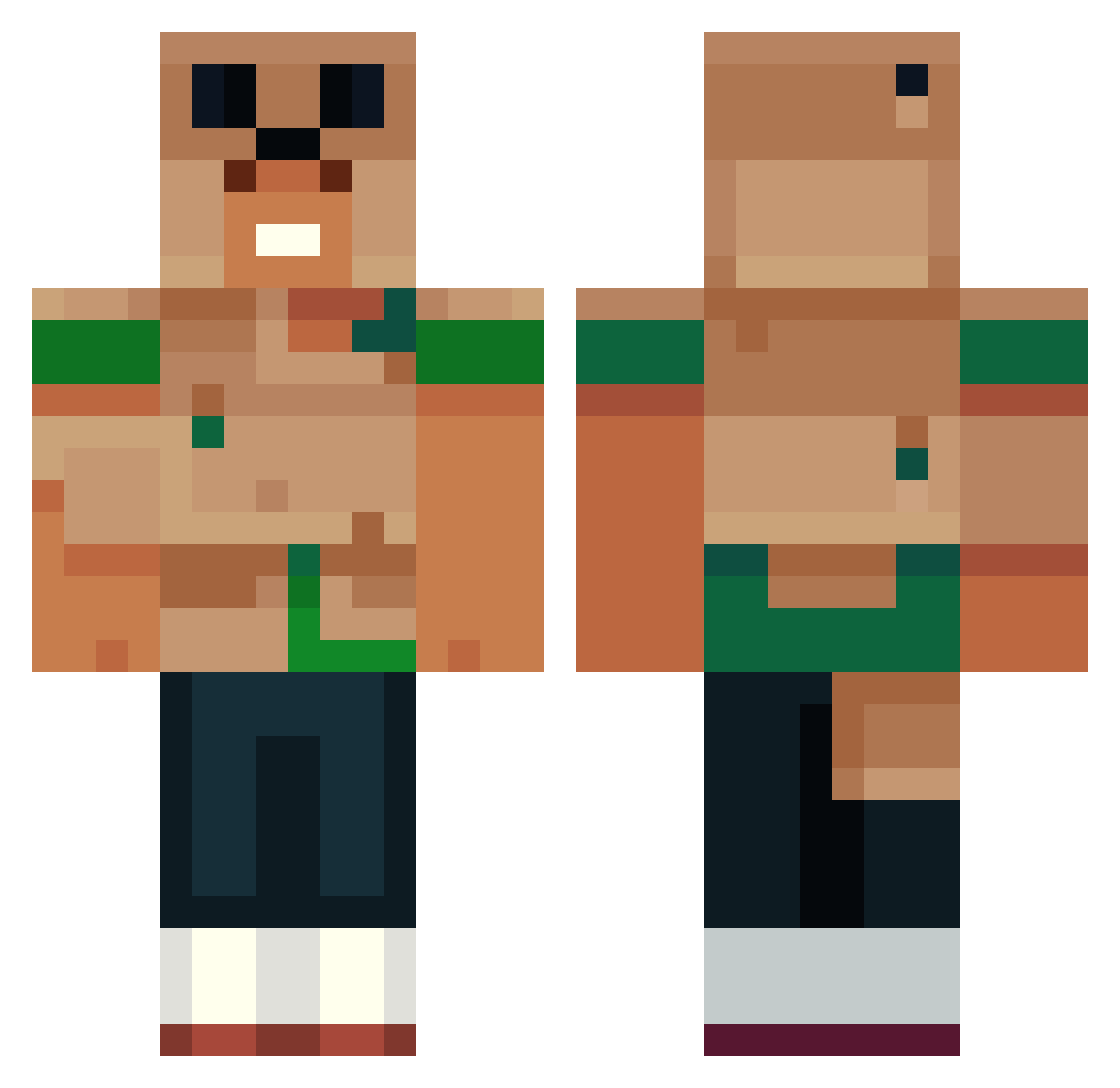
Minecraft skin of NSMS1234. Rotate the 3D model with your mouse or finger to view the skin from every angle, then download it as a PNG file and use it in Minecraft: Bedrock Edition or Java Edition for free. Rate the skin with stars to help other players find the best skins in our collection.
How to install the NSMS1234 skin
- Press the Download button above to save the skin as a PNG file.
- Minecraft: Bedrock Edition (PE): open the Dressing Room from the main menu (or tap your character → Edit Character), go to Classic Skins → Owned, press the + (new skin) button, choose the downloaded PNG and pick the Classic (Steve) model. Works on PC and mobile; consoles cannot import custom skins.
- Minecraft: Java Edition: open the Minecraft Launcher, go to the Skins tab, click New Skin, load the PNG, pick the Classic (Steve) model and press Save & Use. You can also upload it at minecraft.net → Profile → Change Skin.
The skin does not show up after import - what should I do?
Restart Minecraft and open the Dressing Room again - imported skins sometimes appear only after a restart. Also make sure you selected the imported skin and picked the Classic (Steve) model.
Which model should I choose, Classic or Slim?
This skin is designed for the Classic (Steve) model. If you pick the wrong model, the arms of the skin will look stretched or squeezed.
Is this skin free to use?
Yes. Press Download, save the PNG file and use it in Minecraft: Bedrock Edition or Java Edition - no payment or registration needed. The skin also works on multiplayer servers and Realms.
More Animal Minecraft skins
More skins
Looking for more? Go back to all Minecraft skins and check the top skins of the week, month and all time, or find any player's skin by nickname.