
 MUSHROOMGUY13 Zombarded TOMCAT1026 SANS_123 Volki20083211 Moumah Aiden0714 re12000 Felitx Kanalhobo Bituco_o Asakurarun u_kyu0 jw080911 talhaarking31 metaldragon113 takkky_kun EonurA SajanRocker foseja Micah0348 Robotic_Toaster Lin11Lin Watmaster MGames543 xX_Sans69_Xx jundang___ Polikintop1gg Bro_NOOB _Seongjin lil_sat Snegir_net Daro29 erickswise IkoMC Jack200796 Meme_King_68 koponya73 Petie4crote IGN07 Swordsmaster02 kurumaebi48 SirDiio OMYOBOX Mestre_x_y Gotter123 Nevada_ GOATRRRRR Just_De4th RIRURURI juyichang Yan__yi CzechThisBoi dlstjdajtwla Jajowaty8262 ShadeNist StyxMaLicks HOOOOOOOOD Pirateinabottle Racharim
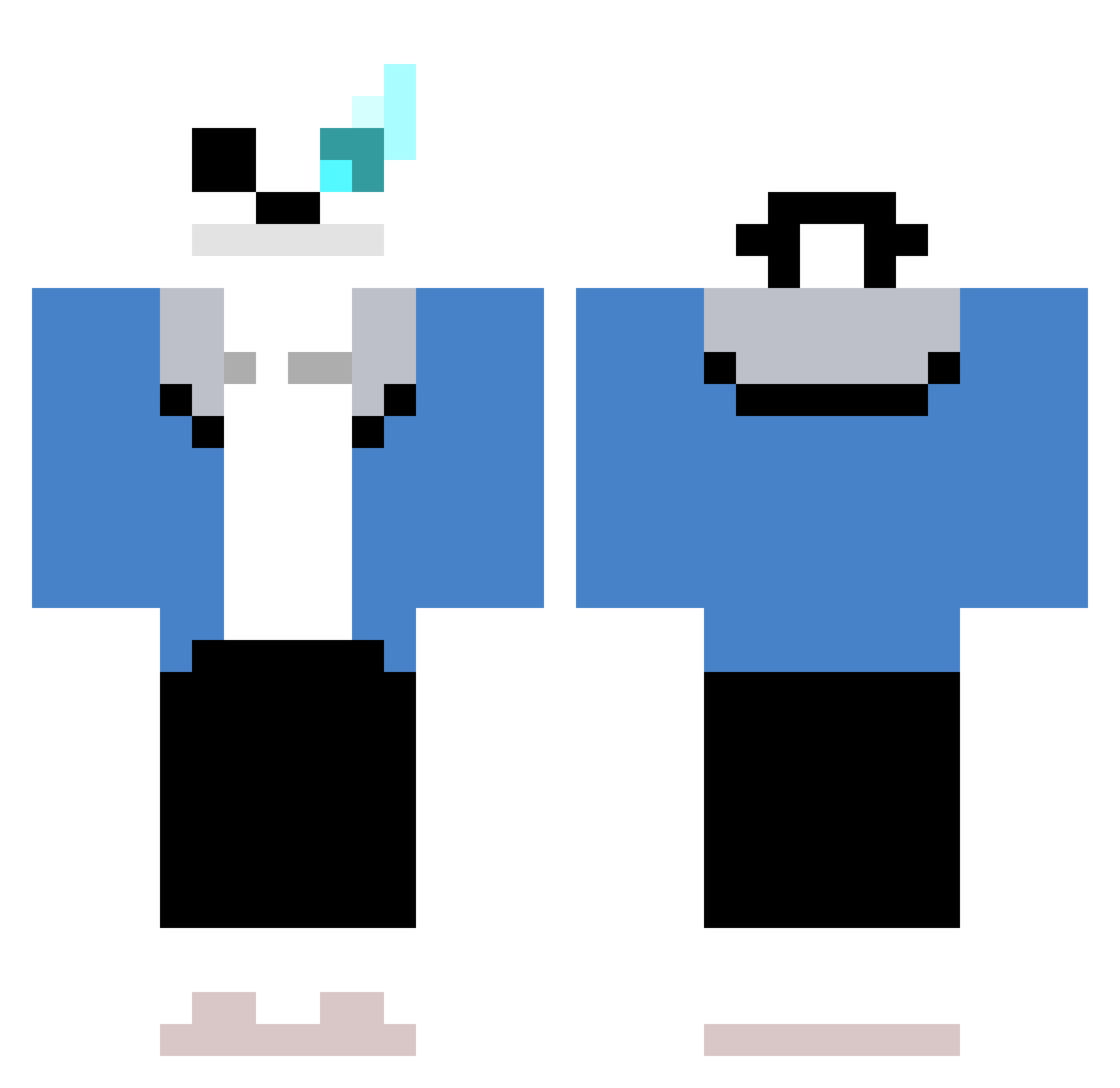
Minecraft skin of KangTaeGong. Rotate the 3D model with your mouse or finger to view the skin from every angle, then download it as a PNG file and use it in Minecraft: Bedrock Edition or Java Edition for free. Rate the skin with stars to help other players find the best skins in our collection.
How to install the KangTaeGong skin
- Press the Download button above to save the skin as a PNG file.
- Minecraft: Bedrock Edition (PE): open the Dressing Room from the main menu (or tap your character → Edit Character), go to Classic Skins → Owned, press the + (new skin) button, choose the downloaded PNG and pick the Classic (Steve) model. Works on PC and mobile; consoles cannot import custom skins.
- Minecraft: Java Edition: open the Minecraft Launcher, go to the Skins tab, click New Skin, load the PNG, pick the Classic (Steve) model and press Save & Use. You can also upload it at minecraft.net → Profile → Change Skin.
The skin does not show up after import - what should I do?
Restart Minecraft and open the Dressing Room again - imported skins sometimes appear only after a restart. Also make sure you selected the imported skin and picked the Classic (Steve) model.
Which model should I choose, Classic or Slim?
This skin is designed for the Classic (Steve) model. If you pick the wrong model, the arms of the skin will look stretched or squeezed.
Is this skin free to use?
Yes. Press Download, save the PNG file and use it in Minecraft: Bedrock Edition or Java Edition - no payment or registration needed. The skin also works on multiplayer servers and Realms.
More Sans Minecraft skins
More skins
Looking for more? Go back to all Minecraft skins and check the top skins of the week, month and all time, or find any player's skin by nickname.