
 FlamingMidget451 _Noobi_ oFinky Pantrukon NymeX__ InfantKhan aquannic _KAKATAI_ LizaProstitutka BearWitHat Prastige hateverything Almightypo YakovS eddi12578 biglimpin_ Fathy7 the_vrog 0Gvozd0 GICKERS Nemmenchan21 Aguztinxz pphoneeeee dujkek jim5989 M1nt0nn prtysharm betoniarz4_ Aaronitoo saltytomato1 SestoTheGod T1ck__ malltaf Heyohen12 Wiz0ord andr_gg_lite Raykkr shorku penguin991874 accla40 Eksperynt Cometian crewman4124 van_brah Kaboom_97 superpapago limabeanjit MrDeLasDonas Anziiiiii pickles99102 SuperCatscr gurkhink SV0E spaghettil0ver69 yAriiii3 SquirterULTIMATE Mrkokosek1 xxxadam czarnyPaweleq Czapsonnn
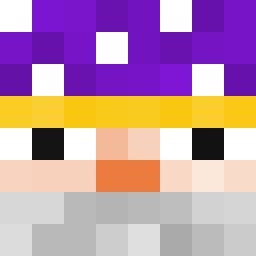
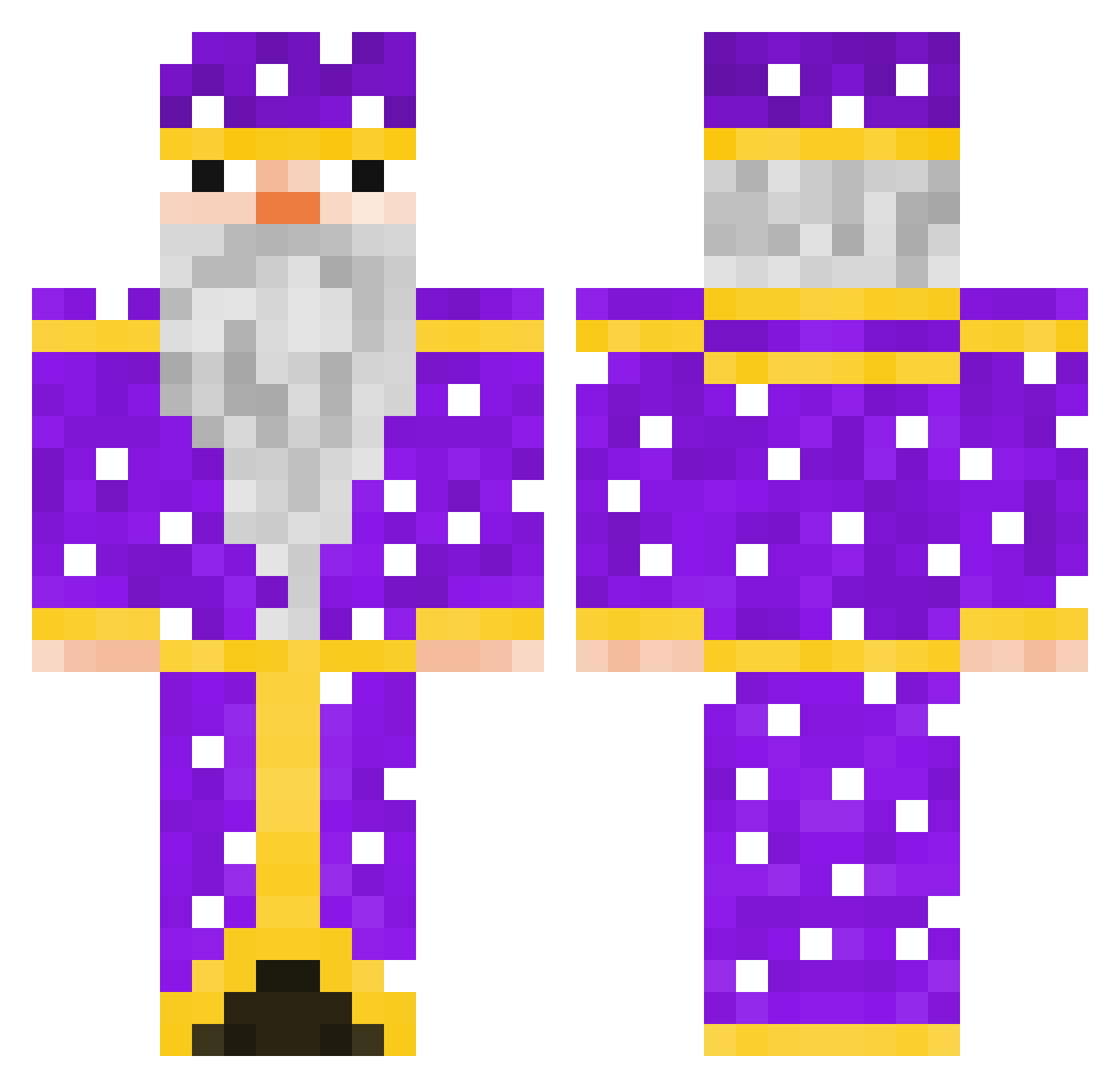
Minecraft skin of GICKERS. Rotate the 3D model with your mouse or finger to view the skin from every angle, then download it as a PNG file and use it in Minecraft: Bedrock Edition or Java Edition for free. Rate the skin with stars to help other players find the best skins in our collection.
How to install the GICKERS skin
- Press the Download button above to save the skin as a PNG file.
- Minecraft: Bedrock Edition (PE): open the Dressing Room from the main menu (or tap your character → Edit Character), go to Classic Skins → Owned, press the + (new skin) button, choose the downloaded PNG and pick the Classic (Steve) model. Works on PC and mobile; consoles cannot import custom skins.
- Minecraft: Java Edition: open the Minecraft Launcher, go to the Skins tab, click New Skin, load the PNG, pick the Classic (Steve) model and press Save & Use. You can also upload it at minecraft.net → Profile → Change Skin.
The skin does not show up after import - what should I do?
Restart Minecraft and open the Dressing Room again - imported skins sometimes appear only after a restart. Also make sure you selected the imported skin and picked the Classic (Steve) model.
Which model should I choose, Classic or Slim?
This skin is designed for the Classic (Steve) model. If you pick the wrong model, the arms of the skin will look stretched or squeezed.
Is this skin free to use?
Yes. Press Download, save the PNG file and use it in Minecraft: Bedrock Edition or Java Edition - no payment or registration needed. The skin also works on multiplayer servers and Realms.
More Elderly Minecraft skins
More skins
Looking for more? Go back to all Minecraft skins and check the top skins of the week, month and all time, or find any player's skin by nickname.