
 StackTrack4 Exotic1121 narwhal8144 themustech ungeronik rockstarryan5296 j20awesomej20 Countedmonk41 CreeperL8 nikolabertosa Mr_Creepss rjskart cheese_10 Itack23 MrSpookyThePyro babyninja02 shastasanu tuturleny Mr_MC_Hunter Oldtimer1 l3ethem Benthien hamasyou guillemgamer9 Royalty_Pain alessandroamore N8BREAK EvasiveVision Rnmc123 fishing2 ElB3ast Parsafani diamonddragon10 SpaceCrow21 miki2000 Tommatt1234 KoentjeNL15 schmul111 Thomash12345 Spencerzohan seikon_art RuubyN ByJW arigamesYT floriswijers14 DaBoss625 Nico_Justin java7803 raycrazy_JR Joshuajames1 Skillsmen1 KIRISHIMA1 Jacob00000 grinders_10 TheChuckMasterT cmd6622 Blue_Mayhem zeb_zigzag aquamaster24 Mapster__
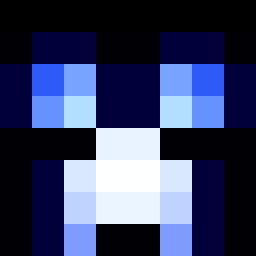
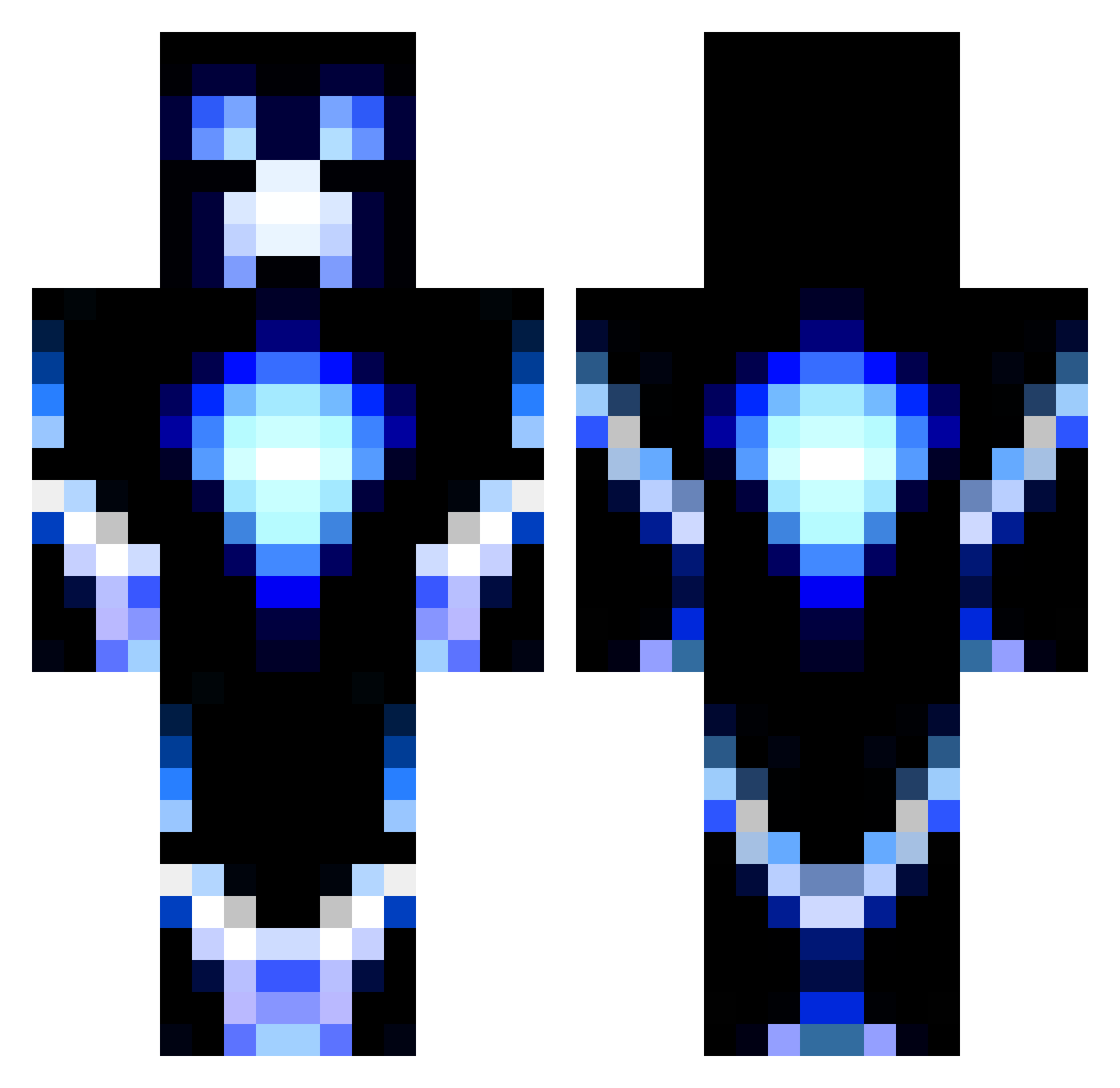
Minecraft skin of sato_iseki. Rotate the 3D model with your mouse or finger to view the skin from every angle, then download it as a PNG file and use it in Minecraft: Bedrock Edition or Java Edition for free. Rate the skin with stars to help other players find the best skins in our collection.
How to install the sato_iseki skin
- Press the Download button above to save the skin as a PNG file.
- Minecraft: Bedrock Edition (PE): open the Dressing Room from the main menu (or tap your character → Edit Character), go to Classic Skins → Owned, press the + (new skin) button, choose the downloaded PNG and pick the Classic (Steve) model. Works on PC and mobile; consoles cannot import custom skins.
- Minecraft: Java Edition: open the Minecraft Launcher, go to the Skins tab, click New Skin, load the PNG, pick the Classic (Steve) model and press Save & Use. You can also upload it at minecraft.net → Profile → Change Skin.
The skin does not show up after import - what should I do?
Restart Minecraft and open the Dressing Room again - imported skins sometimes appear only after a restart. Also make sure you selected the imported skin and picked the Classic (Steve) model.
Which model should I choose, Classic or Slim?
This skin is designed for the Classic (Steve) model. If you pick the wrong model, the arms of the skin will look stretched or squeezed.
Is this skin free to use?
Yes. Press Download, save the PNG file and use it in Minecraft: Bedrock Edition or Java Edition - no payment or registration needed. The skin also works on multiplayer servers and Realms.
More Glowing Minecraft skins
More skins
Looking for more? Go back to all Minecraft skins and check the top skins of the week, month and all time, or find any player's skin by nickname.