
 JeriahIsQt M17R0 andreapedro1 korpikuusi44 isagke027 Xander_bgr RankDodge66 lqvt Zorfy nizx xHarmfullx Szczypiorski MATHLABSCOUK Geniusek ZiuDk SeiiKoya SpamManDan abikellog arnoon Dyker Germyplay01 Green_15 TheRussianGuy sabba7 tg6 H27_YT David_RP JrAriana cjbeast123456 Oriso XDLord_XD XTCB5 0hAhly_ Nehoraydif ALPHA_frasca Matmining67 Bloodman09 AsianMan2366 weedlyxd KNARZ_COM Qarmoush epicman5431 xAjdax RepublicMC Perkonya Saymon_SW big_pis xXSa_ltXx Skytrexeu Tapkenze Samura1Guy antoniop96 CrescentBlade ATH_06 Dentycraker pretzell_ IschNixDeutsch Whxave SwidLer9 ReligiousBeliefs
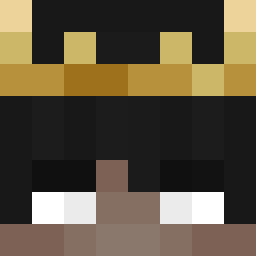
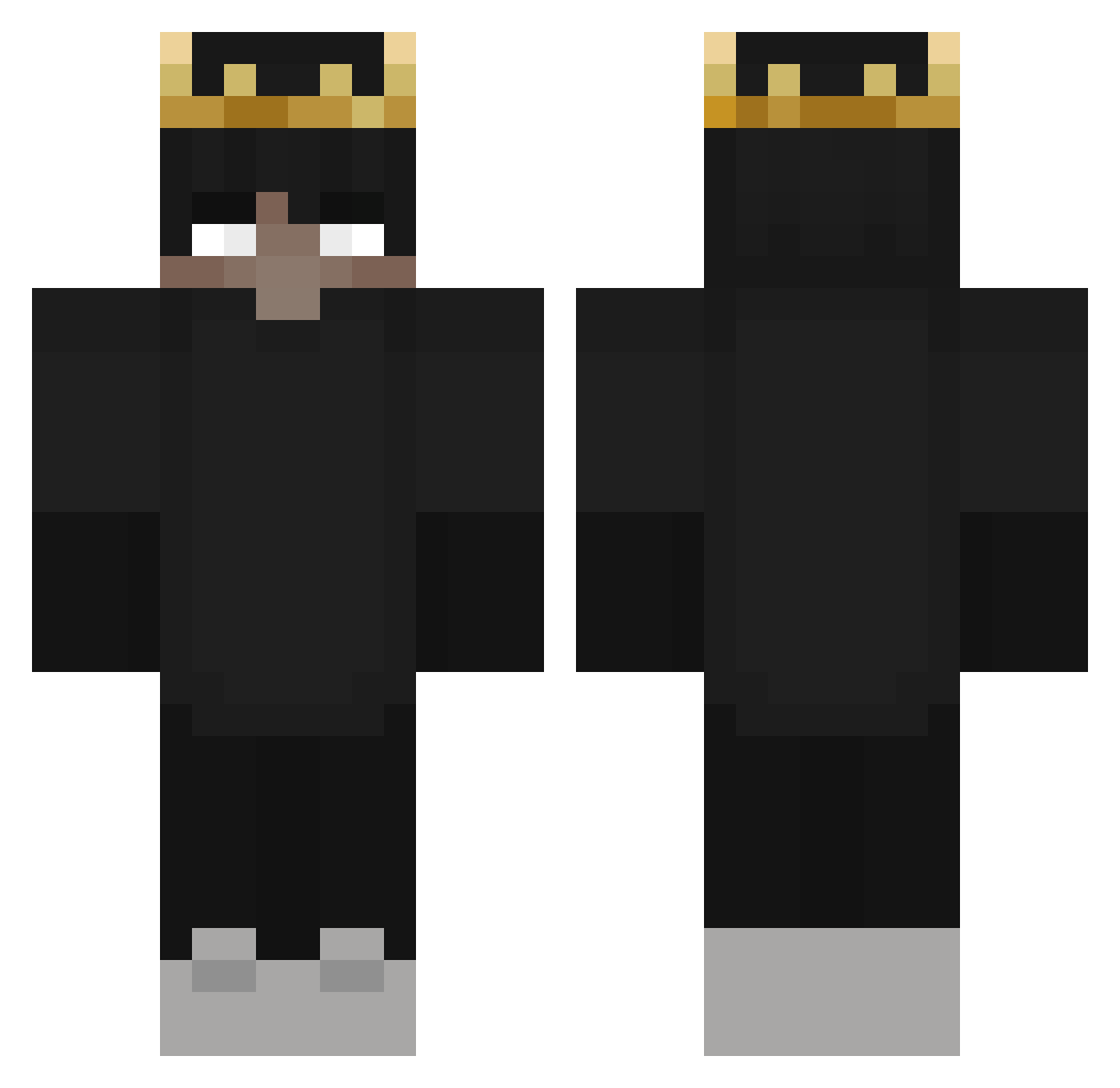
Minecraft skin of benjiman189. Rotate the 3D model with your mouse or finger to view the skin from every angle, then download it as a PNG file and use it in Minecraft: Bedrock Edition or Java Edition for free. Rate the skin with stars to help other players find the best skins in our collection.
How to install the benjiman189 skin
- Press the Download button above to save the skin as a PNG file.
- Minecraft: Bedrock Edition (PE): open the Dressing Room from the main menu (or tap your character → Edit Character), go to Classic Skins → Owned, press the + (new skin) button, choose the downloaded PNG and pick the Classic (Steve) model. Works on PC and mobile; consoles cannot import custom skins.
- Minecraft: Java Edition: open the Minecraft Launcher, go to the Skins tab, click New Skin, load the PNG, pick the Classic (Steve) model and press Save & Use. You can also upload it at minecraft.net → Profile → Change Skin.
The skin does not show up after import - what should I do?
Restart Minecraft and open the Dressing Room again - imported skins sometimes appear only after a restart. Also make sure you selected the imported skin and picked the Classic (Steve) model.
Which model should I choose, Classic or Slim?
This skin is designed for the Classic (Steve) model. If you pick the wrong model, the arms of the skin will look stretched or squeezed.
Is this skin free to use?
Yes. Press Download, save the PNG file and use it in Minecraft: Bedrock Edition or Java Edition - no payment or registration needed. The skin also works on multiplayer servers and Realms.
More Ranboo Minecraft skins
More skins
Looking for more? Go back to all Minecraft skins and check the top skins of the week, month and all time, or find any player's skin by nickname.