
 Jun1orzn Hyunwooeee Atomm0 Cosminux01 Arow_pro Its_peka42 RxulX Ryuk1010 ByZerix Miquella0 red_guilherme ApollonZ K72A Pasceee alejo2020 N1ghtMare30 Krypto832 _kracked ookami1234 malbag zsepy425 Didrik09 envy94 JoshiChamp spinalfawn xTAJx9 Zenitudes N1ON10 Gudicho Jasper360 MATOGATO5764 EncryptedNub AB123457579 YDarkpvp Contenancer exkalibur66 endeavour10 CrystalQuestX 143Triggers CamisaoGamer alveszxr LesaAZ Noxity7 Krxzz_h IvanU_ UHCPLAYER_PL christiank1 AJ1F Pingomanche elz0zzz Feanor31 staslukas Roccy2125 BayramaPompaa DemonCM A7med_56 perxk DimeFelony BLESSED_KASUMI PasandaGo
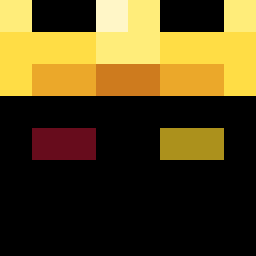
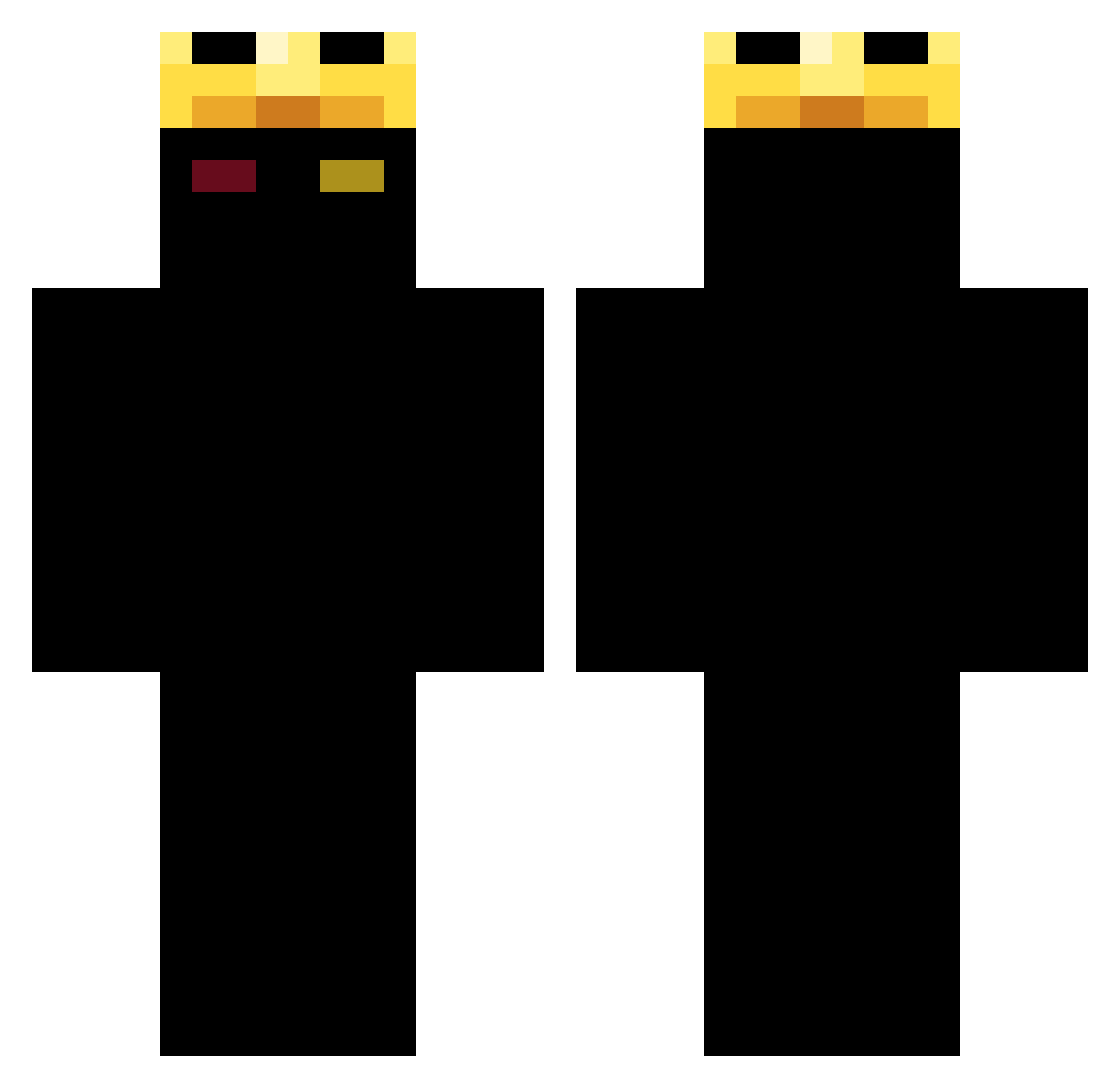
Minecraft skin of ZeeArr. Rotate the 3D model with your mouse or finger to view the skin from every angle, then download it as a PNG file and use it in Minecraft: Bedrock Edition or Java Edition for free. Rate the skin with stars to help other players find the best skins in our collection.
How to install the ZeeArr skin
- Press the Download button above to save the skin as a PNG file.
- Minecraft: Bedrock Edition (PE): open the Dressing Room from the main menu (or tap your character → Edit Character), go to Classic Skins → Owned, press the + (new skin) button, choose the downloaded PNG and pick the Classic (Steve) model. Works on PC and mobile; consoles cannot import custom skins.
- Minecraft: Java Edition: open the Minecraft Launcher, go to the Skins tab, click New Skin, load the PNG, pick the Classic (Steve) model and press Save & Use. You can also upload it at minecraft.net → Profile → Change Skin.
The skin does not show up after import - what should I do?
Restart Minecraft and open the Dressing Room again - imported skins sometimes appear only after a restart. Also make sure you selected the imported skin and picked the Classic (Steve) model.
Which model should I choose, Classic or Slim?
This skin is designed for the Classic (Steve) model. If you pick the wrong model, the arms of the skin will look stretched or squeezed.
Is this skin free to use?
Yes. Press Download, save the PNG file and use it in Minecraft: Bedrock Edition or Java Edition - no payment or registration needed. The skin also works on multiplayer servers and Realms.
More Ranboo Minecraft skins
More skins
Looking for more? Go back to all Minecraft skins and check the top skins of the week, month and all time, or find any player's skin by nickname.