
 C2H5OH_max KosherPutdis SimpBoiKelv ZseRg DangerousKingDom MIIMIIC saltybeaver TheOfficialSteve Waixley CanadianPancake mandojem nolaniskool Arista Jasmyne28 BOOTM _______qp_______ Apostoli pipclinic_ Vita_12000 MuffyChuffyLui ShaggyHoudini lawl_less _Shakotaco_ Lazy_lu Hoaky LCFarmer Jirisansu EE0 bigblacksteve_12 IchigekiHissatsu gusgri Oeleh EkoZyz mikeyp122 iloveher anspid xmtrcv yoskie Piolex TKsoul CraftedJoost Kermit_Chicken Shiffy_1 kzuse voeci PrestonTheHunk SweatyPudding 123Oweee Knekko Geagg427 PecSon Young_Zzang ISIEIXI Wasa42 arthur9410 woonam02 Zalyni_ Biggester_T stew216 XDondrugs
Minecraft skin of MinecraftJonnie. Rotate the 3D model with your mouse or finger to view the skin from every angle, then download it as a PNG file and use it in Minecraft: Bedrock Edition or Java Edition for free. Rate the skin with stars to help other players find the best skins in our collection.
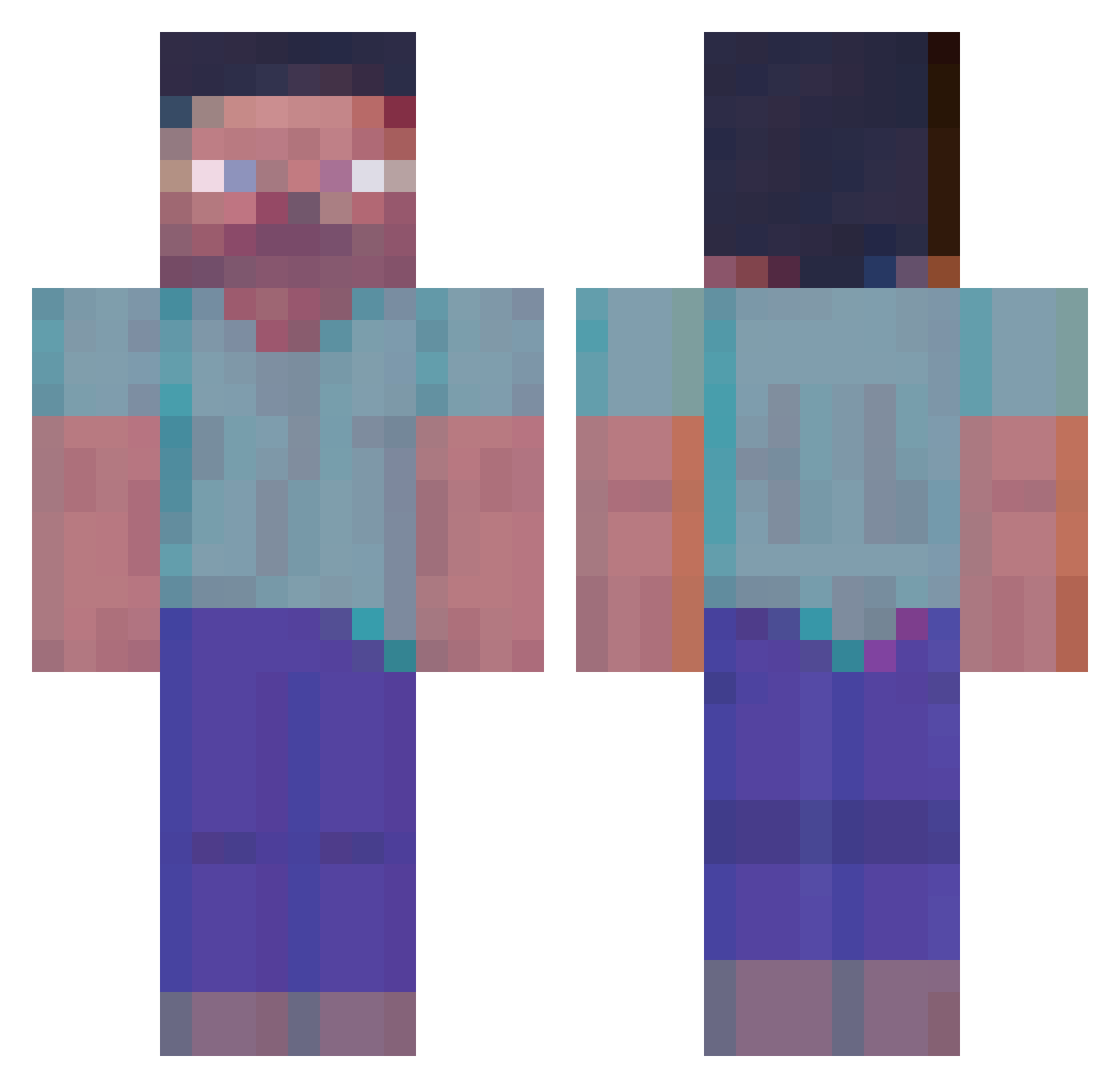
How to install the MinecraftJonnie skin
- Press the Download button above to save the skin as a PNG file.
- Minecraft: Bedrock Edition (PE): open the Dressing Room from the main menu (or tap your character → Edit Character), go to Classic Skins → Owned, press the + (new skin) button, choose the downloaded PNG and pick the Classic (Steve) model. Works on PC and mobile; consoles cannot import custom skins.
- Minecraft: Java Edition: open the Minecraft Launcher, go to the Skins tab, click New Skin, load the PNG, pick the Classic (Steve) model and press Save & Use. You can also upload it at minecraft.net → Profile → Change Skin.
The skin does not show up after import - what should I do?
Restart Minecraft and open the Dressing Room again - imported skins sometimes appear only after a restart. Also make sure you selected the imported skin and picked the Classic (Steve) model.
Which model should I choose, Classic or Slim?
This skin is designed for the Classic (Steve) model. If you pick the wrong model, the arms of the skin will look stretched or squeezed.
Is this skin free to use?
Yes. Press Download, save the PNG file and use it in Minecraft: Bedrock Edition or Java Edition - no payment or registration needed. The skin also works on multiplayer servers and Realms.
More Herobrine Minecraft skins
More skins
Looking for more? Go back to all Minecraft skins and check the top skins of the week, month and all time, or find any player's skin by nickname.