
 BigCalm927 ImperGodd FriendlyJolly441 bunnygirlsquix MightyAbiding288 Uqd493 MeatyPeaceful763 Hudini11 maiim Wuanbie TalentedMushy187 Hutao_fDgLXRS858 Hutao_FgAwUih964 Hutao_jdSrTtD259 Minion_005_Carl TabooGigantic261 iAa972 MaddeningSame552 DaNaiX EnviousStrong835 PricklyLoving290 Rachellike FeignedGreedy105 KnownPerpetual40 CurvedLyrical564 adam_1125 Salvador04S CrazyMindless704 Hutao_TTLeprq325 cherry115 Hutao_PFjDgBc101 Hutao_FldjNyU423 qqZ334 CreepyMagenta812 VvL45 Kengo0709 Hutao_kWt535 hi_nozomi DvRE Hutao_ybpLNNP361 Refrying RALEIGH_GOLD Hutao_wuISmyu726 Hutao_iCInclZ372 merumeruto Kakatus_YT AwesomeGreedy232 Hutao_RAMVrnq930 VinalXD rBe203 TiresomeGoofy865 LoosePastoral802 Feizhaiaqiang TangyPenitent446 Smile_827 Hutao_fnN761 emallo_2 Hutao_UELUsSJ741 brainless6Lucky FinickyIdiotic76
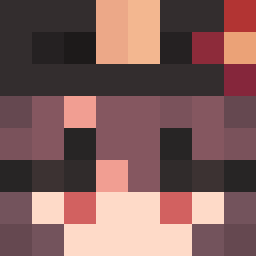
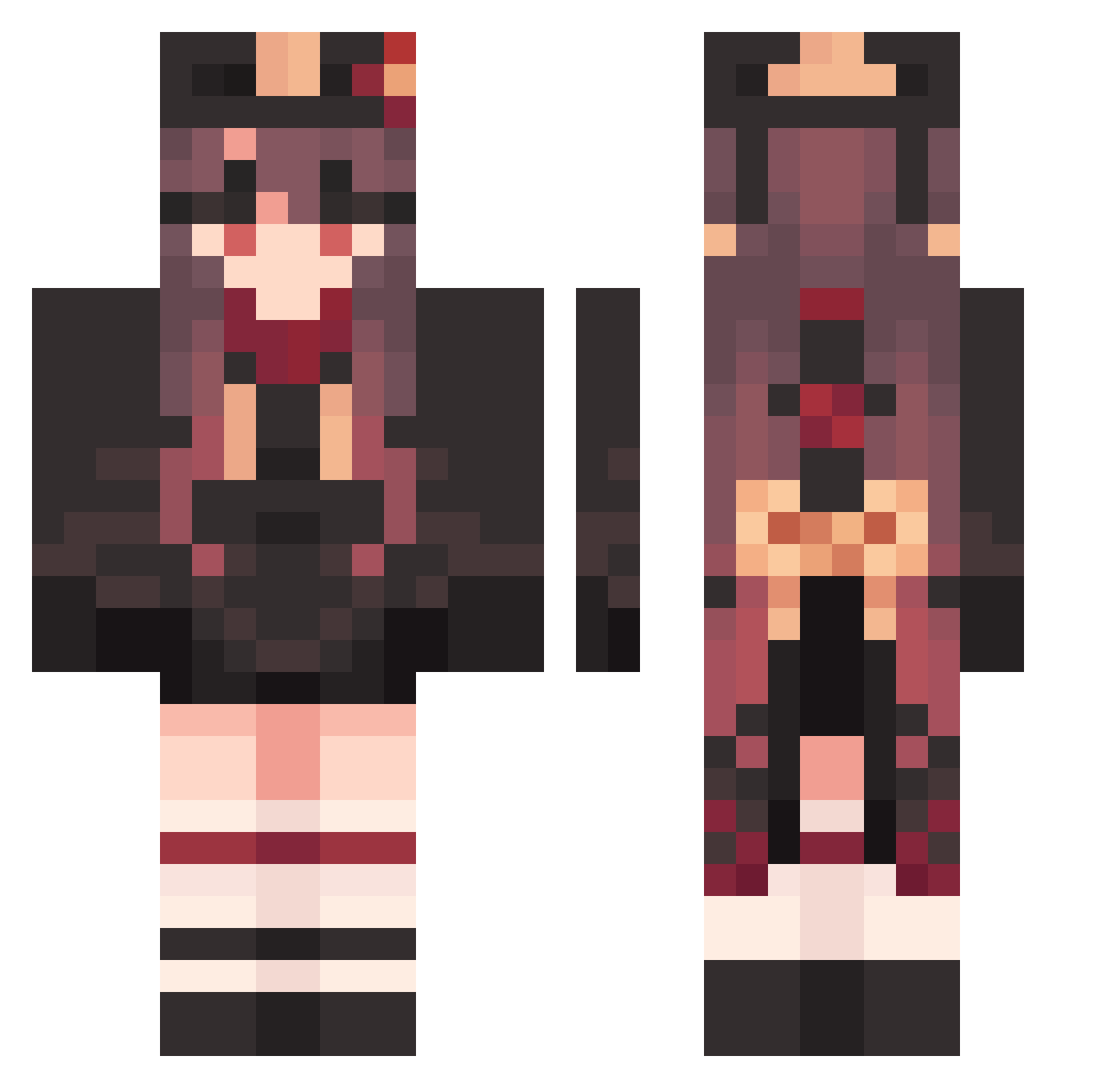
Minecraft skin of sera_pi. Rotate the 3D model with your mouse or finger to view the skin from every angle, then download it as a PNG file and use it in Minecraft: Bedrock Edition or Java Edition for free. Rate the skin with stars to help other players find the best skins in our collection.
How to install the sera_pi skin
- Press the Download button above to save the skin as a PNG file.
- Minecraft: Bedrock Edition (PE): open the Dressing Room from the main menu (or tap your character → Edit Character), go to Classic Skins → Owned, press the + (new skin) button, choose the downloaded PNG and pick the Classic (Steve) model. Works on PC and mobile; consoles cannot import custom skins.
- Minecraft: Java Edition: open the Minecraft Launcher, go to the Skins tab, click New Skin, load the PNG, pick the Classic (Steve) model and press Save & Use. You can also upload it at minecraft.net → Profile → Change Skin.
The skin does not show up after import - what should I do?
Restart Minecraft and open the Dressing Room again - imported skins sometimes appear only after a restart. Also make sure you selected the imported skin and picked the Classic (Steve) model.
Which model should I choose, Classic or Slim?
This skin is designed for the Classic (Steve) model. If you pick the wrong model, the arms of the skin will look stretched or squeezed.
Is this skin free to use?
Yes. Press Download, save the PNG file and use it in Minecraft: Bedrock Edition or Java Edition - no payment or registration needed. The skin also works on multiplayer servers and Realms.
More Hu Tao Minecraft skins
More skins
Looking for more? Go back to all Minecraft skins and check the top skins of the week, month and all time, or find any player's skin by nickname.