
 Maple_night Hutao_89D DiscreteTuna733 Hollowgast24 NCJOAQ THUMR SpiritVessel Y521 EINOvO_ XiongFei54088 HG12138 curarpiikt ozing17 Azuna777 ShLJK lujiaxu Patman333 WindWatcher09 hutaowho AkuShark lisarahG Xiao_Luo88 fengshuo3678 LoveNnk Luobowan Bigcuper SKQ61 AuguestP bili_ggtt APHROS_DELOS shoucanc Lucius__Sulla JnliewMichael J1angJieSHI godapp hige76 Jordon10086 12_KING HJASH banener dekopon2123 Woody12138 Playeross Xiao_marr MC_Friends zzlll Urey_Ciallo whbcn GGBMax Lemi_zhang Altair734 WhiteAkuma69 Hutao_sZ42 xiaoye7z VVei_yu Afana8 kana_chizuru SizableHorse476 Bradder1eggs MikotoChan5
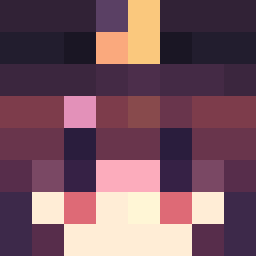
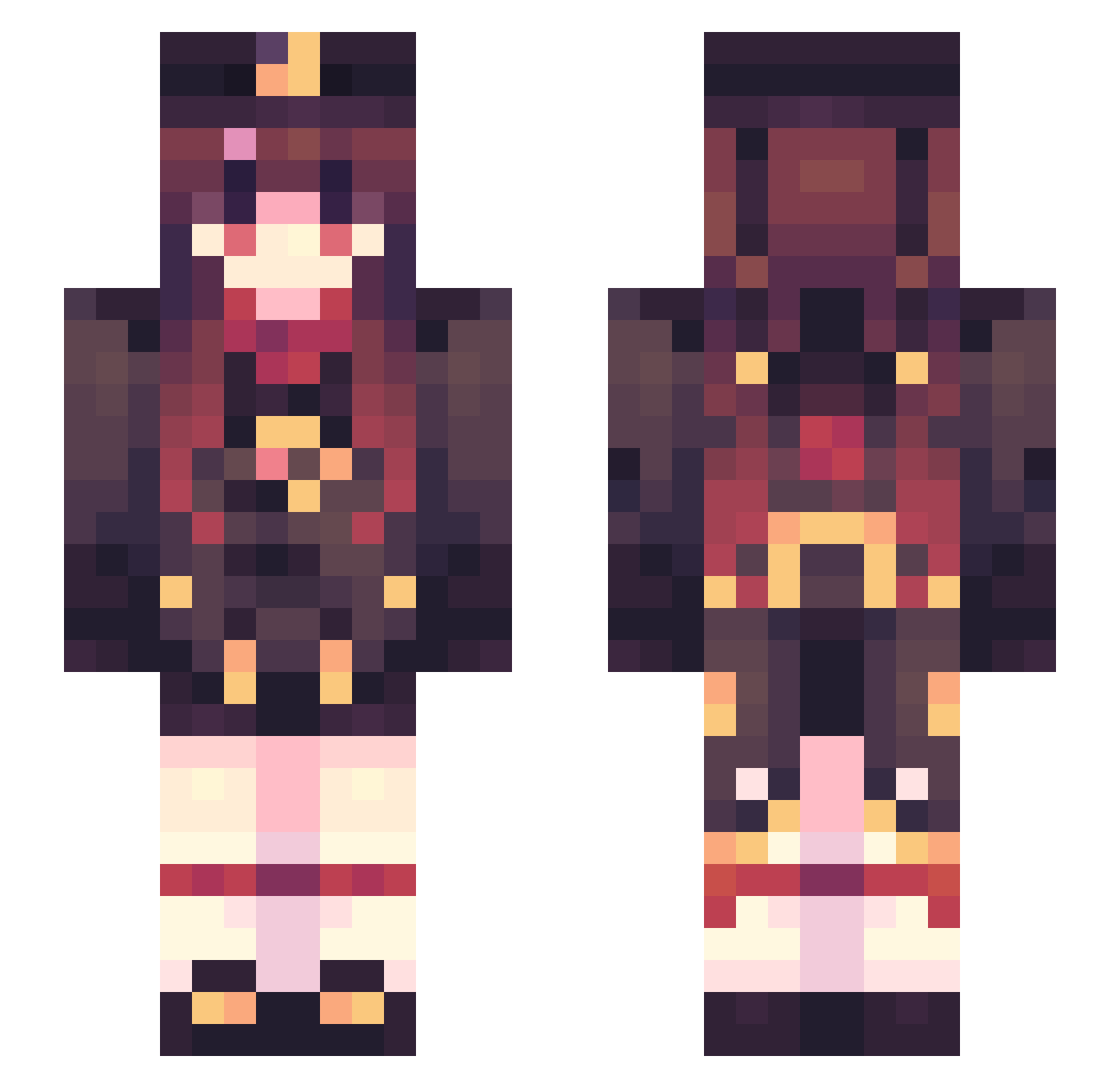
Minecraft skin of Maple_Luo_Zero. Rotate the 3D model with your mouse or finger to view the skin from every angle, then download it as a PNG file and use it in Minecraft: Bedrock Edition or Java Edition for free. Rate the skin with stars to help other players find the best skins in our collection.
How to install the Maple_Luo_Zero skin
- Press the Download button above to save the skin as a PNG file.
- Minecraft: Bedrock Edition (PE): open the Dressing Room from the main menu (or tap your character → Edit Character), go to Classic Skins → Owned, press the + (new skin) button, choose the downloaded PNG and pick the Slim (Alex) model. Works on PC and mobile; consoles cannot import custom skins.
- Minecraft: Java Edition: open the Minecraft Launcher, go to the Skins tab, click New Skin, load the PNG, pick the Slim (Alex) model and press Save & Use. You can also upload it at minecraft.net → Profile → Change Skin.
The skin does not show up after import - what should I do?
Restart Minecraft and open the Dressing Room again - imported skins sometimes appear only after a restart. Also make sure you selected the imported skin and picked the Slim (Alex) model.
Which model should I choose, Classic or Slim?
This skin is designed for the Slim (Alex) model. If you pick the wrong model, the arms of the skin will look stretched or squeezed.
Is this skin free to use?
Yes. Press Download, save the PNG file and use it in Minecraft: Bedrock Edition or Java Edition - no payment or registration needed. The skin also works on multiplayer servers and Realms.
More Hu Tao Minecraft skins
More skins
Looking for more? Go back to all Minecraft skins and check the top skins of the week, month and all time, or find any player's skin by nickname.